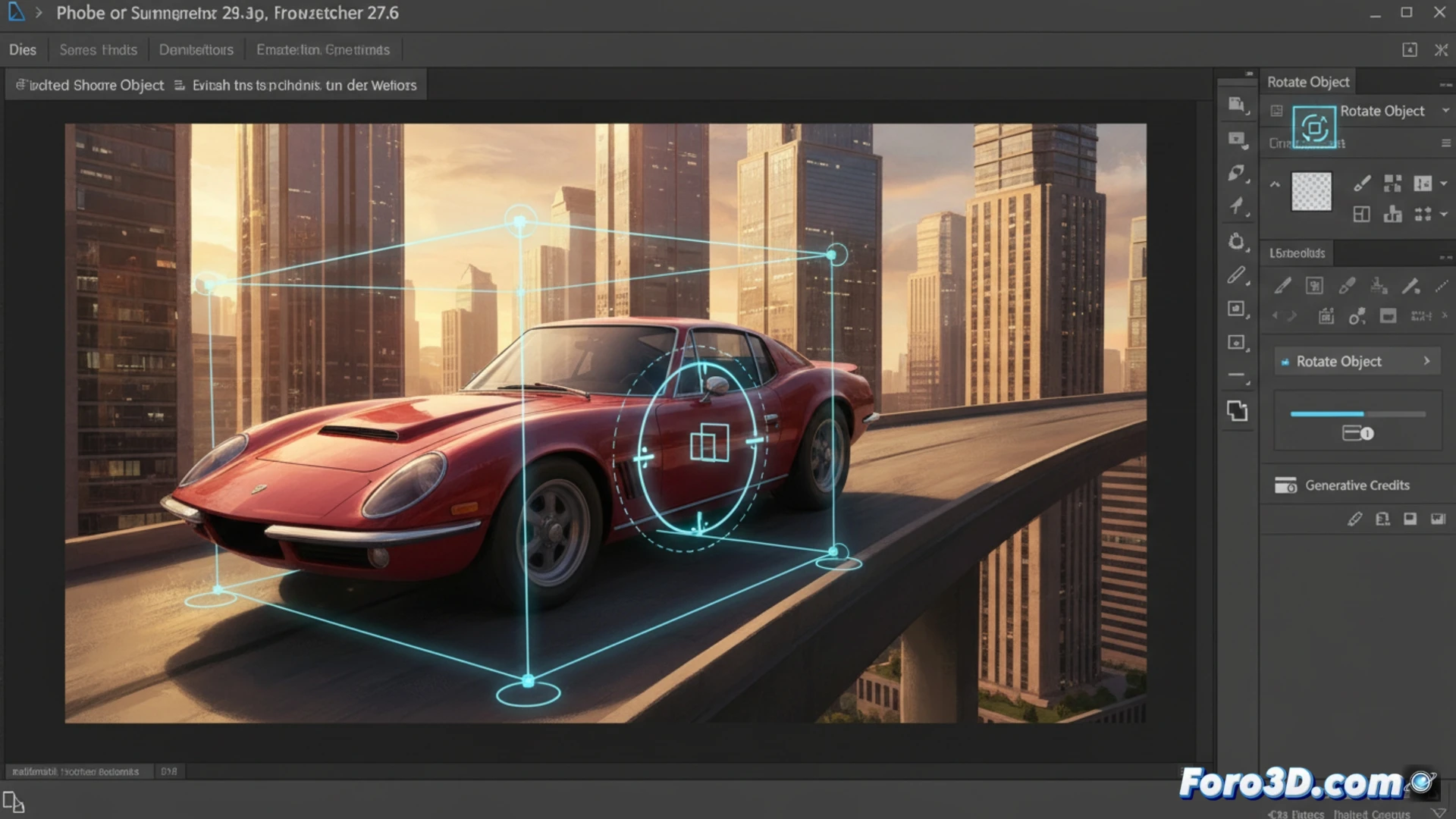
Adobe has released Photoshop 27.6, an update that reinforces its commitment to artificial intelligence. The new Rotate Object feature allows you to rotate cropped 2D images as if they were 3D objects, adjusting their perspective to the background. Also incorporated is Reflection Removal, which non-destructively removes reflections from glass surfaces. The Remove Tool updates its Find distractions option, and Generative Fill adds new AI models.
Generative AI and credits: the cost of digital magic 🎩
Rotate Object consumes generative credits, a resource that Adobe manages based on usage. Reflection Removal works by generating a separate layer without reflections, allowing for non-destructive edits. Generative Fill now integrates the Google Gemini 3.1 models with Nano Banana 2 and Adobe Firefly Image 5, with variable credit costs. Additionally, it allows using up to six reference images in Gemini to improve the accuracy of results. The Remove Tool adds a general category in Find distractions to identify distracting objects more broadly.
Rotate, erase, and pray: your credits vanish like reflections 💸
Adobe has managed to make rotating a 2D image look like a magic trick, but with a bill. Every time you use Rotate Object, a small generative credit will fly out of your virtual wallet. And if you thought removing reflections was free, think again: the reflection-free layer doesn't include a discount. The best part is that you can now use up to six reference images in Gemini, though you might need a seventh to remember where you left your credits.