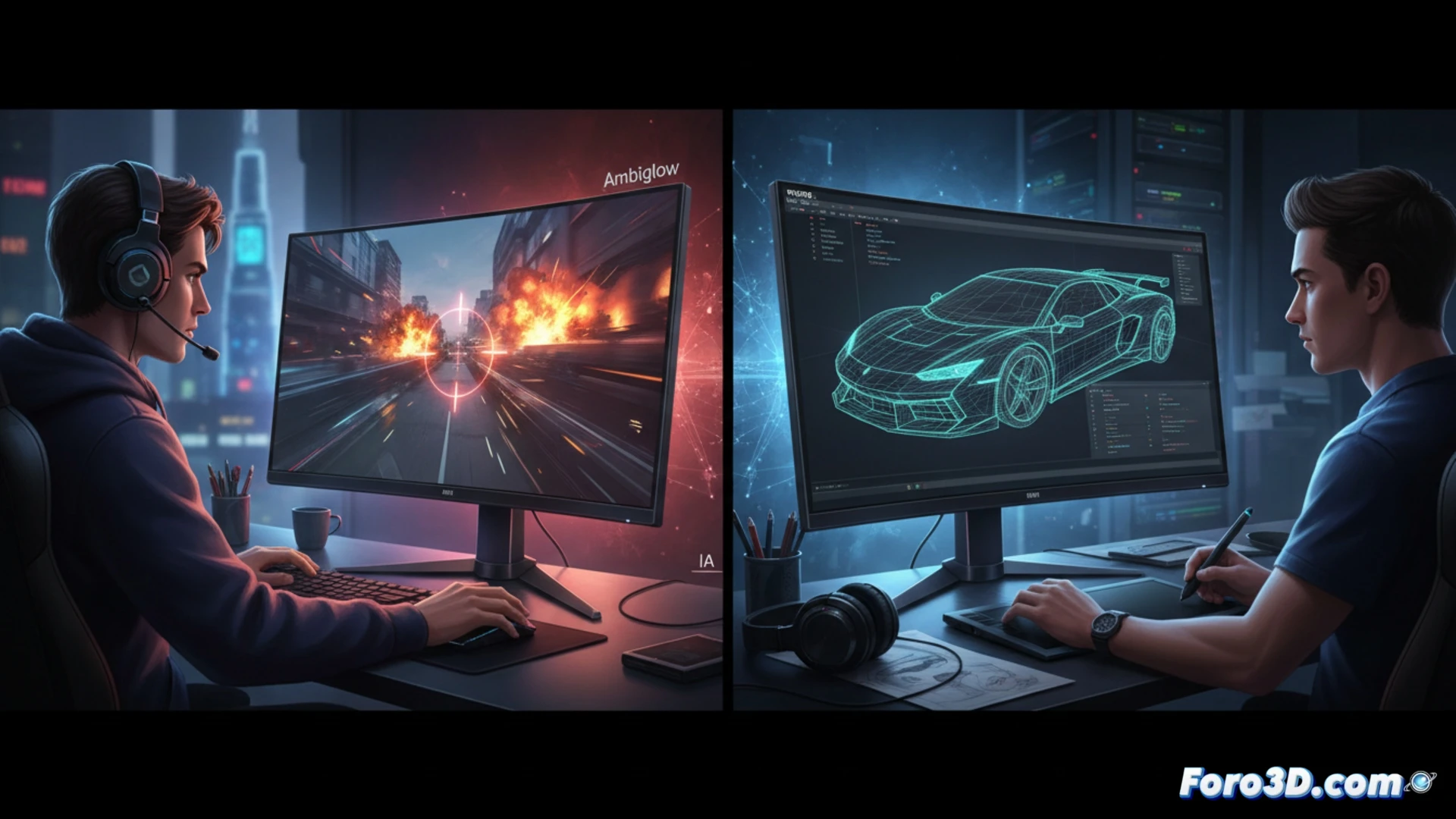
Philips has launched the Evnia 27M2N5201P, a 27-inch monitor with a Fast IPS panel and 1080p resolution that, although designed for gaming, introduces an artificial intelligence processor that optimizes the Ambiglow backlighting and dynamic crosshair. With a 260 Hz refresh rate and a 0.3 ms response time, it promises smoothness, but its limited resolution raises doubts about its viability for precision tasks in 3D modeling and rendering.
Technical analysis: Fast IPS, latency, and resolution for 3D workflows 🖥️
In software like Blender or ZBrush, the 1080p resolution on a 27-inch screen offers a pixel density of approximately 81 PPI, lower than the 163 PPI of a 4K monitor of the same size. This can result in less defined mesh edges and imprecise visualization of fine details during digital sculpting. However, the Fast IPS panel ensures consistent color reproduction and wide viewing angles, essential for collaborative work. The 260 Hz rate and 1 ms GtG response reduce ghosting in complex animations, but in static rendering, color accuracy should take priority over smoothness. The AI processor, while interesting for gaming, does not bring significant improvements in color calibration or sRGB/Adobe RGB color space management, where creator-specific monitors often include dedicated calibration hardware.
Is it worth it for the 3D creator? 🎮
The Philips Evnia 27M2N5201P is a viable option for users who combine 3D modeling with gaming sessions, thanks to its low price of 179 euros. However, for a professional workflow where microscopic detail and color fidelity are critical, its 1080p resolution and lack of certified DCI-P3 coverage put it at a disadvantage compared to 4K monitors like the Dell U2723QE or the ASUS ProArt. Ambiglow technology can be an aesthetic plus, but it does not replace a factory-calibrated screen. Ultimately, it is a hybrid monitor that prioritizes speed over sharpness, ideal for rapid prototyping and simulations, but not for fine finishing work.
What color calibration adjustments would be necessary on the Philips Evnia 27M2N5201P to ensure color accuracy in 3D modeling, considering its high refresh rate prioritizes gaming performance over visual fidelity?
(PS: If your computer is smoking when opening Blender, you might need more than a fan and faith)