Paper Trail is a project that redefines the limits of low-poly art by turning the game world into a foldable sheet of paper. Using Unity as the base engine, the developers have achieved a unique aesthetic where each texture simulates the roughness and grain of physical paper. This technical analysis breaks down the workflow between Photoshop and Unity, focusing on the shaders that allow the world to fold and unfold in real-time, offering a masterclass in optimization for indie studios. 📄
Rough paper shaders and procedural folding 🧩
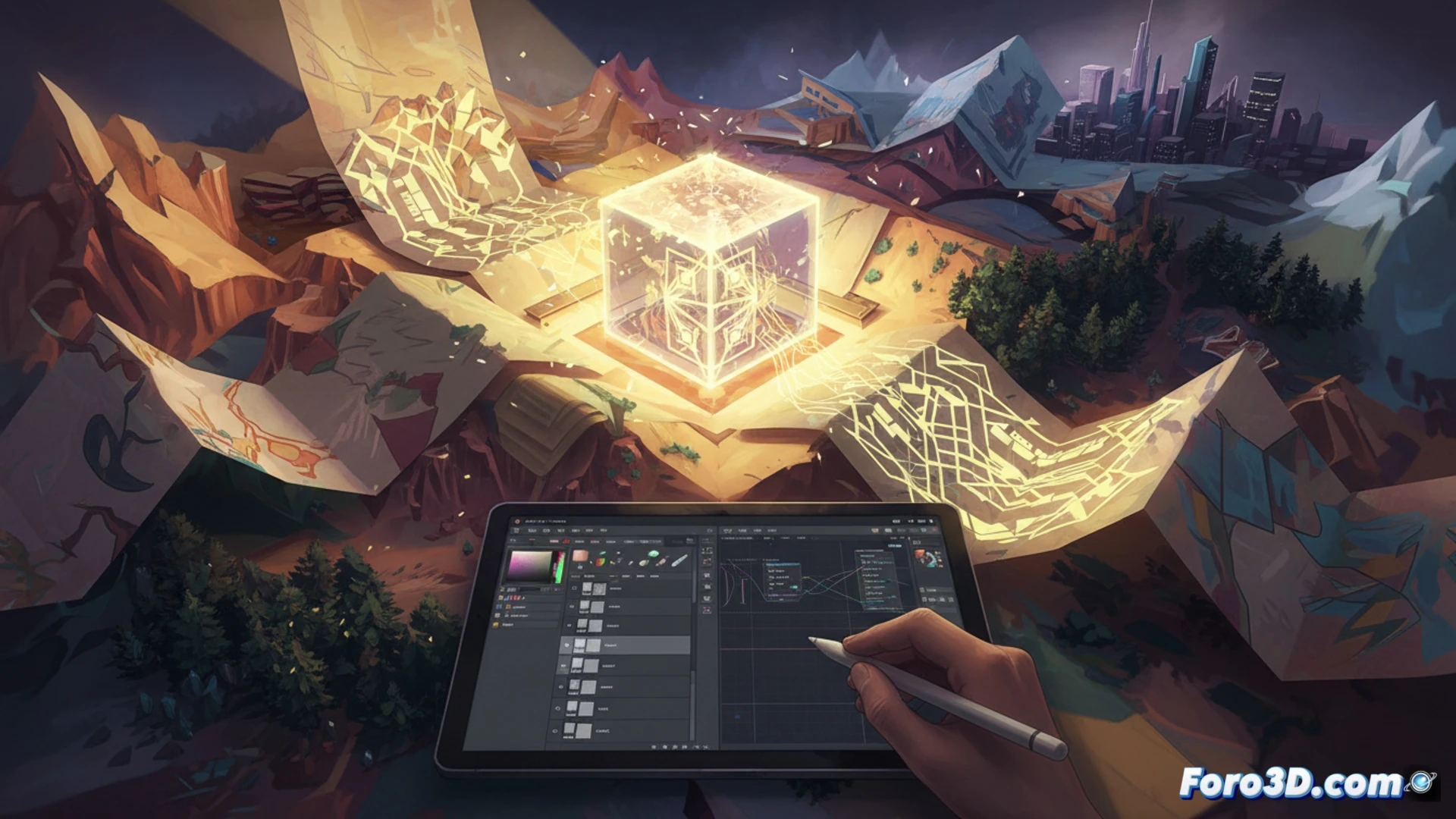
The key to Paper Trail lies in a custom shader that combines a normal map generated in Photoshop with a vertex deformation algorithm in Unity. The process begins by painting base textures in Photoshop, using coarse grain brushes and noise layers to mimic paper fiber. Then, in Unity, a surface shader is applied that interprets these textures as minimal displacements, adding dynamic shadows that reinforce the illusion of thickness. For the folding mechanic, a script is used that modifies the object's mesh via a virtual hinge axis, recalculating normals each frame to avoid visual artifacts. Optimization is achieved by limiting the number of active polygons and using LODs that reduce shading quality on distant objects.
Lessons for indies on asset integration 🎨
For independent developers, Paper Trail demonstrates that a strong aesthetic can arise from technical limitations. The trick is not to fight the engine, but to embrace its batch rendering capabilities. When exporting assets from Photoshop, it is crucial to work in separate layers for shadows, lights, and base textures, allowing Unity to combine them without saturating GPU memory. Furthermore, the folding mechanic requires careful rigging of the meshes: each fold must be a set of independent triangles so that the deformation script does not break visual continuity. Using a single shader for all world elements, with color variations via parameters, reduces draw calls and maintains smooth performance on consoles and mid-range PCs.
What was the biggest technical challenge when implementing the real-time world geometry folding system with shaders in Unity Paper Trail, and how was it solved to maintain the illusion of a paper sheet without breaking gameplay?
(PS: game jams are like weddings: everyone is happy, nobody sleeps, and you end up crying)