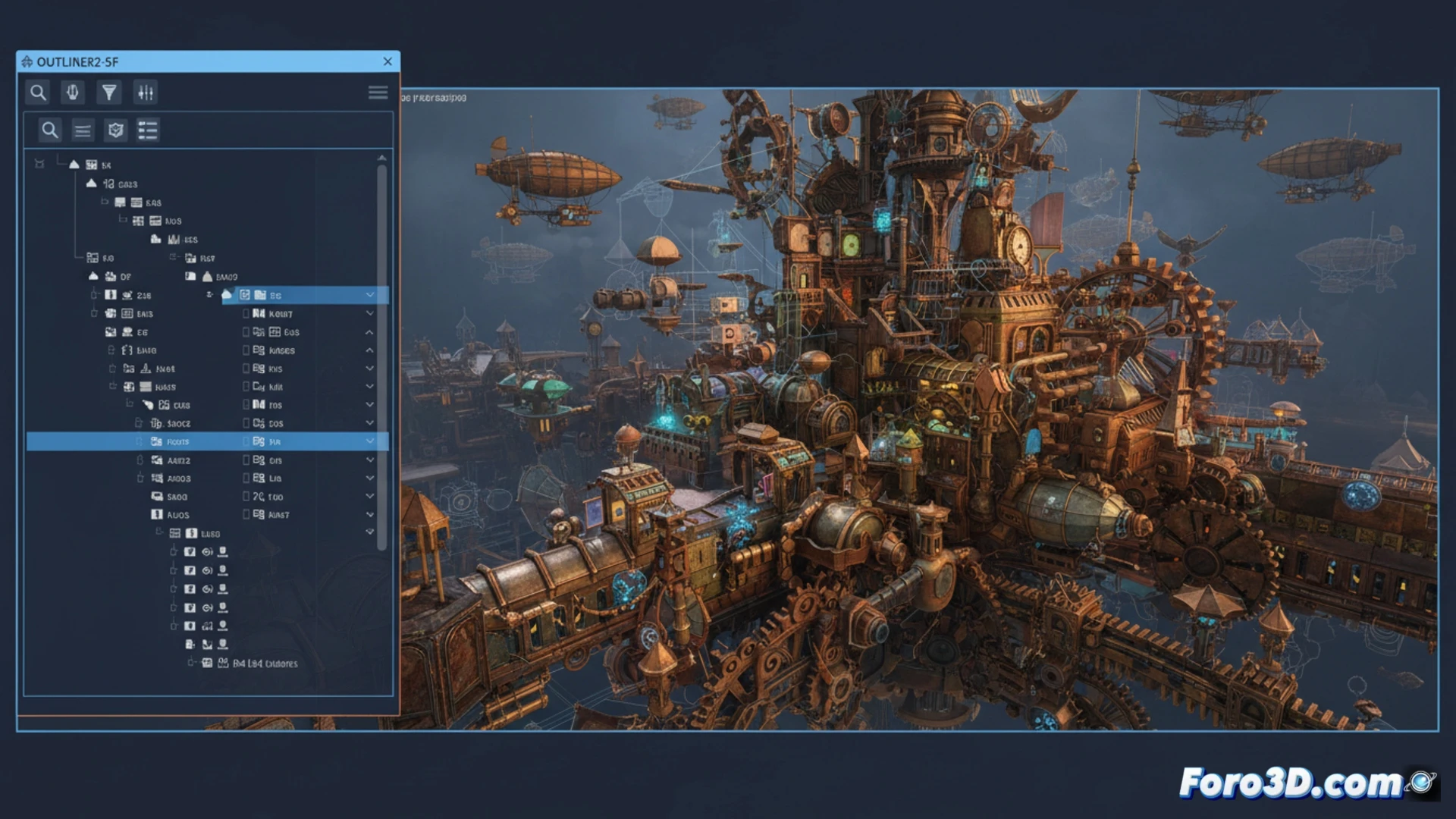
Managing dozens or hundreds of objects in complex 3ds Max scenes can become a nightmare. Outliner2-SF arrives to bring order, offering a clear hierarchical view, advanced filters, and control over visibility and layers without cluttering the interface. A practical tool for those seeking efficiency without fuss.
Smart filters and dynamic hierarchies 🧠
Outliner2-SF allows you to organize objects using customizable rules, groupings by type, material, or name, and real-time search. Its integrated panel makes it easy to hide, freeze, or isolate elements with a click. It also supports drag and drop to reorder hierarchies, reducing time wasted on the old layer panel. A necessary update for dense workflows.
When the native Outliner fails you (and makes you cry) 😅
We've all been there: lost among 200 objects named Box001, Box002, and Box003, cursing the default Outliner while searching for that phantom cylinder. Outliner2-SF promises to end that drama, though it won't stop you from still misnaming your objects out of laziness. At least now you'll be able to find them before the client asks.