The Last Spell proves that pixel art is not incompatible with massive scale. Developed in Unity, this post-apocalyptic tactical title manages to maintain solid performance while deploying hundreds of simultaneous enemies on screen. Its secret lies not only in the art, but in a technical pipeline that combines intelligent sprite batching, optimized texture atlases, and a precise workflow between Aseprite and Photoshop to maintain visual consistency without sacrificing frames per second. 🎮
Sprite batching and real-time memory management 🧠
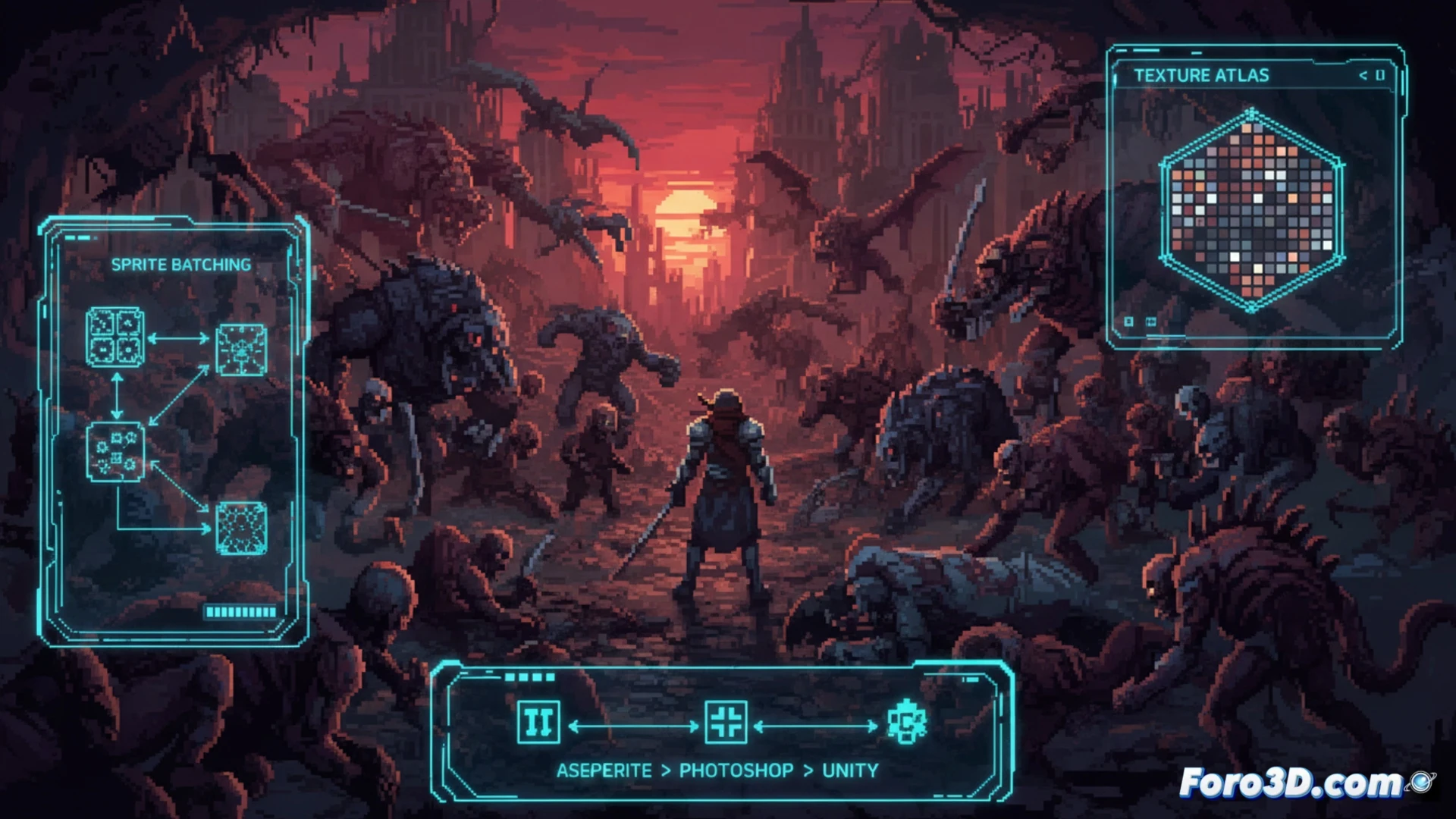
The main technical challenge in The Last Spell is rendering a horde of animated sprites without crashing the graphics engine. The team leverages Unity's dynamic batching system to group all sprites sharing the same material and texture into a single draw call. Each sprite sheet, initially generated in Aseprite with limited palettes, is exported to Photoshop to apply global lighting effects and precomputed shadows. The assets are then compressed into 2048x2048 pixel atlases, reducing render state changes. Additionally, a grid-based culling system is implemented: enemies outside the isometric camera's field of view are immediately deactivated, freeing up memory and CPU cycles for units active in tactical combat.
Lessons from an efficient artistic pipeline 🎨
The dark and detailed aesthetic of The Last Spell would not be possible without careful synchronization between tools. Aseprite is used for fundamental pixel art and frame-by-frame animations, ensuring each character has a clear identity even at low resolution. Photoshop comes into play for post-production: contrast adjustments, color correction, and the integration of 2D particle effects that simulate toxic fog and explosions. For the independent developer, the lesson is clear: optimizing does not mean removing detail, but organizing the asset flow from creation to the engine, using atlases, batching, and culling as pillars of sustainable performance in high-density games.
What is the technical strategy that The Last Spell uses to manage the rendering and memory of hundreds of pixel art sprites on screen without sacrificing performance in Unity?
(PS: 90% of development time is polishing, the other 90% is fixing bugs)