The development of Scathe, a fast-paced FPS with an infernal aesthetic, presents a major technical challenge for any graphics engine: maintaining a stable frame rate while rendering hundreds of projectiles, waves of enemies, and simultaneous blood effects. We analyze the optimization techniques in Unity that enable this controlled chaos, offering a roadmap for indie developers looking to push their games to the limits of performance. 🔥
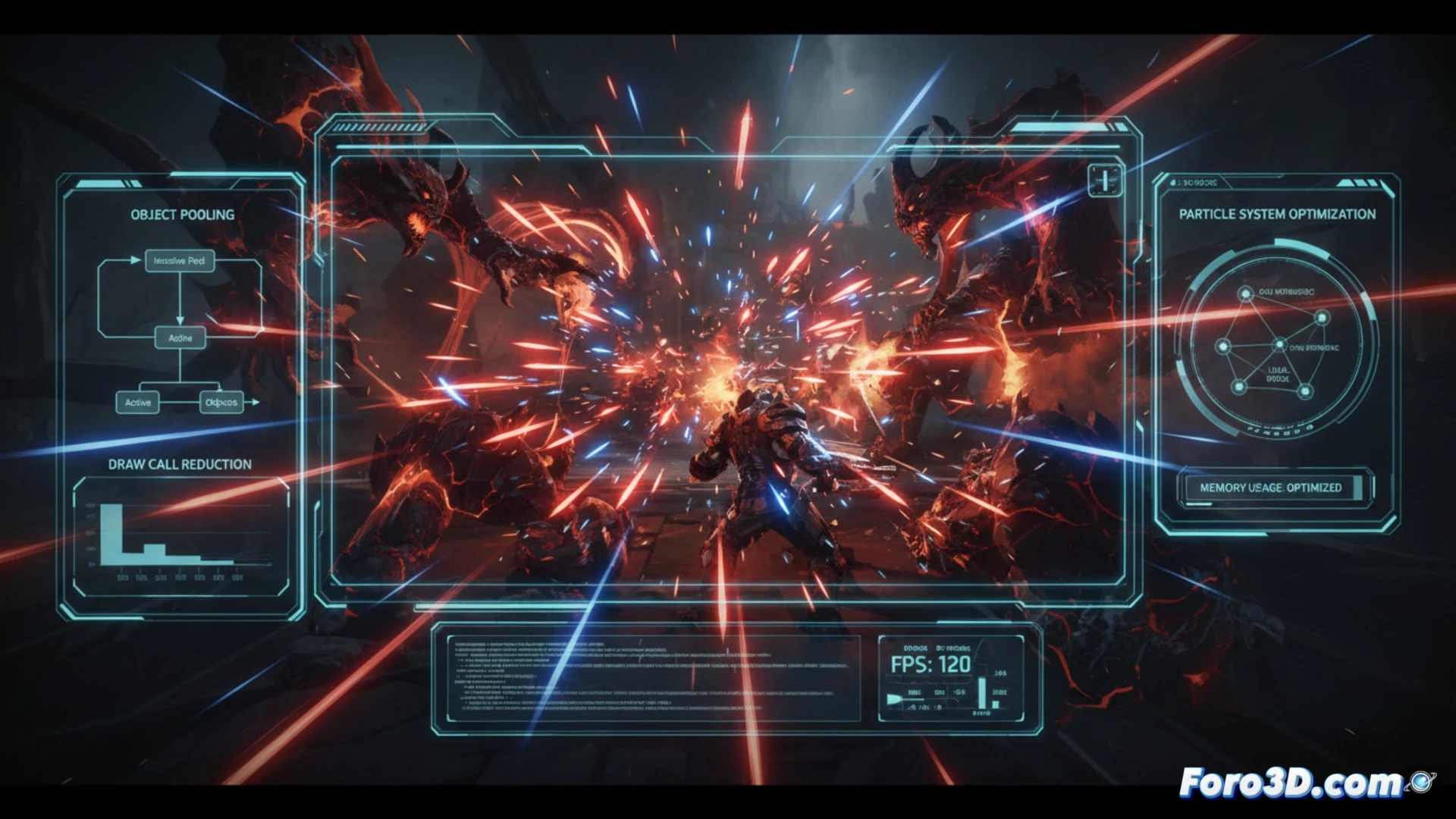
Pooling and Instancing: The Pillars of Performance in Scathe ⚙️
The key to performance in Scathe lies in two fundamental Unity techniques. First, Object Pooling avoids the constant creation and destruction of objects, which generates lag spikes due to garbage collector overhead. Instead, projectiles and enemies are reused: when they leave the screen or die, they return to an invisible pool to be reactivated. Second, GPU Instancing allows the graphics card to draw multiple copies of the same mesh (such as bullets or basic enemies) in a single render call. This drastically reduces CPU overhead, which is the typical bottleneck in scenes with many objects. Additionally, using particle systems for blood and explosions, rather than individual sprites, optimizes collision calculations and texture memory.
The Price of Chaos: Tips for Indie Developers 💡
Achieving a smooth bullet hell like Scathe requires sacrificing unnecessary details. For an indie developer, the recommendation is to start with Unity's Profiler to identify bottlenecks. Prioritize using low-resolution meshes for distant enemies (LODs) and limit the number of blood particles through particle pools. Avoid overusing dynamic lights; use emissive textures to simulate infernal fire. Finally, consider using Unity's VFX Graph package for massive effects, as it is designed to fully leverage the GPU in high-density scenarios. The key is not to render everything, but to make the player believe you are.
Do you think this asset needs optimization, or can it be left as is for mobile?