The classic Nvidia Control Panel is retiring after two decades of service. The company has decided to move all its functions, such as game configuration, driver updates, and DLSS settings, to the new Nvidia app. The original tool will no longer receive updates or support, forcing users with Nvidia graphics cards to migrate to the new software. Additionally, an optimized driver has been released for two upcoming launches.
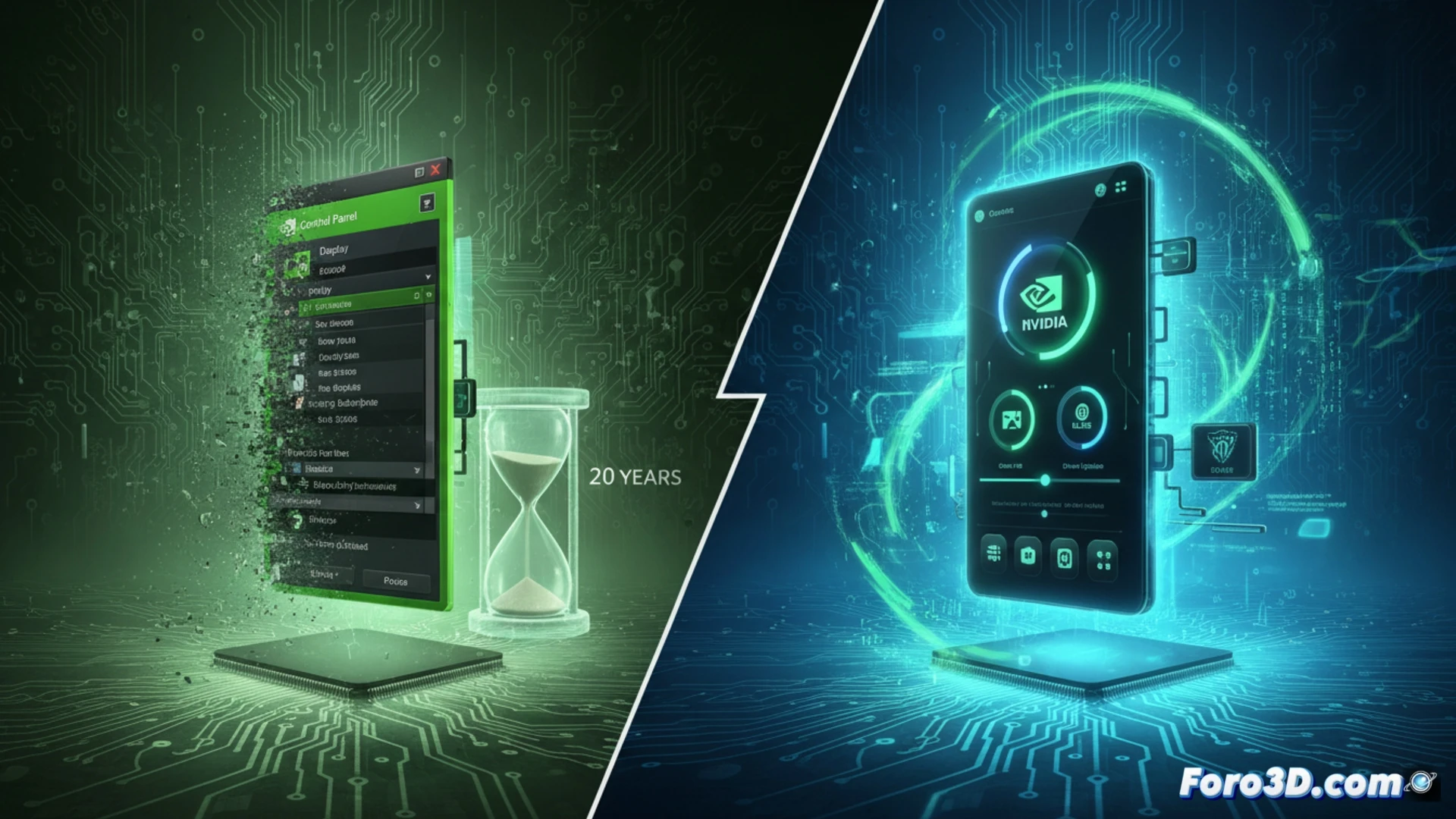
Technical migration and new optimized driver for upcoming releases 🚀
The new Nvidia app unifies in one place functions that were previously scattered between the Control Panel and GeForce Experience. This includes managing game profiles, controlling the refresh rate, and activating technologies like DLSS or Reflex. The change is not optional: the old software will not receive any more security patches or compatibility with future drivers. In parallel, Nvidia has released a specific Game Ready driver for two titles arriving shortly, ensuring stable performance from day one.
Goodbye to the panel that survived Windows Vista and your patience 😅
For 20 years, the Control Panel was that corner of Windows where you went to enable anti-aliasing and ended up closing the window without knowing what you had touched. Now Nvidia is retiring it with honors, just when many were starting to understand where the brightness adjustment button was. The new app promises to be clearer, although it will surely hide the maximum performance option in a menu called Advanced that no one will open for fear of breaking something.