3D technology not only transforms engineering or design; it also offers valuable tools for the administrative technician. Imagine digitizing an office inventory or planning the layout of a workspace before moving a piece of furniture. With accessible programs, you move from spreadsheets to virtual plans that facilitate decision-making and communication with other departments.
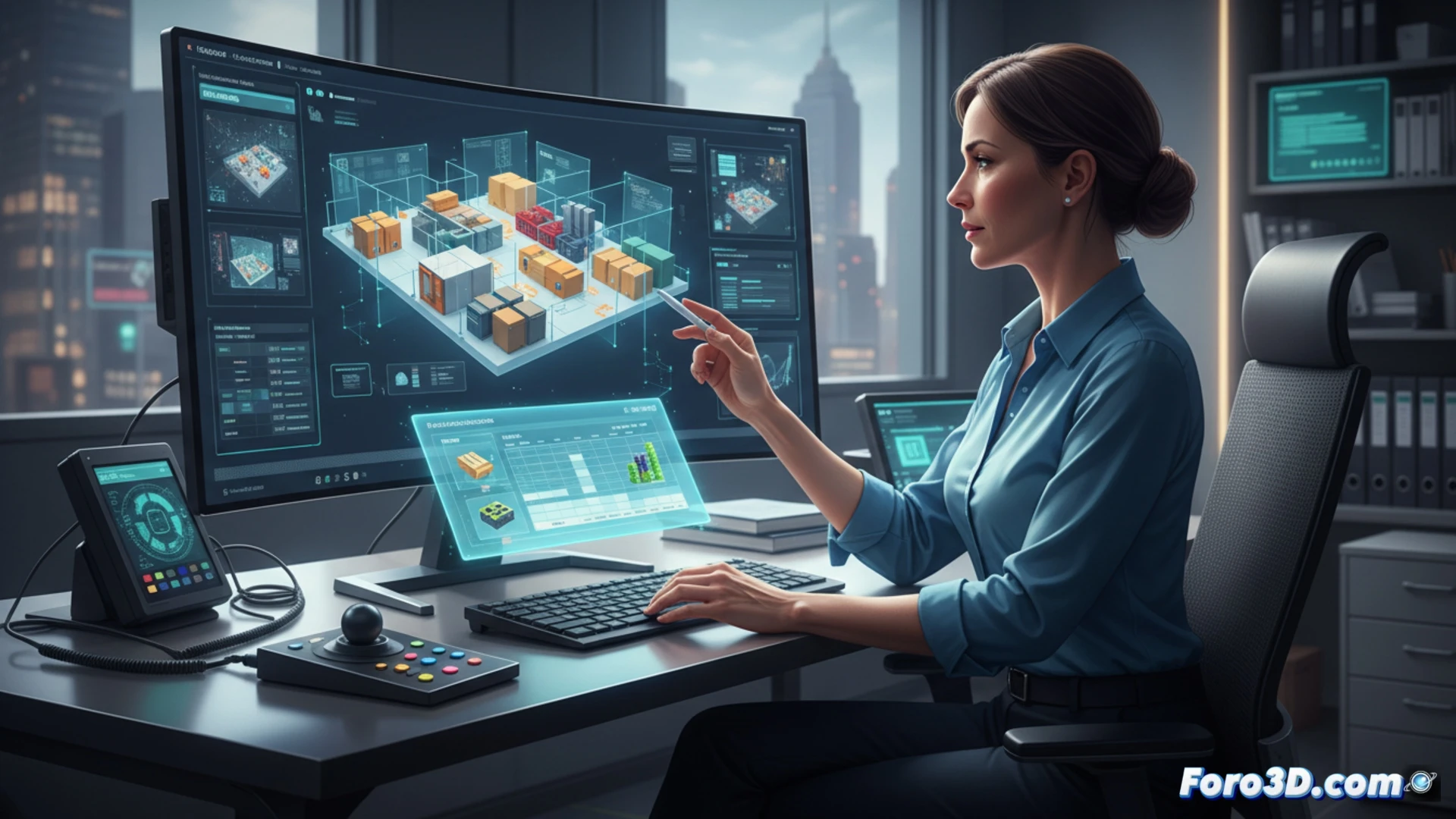
Practical example: space planning with 3D software 🪑
An administrative technician needs to reorganize a meeting room for 20 people. Instead of measuring with a tape measure and drawing by hand, they use SketchUp to create a 3D model of the existing furniture. They test different table and chair configurations, checking distances and accessibility. The file is shared with the team for visual approval. Required programs: SketchUp (free for basic use), LibreCAD for 2D plans, and Blender for simple renders if a formal presentation is needed. The result is a saving of time and calculation errors.
And if it doesn't work, there's always graph paper 📏
Of course, mastering 3D software can seem like a luxury when your boss still prints emails on paper. But between modeling a virtual office or spending the afternoon moving real filing cabinets and sweating buckets, the scales tip. That said, when the 3D model crashes and you lose your work, remember that the pencil plan never fails... even if it takes up half a table.