A video game developer doesn't just write code; they need to shape scenarios, characters, and objects that the player can touch with their eyes. 3D technology allows building these elements with millimeter precision, saving hours of manual programming. For example, instead of drawing each brick of a castle, you can model a mesh, apply textures, and have it ready for the physics of the game engine.
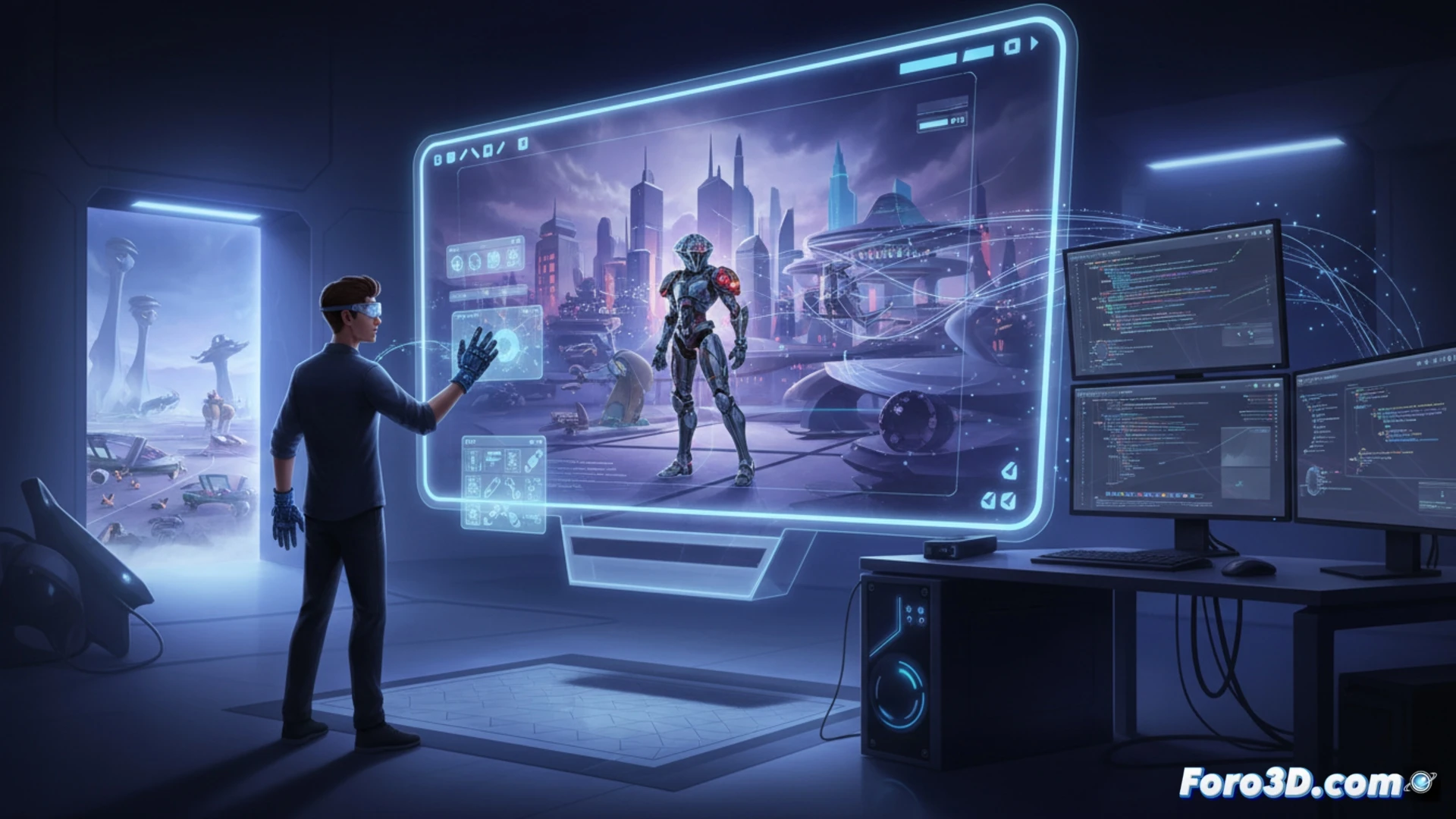
From mesh to gameplay: essential programs 🎮
To start, Blender is the Swiss Army knife of modeling, sculpting, and animation, all for free. If you're looking for something more oriented towards AAA games, Maya or 3ds Max dominate the workflow in large studios. Then, Substance Painter textures like a pro, and ZBrush sculpts details that look real. Everything ends up in Unity or Unreal Engine, where the model comes to life with lights, shadows, and collisions. Without these tools, your game would look more like a sketch than a playable product.
When the polygon rebels (and makes you pay for it) 😅
Now, the fun part: you think modeling a cube is easy, but then the 3D artist delivers a character with 300,000 polygons and your engine crawls like a hungover turtle. Time to optimize, reduce meshes, and pray that the rigging doesn't deform the hero's face into a Kafkaesque grimace of terror. And don't forget that the client will want last-minute changes; then you redraw textures while cursing the polygons that promised you an easy job.