Mirthwood is an indie video game that demonstrates how the combination of Unity and Adobe Photoshop can create a unique visual identity. Its aesthetic mimics classic book illustrations, using textures that appear painted on paper. For developers, this title is a case study on art direction in medieval rural worlds with fantasy touches, optimizing 2D and 3D assets for real-time performance.
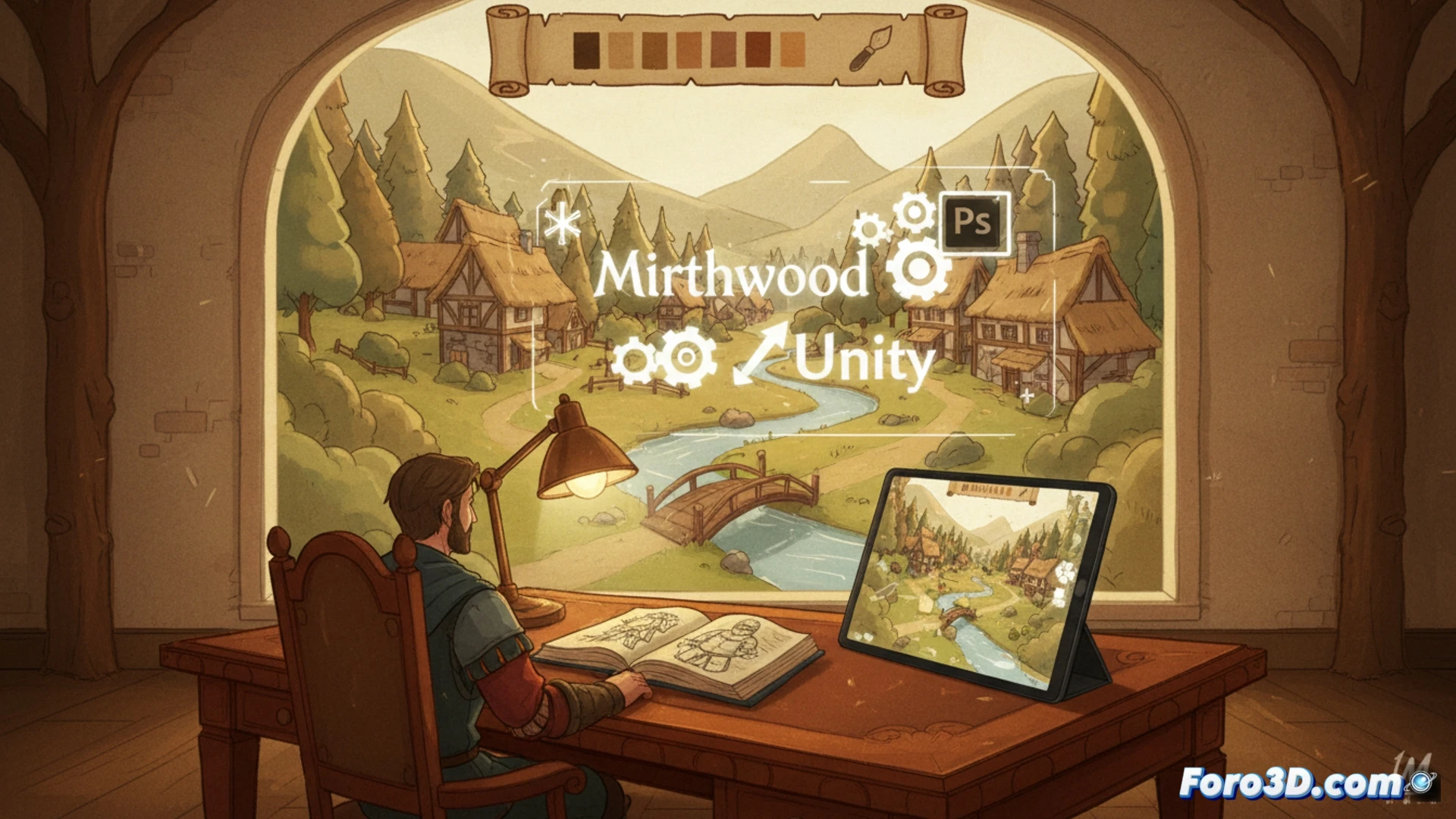
Art direction and optimization techniques in Unity 🎨
The secret of Mirthwood lies in creating textures in Photoshop with digital brushes that simulate watercolor and gouache. These textures are applied to 3D models in Unity, leveraging non-photorealistic shaders (NPR) that eliminate specular highlights and soften edges. To avoid the rendering cost of complex polygons, developers use billboarding for trees and vegetation, combining hand-painted sprites with simple geometry. Flat directional lighting, without aggressive dynamic shadows, reinforces the feeling of a static illustration. The use of LOD (levels of detail) with simplified versions of assets maintains performance, allowing the game to run on modest hardware without losing its painterly essence.
Lessons for indie developers seeking an artistic style 📖
Mirthwood proves that you don't need an AAA engine to stand out. The key is visual consistency: if you use Photoshop for textures, ensure that every element, from a bush to a building, shares the same palette of opaque colors and organic strokes. For indies, it is advisable to invest time in creating a texture atlas with variations of wear and aged paper. Unity allows packaging these assets into bundles, reducing load times. Finally, remember that lighting should be your ally: soft light without extreme contrasts will make your world look like it's from a storybook.
What was the main focus of your workflow in Photoshop to achieve the illuminated storybook aesthetic in Mirthwood, and how did you integrate it with Unity's shaders and lighting to maintain that visual coherence in real-time?
(PS: a game developer is someone who spends 1000 hours making a game that people complete in 2)