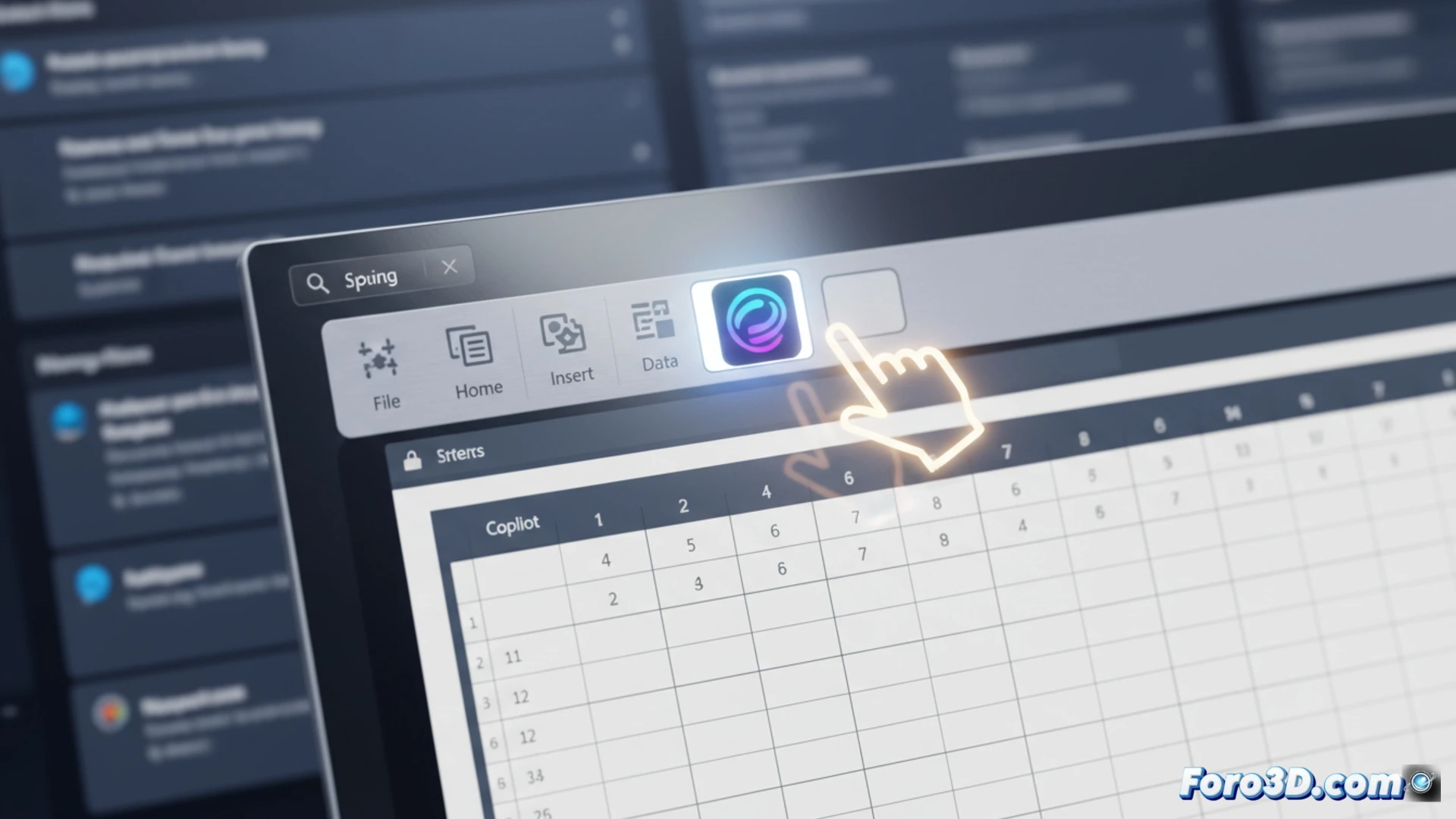
Microsoft has listened to user complaints and, starting next week, will allow disabling the floating Copilot button in Office. The tool will be moved to the ribbon to prevent it from interfering with document viewing, especially in Excel. This decision adds to the recent removal of unnecessary Copilot buttons in Windows 11, aiming for a cleaner experience.
Technical change: from floating button to ribbon option 🛠️
The modification means that the Copilot button will no longer appear as a floating element over spreadsheets and Word documents. Users will be able to choose to hide it from the ribbon customization menu. Microsoft has confirmed that this update will arrive via an Office 365 update, without needing to download additional patches. The company aims to balance AI integration with an obstruction-free workspace.
Copilot moves to the ribbon: goodbye, annoying button 👋
It seems Microsoft finally understood that having an AI button floating over your Excel cells wasn't the best idea. It was like having a virtual assistant sitting on your keyboard while you work. Now Copilot is moving to the ribbon, where it will live happily among other buttons you probably never use. At least you won't have to play hide and seek with it to see your data anymore.