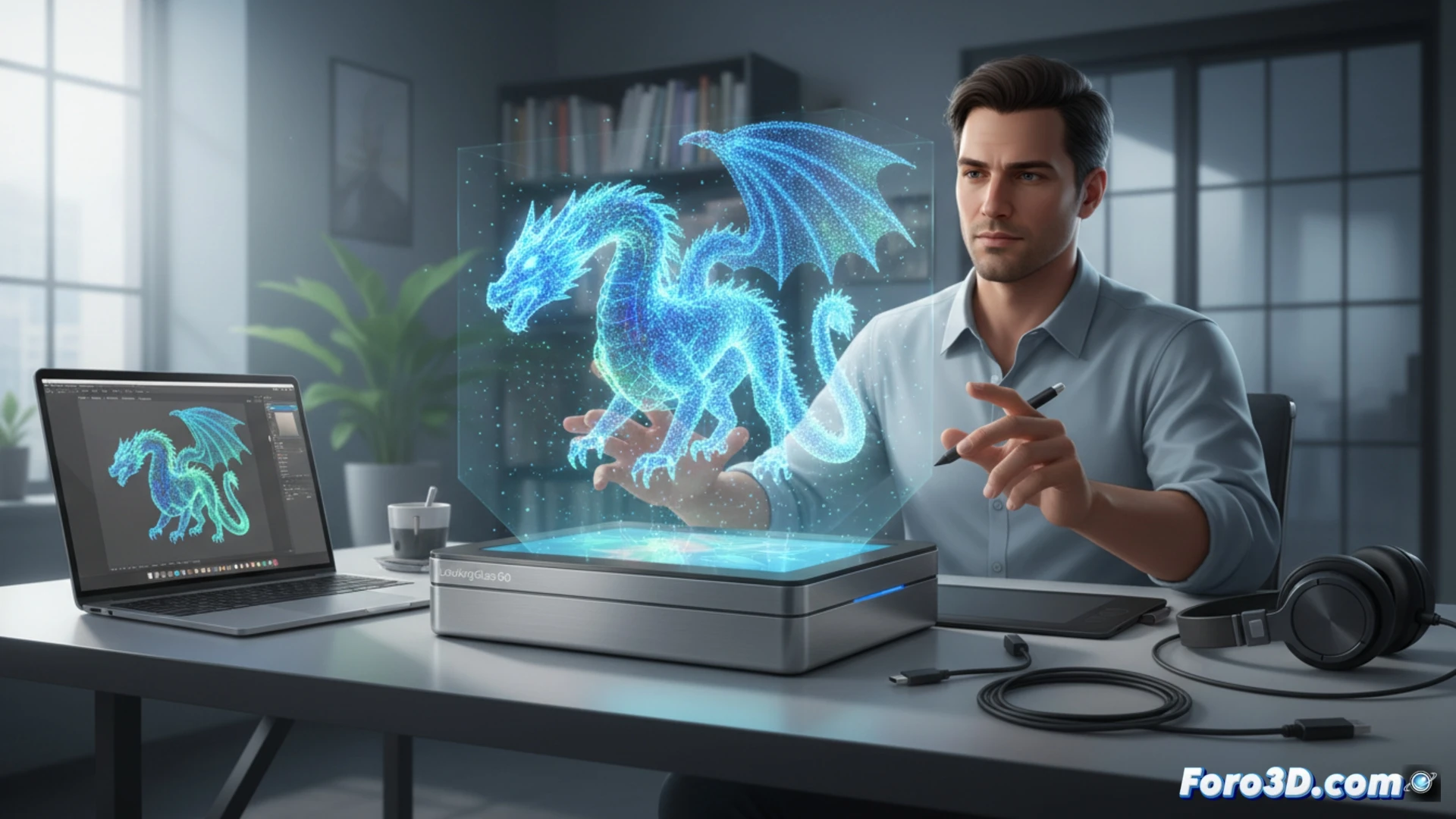
The Looking Glass Go arrives to break the mold of traditional monitors by promising glasses-free 3D visualization in a compact format. This device uses light field technology to project three-dimensional images and videos that change perspective depending on the viewer's angle. For modeling and animation professionals, this represents a qualitative leap in asset review, allowing depth and volume to be appreciated without the need for VR hardware or polarized glasses.
Technical specifications and hardware demands 🔧
The heart of the Looking Glass Go lies in its ability to render multiple simultaneous views from a single 3D source. Unlike a traditional 3D monitor that forces a fixed stereoscopic image, this panel demands a constant flow of light field data. This translates into an intensive workload for the GPU: a graphics card with at least 8 GB of VRAM and support for modern shaders (DirectX 12 or Vulkan) is recommended to achieve stable 30 FPS in complex content. The CPU also plays a crucial role, as the holographic rendering software (such as the Unity or Unreal Engine plugin) must calculate the light matrix in real-time. Compared to a passive 3D monitor, the Go consumes more graphics resources, but offers an immersive experience without viewing angle restrictions, ideal for collaborative design reviews.
Professional viability: Work tool or luxury gadget? 🤔
For 3D modeling workflows, the Looking Glass Go positions itself as a review peripheral, not an editing one. Its low resolution per view (compared to a 4K monitor) limits its use for fine detail work, but it shines in product presentations and organic shape review. The lack of native support in traditional CAD software (like SolidWorks or AutoCAD) forces reliance on intermediate exports to game engines. Even so, its portability allows 3D review to be taken to meetings without tethering, making it a disruptive tool for small studios looking to impress clients without investing in expensive virtual reality headsets.
Is it possible that the Looking Glass Go, by not requiring glasses, has limitations in viewing angles or usage distance that affect its integration with professional 3D modeling workflows in software like Blender or ZBrush?
(PS: Your CPU heats up more than the Blender vs. Maya debate)