In the world of 3D modeling and simulation, every millisecond and every keystroke counts. The Logitech MX Keys S arrives to challenge the dominance of mechanical keyboards, promising a quiet and precise typing experience. But can a high-end membrane keyboard compete with the tactile response of a mechanical switch during rendering and sculpting sessions that last for hours? We analyze its ergonomics, latency, and battery life to determine if it is a viable tool for the 3D professional. ⌨️
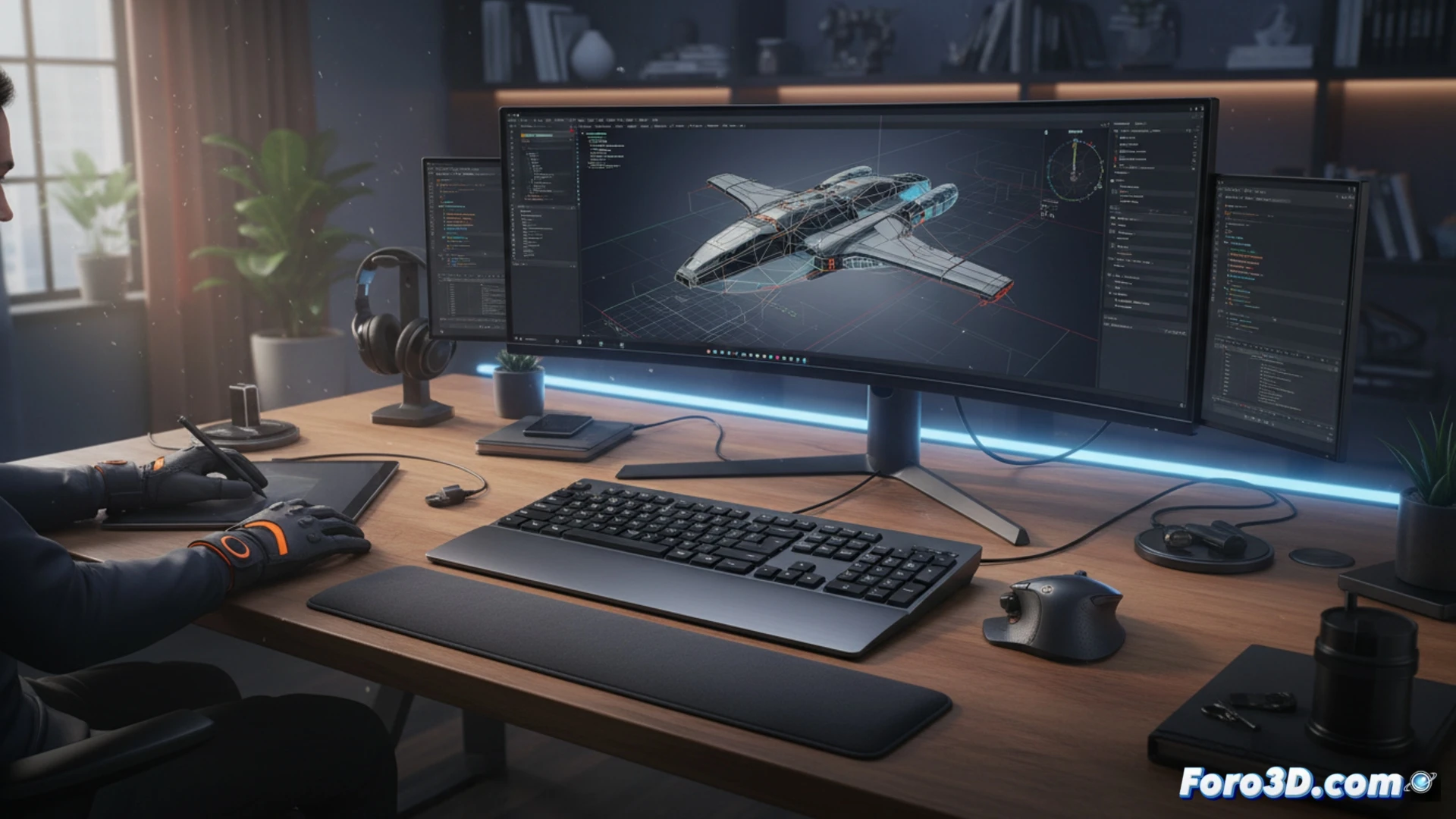
Technical Analysis: Concave Keys and Smart Backlighting 🎯
The surface of the concave keys on the MX Keys S is its main ergonomic asset. Unlike flat profiles, this curvature naturally guides fingers toward the center of each key, reducing tendon fatigue during long modeling sessions. For the 3D professional who alternates between complex keyboard shortcuts (like those in Blender or 3ds Max) and script writing, this precision is a relief. The smart backlighting adjusts to ambient light, a crucial detail in studios with controlled or nighttime lighting. However, wireless latency, although low (reported at under 2ms with the Logi Bolt dongle), does not match the speed of a high-performance gaming mechanical keyboard, which can be noticeable during extremely fast transformation operations.
Does It Justify the Investment for a 3D Pipeline? 💡
Compared to alternatives like the Keychron Q1 Pro (mechanical, wireless) or the Logitech G915 (low-profile mechanical), the MX Keys S positions itself as a premium office tool adapted for 3D. Its great advantage is multipoint connectivity (up to 3 devices) and a battery life of up to 10 days with backlighting, ideal for those managing a workstation and a visualization laptop. The investment is justified if you prioritize absolute silence and ergonomics over mechanical tactile response. For a pipeline focused on simulation or rendering, where code writing is constant, it is an outstanding option. For a pure modeler who demands the maximum click feel, a low-profile mechanical keyboard remains the benchmark.
When comparing the Logitech MX Keys S with specialized mechanical keyboards for 3D, does its low-resistance, low-profile key feedback truly improve precision in complex camera movements and vertex selection during long modeling sessions, or does the lack of tactile travel become a disadvantage compared to more robust options on the market?
(PS: If your computer smokes when opening Blender, you might need more than a fan and faith)