For the 3D modeling and simulation professional, sustained performance is key. It's not enough to have a high-end GPU if the system thermally throttles thirty minutes into a render. The Lian Li Lancool 216 has arrived to solve that specific problem, positioning itself as the reference in airflow thanks to its two 160mm front fans. This isn't just a pretty case; it's a work tool designed to keep your components at peak performance during intensive rendering sessions.
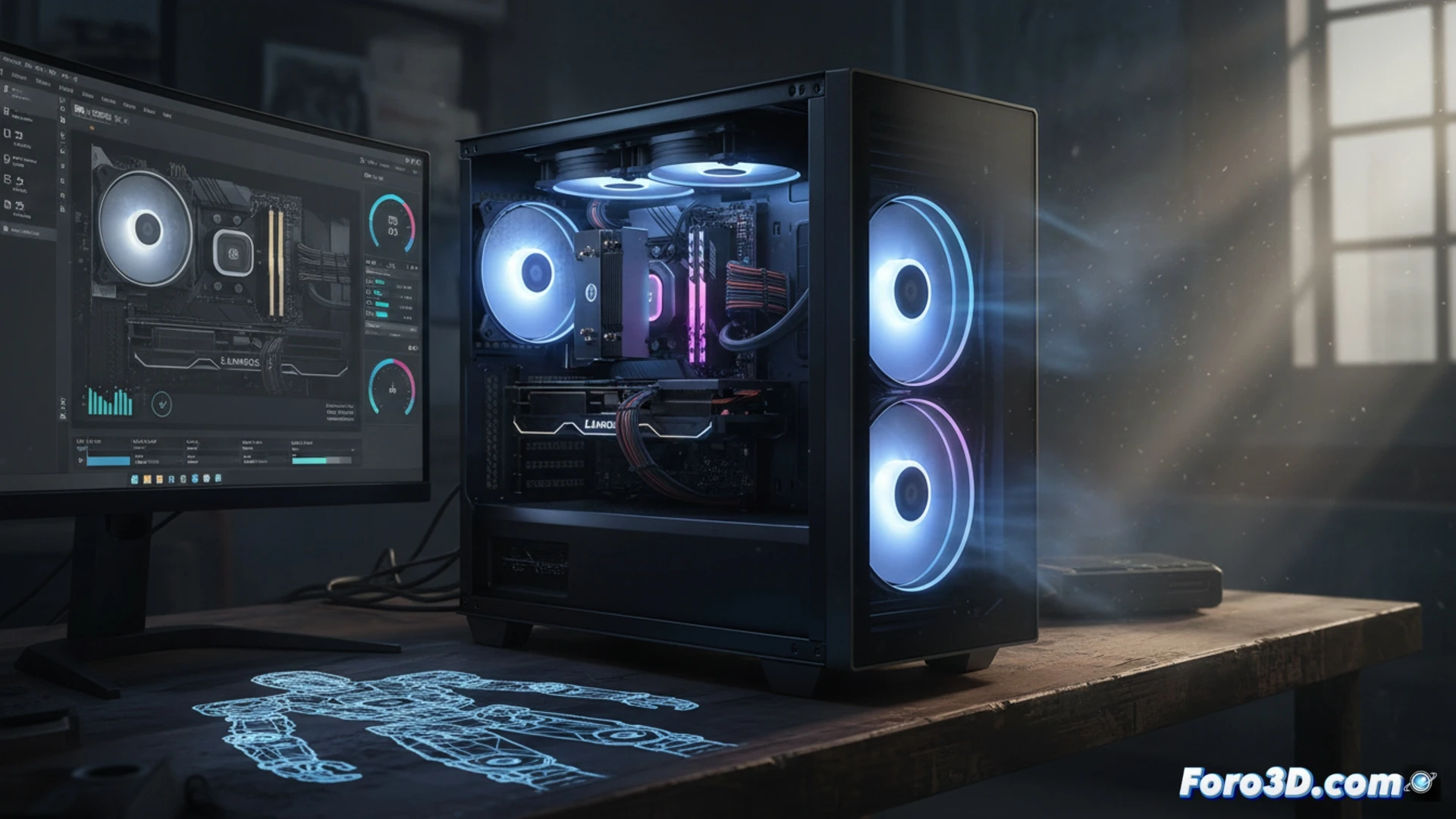
160mm Fans: Flow Engineering for Long Renders ❄️
The key innovation of the Lancool 216 lies in the massive size of its front fans. Unlike standard 120mm or 140mm fans, the 160mm blades move a significantly larger volume of air at lower RPMs. This translates to direct airflow towards the GPU and CPU with a very low noise level. For a 3D professional, this means you can leave a fluid simulation or a V-Ray render running overnight without the annoying hum of a server. The case also includes a 140mm rear fan and support for radiators up to 360mm in the front, allowing for liquid cooling setups that keep temperatures stable for CPUs like an AMD Threadripper or an Intel Core i9 for hours.
Is it the Best Choice for Your Workflow? 🔥
Compared to competitors like the Fractal Design Meshify 2 or the Corsair 4000D, the Lancool 216 wins with its immediate thermal solution without needing modding. There's no need to replace stock fans. Its mesh front design and raised base allow the PSU to breathe as well, a critical detail in high-power supplies. The recommendation for an optimal 3D build is simple: pair it with a high-profile air cooler or a 360mm AIO in the front, and a GPU at least 2.5 slots thick. The result is a quiet, cool, and stable workstation, ready to handle the most demanding workloads without breaking a sweat.
What specific thermal parameters of the Lancool 216 are critical to avoid thermal throttling in a 3D workstation with continuous rendering?
(PS: If your computer smokes when opening Blender, you might need more than just a fan and faith)