The market for monitors for 3D professionals has stagnated in horizontal duality: ultra-wide or multi-screen. LG breaks this mold with the DualUp 28MQ780, a 28-inch panel with a 16:18 aspect ratio. This is equivalent to stacking two 21-inch monitors, offering an unprecedented vertical workspace. For a technical artist, this geometry is not a novelty, but a surgical tool for managing timelines, node hierarchies, and tool panels without constant scrolling.
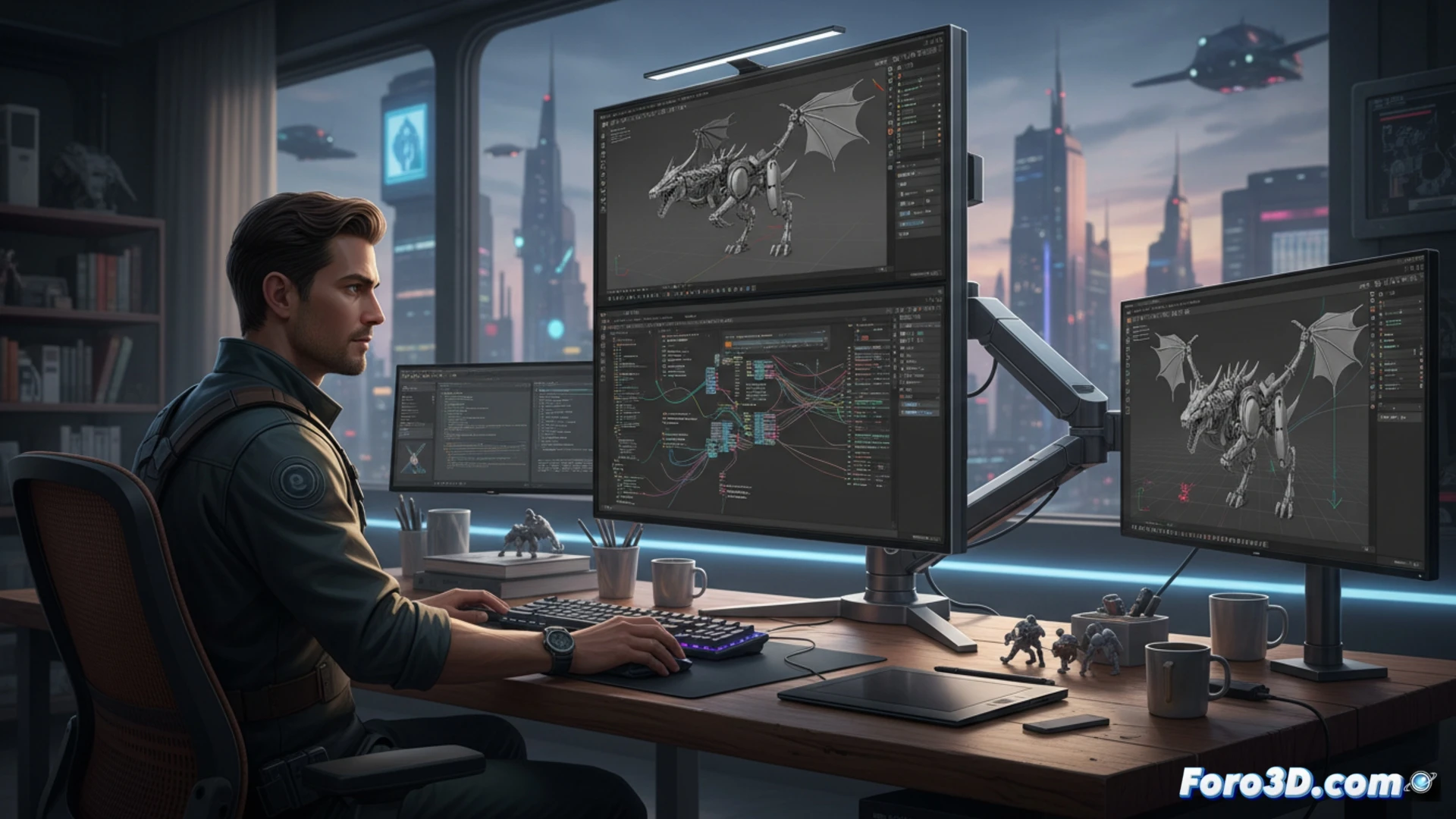
Technical analysis: 16:18 vs. ultra-wide in render pipelines 🖥️
In a standard 3D workflow, a 21:9 ultra-wide monitor forces the user to distribute windows horizontally, compressing the viewport or timeline view. The LG DualUp 28MQ780 solves this with a resolution of 2560x2880 pixels. When editing in Blender, the animation timeline extends vertically, showing more keyframes without zooming. In Houdini, the node editor can display deep hierarchies without overlapping. For code review in Python or VEX pipelines, a 1000-line file is displayed almost entirely, reducing scrolling by 60% compared to a standard 16:9 panel. Ergonomics also benefit: the neck performs a more natural vertical movement than the constant lateral turn required by ultra-wides.
Real productivity or excessive niche? 🤔
The key question is whether sacrificing horizontal width for height is worth it. In polygonal modeling tasks, where the viewport is king, the DualUp may feel limited. However, in compositing, procedural texturing, or asset management tasks, vertical space is golden. The direct competition is not a 4K monitor, but a stacked dual-screen setup. LG manages to eliminate the annoying central bezel and unify color calibration. For the 3D professional who prioritizes code editing, node organization, and render review, this monitor is not a whim: it is a silent optimization of their daily pipeline.
Can a vertical format like the LG DualUp 28MQ780 eliminate the need for multiple screens in a 3D workflow, or does it simply complement the traditional horizontal setup?
(PS: If your computer struggles to open Blender, you might need more than a fan and faith)