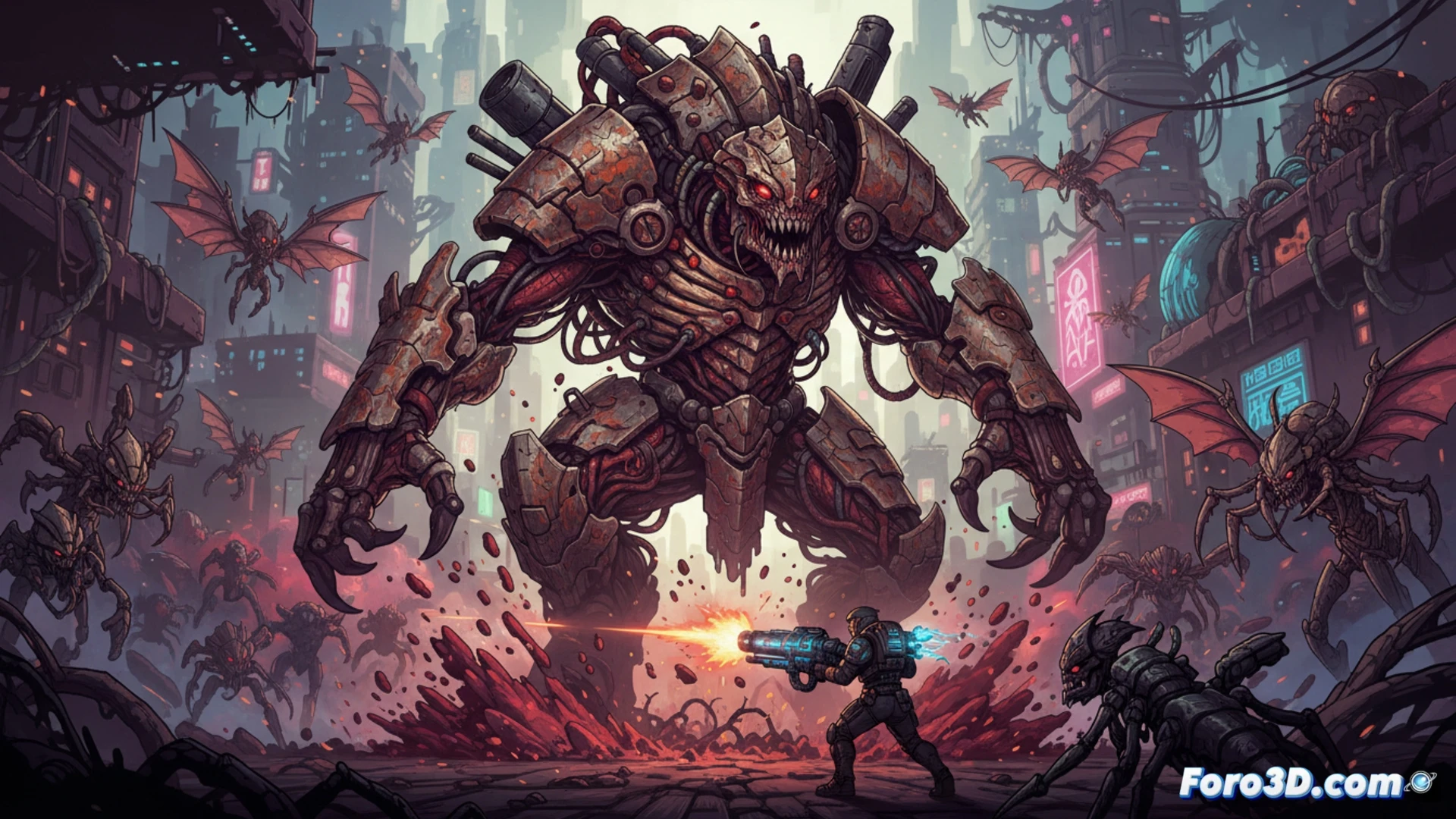
Iron Meat is a Run & Gun shooter that takes biopunk aesthetics to an extreme level, fusing machines with flesh and viscera in large 2D sprites. Developed in Unity, the game stands out for its multiple animation layers that bring grotesque creatures and organic scenarios to life. This article breaks down the technical workflow between Photoshop and Unity, offering keys for indie developers looking to optimize complex animations without sacrificing performance. 🎮
Technical workflow: from Photoshop to Unity 🔧
The creation of massive sprites in Iron Meat begins in Photoshop, where each asset is designed with separate layers for limbs, viscera, and mechanical parts. This segmentation allows exporting optimized sprite sheets that Unity imports as Animation Clips. The technical trick lies in using Sprite Atlases and Unity's Sprite Editor tool to define precise pivots and collisions. For multi-layer animations, the Animation Overrides system is employed, allowing reuse of base movements and overlaying deformation or organic pulsation effects. Developers should prioritize using Atlas Textures over individual sprites, as Unity drastically reduces Draw Calls by packing everything into a single texture. Additionally, I recommend limiting the number of active layers per frame using coroutines to enable/disable sprite parts, thus avoiding CPU spikes during viscera explosions.
Design decisions for the biopunk aesthetic 💀
The biopunk in Iron Meat is not merely decorative; each animation layer reinforces gameplay. Enemies have visible weak points thanks to the overlay of semi-transparent textures that reveal internal organs. For developers, the lesson is clear: complex 2D animation must serve the mechanics. Using Unity's Layers system to separate backgrounds, characters, and effects helps maintain a hierarchical order that facilitates debugging. Finally, the saturated color palette and contrast between metallic and fleshy elements are achieved with custom Shaders in Unity, which apply wet gloss effects over Photoshop textures. This approach demonstrates that an indie developer can achieve AAA visual impact with accessible tools, as long as asset segmentation is planned from the concept phase.
How to achieve smooth and massive biopunk sprite animations in Unity without compromising performance, considering the fusion of organic and mechanical elements in real-time?
(PS: a game developer is someone who spends 1000 hours making a game that people complete in 2)