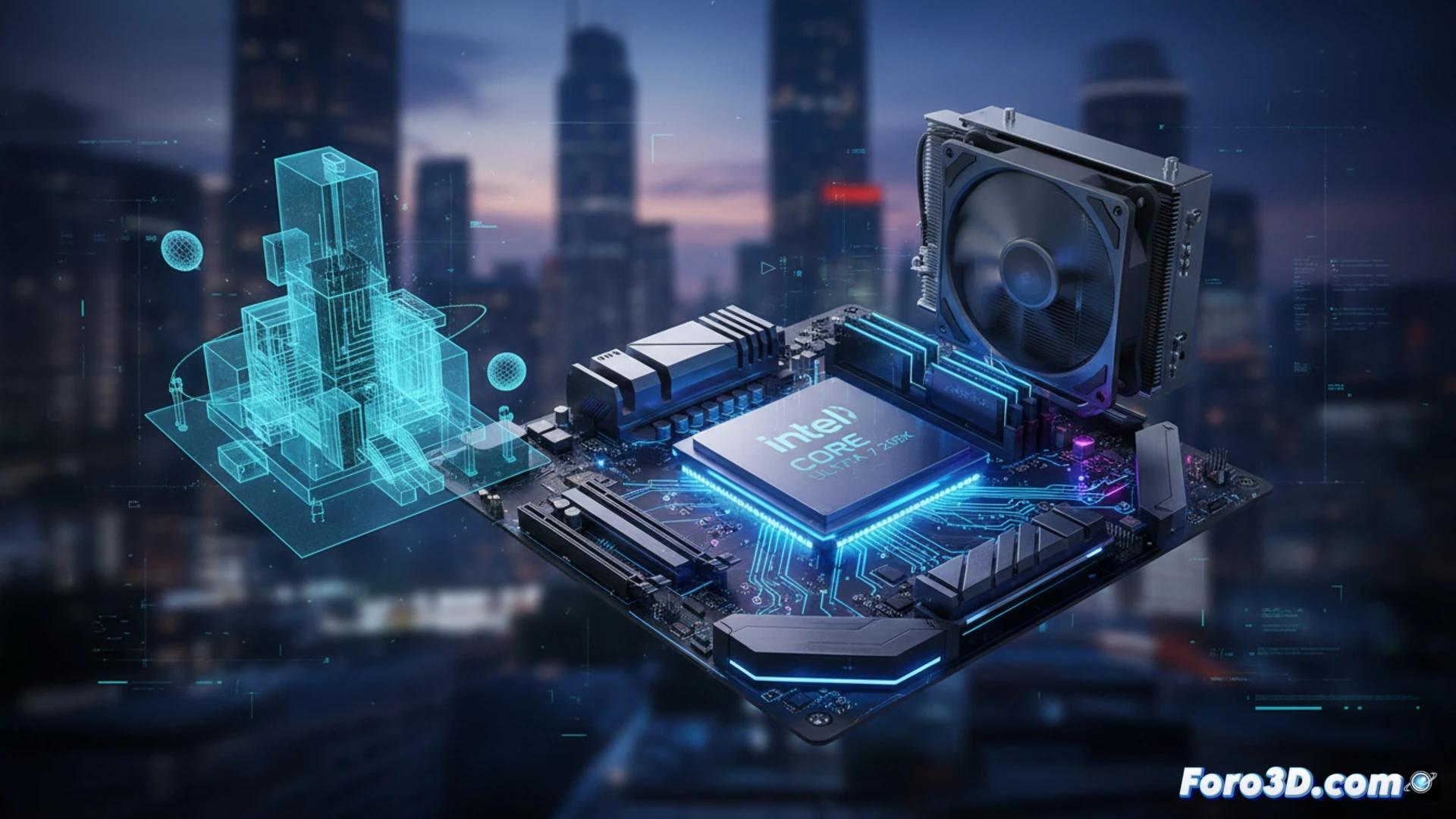
Intel's new Arrow Lake series has arrived to redefine the balance in 3D workstations. The Core Ultra 7 265K presents itself as the ideal middle ground between raw performance and thermal efficiency. With a configuration of 20 cores (8 high-performance and 12 high-efficiency) and an integrated NPU AI engine, this processor promises to tame productivity tasks without the characteristic overheating of i9s. We analyze whether it truly is the smart choice for modeling and rendering.
Technical Analysis: Cores, AI, and Thermal Management 🧊
The Arrow Lake architecture of the 265K offers thread management far superior to previous generations. In applications like Blender or Autodesk Maya, the 12 E-cores handle secondary tasks (physics simulations or asset management) while the 8 P-cores maintain viewport fluidity. The true differentiator is the integrated NPU, which accelerates real-time denoising processes and assists AI engines like the new procedural texturing system in Substance 3D. Unlike the i9-14900K, this chip does not require extreme liquid cooling systems; a high-end tower cooler is sufficient to keep it in optimal ranges during prolonged renders, avoiding the thermal throttling that so heavily impacts intensive work sessions.
The perfect balance for the 3D creator? ⚖️
If your workflow prioritizes stability and multitasking without temperature spikes, the Ultra 7 265K is a more coherent option than the i9. For the modeler who needs to keep 4 or 5 applications open while rendering in the background, this processor offers an impeccable performance-to-heat ratio. However, if your work depends exclusively on final CPU renders and delivery time is your only metric, the i9 remains the king in pure speed. The final decision depends on whether you value a quiet and cool working environment or maximum power regardless of noise.
Specifically in CPU rendering and physical simulation tasks in engines like Blender or 3ds Max, does the Intel Core Ultra 7 265K achieve thermal and power efficiency so superior to the i9 that it justifies forgoing the extra cores for a professional workflow?
(PS: remember that a powerful GPU won't make you a better modeler, but at least you'll render your mistakes faster)