3D technology offers useful tools for an activity monitor, allowing the creation of adapted teaching materials. A clear example: designing and manufacturing pieces for skill games or figures for group dynamics, avoiding the purchase of expensive commercial kits. The necessary programs are Tinkercad for basic design and Cura to prepare the print.
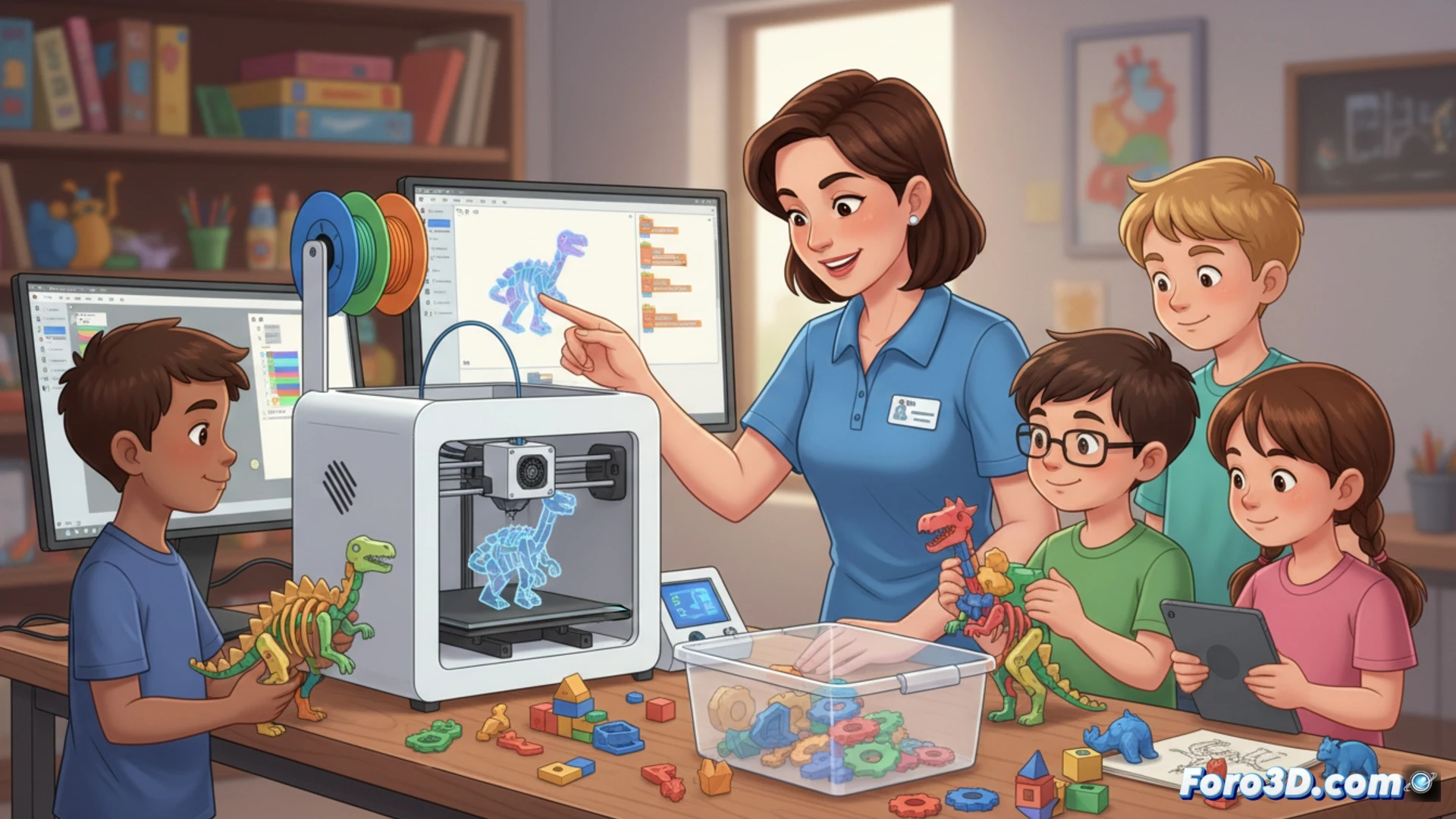
Programs and workflow for the monitor 🛠️
The workflow starts in Tinkercad, a free and simple software for modeling objects like rings, balls, or puzzle pieces. The STL file is exported to Cura, which converts it into G-code for the printer. An Ender 3 or similar is sufficient. This way, a monitor can generate their own psychomotor skills material or team games, customizing colors and sizes according to the group's age, without depending on external suppliers.
When you print 20 whistles and nobody whistles 😅
Sure, you can also print whistles for your activities. Then you discover that PLA plastic sounds like a hoarse duck and the kids look at you strangely. Or print pieces for a memory game, but with just the right tolerance so they don't fit. In the end, the monitor becomes the repair technician. But hey, at least you save on materials and gain patience.