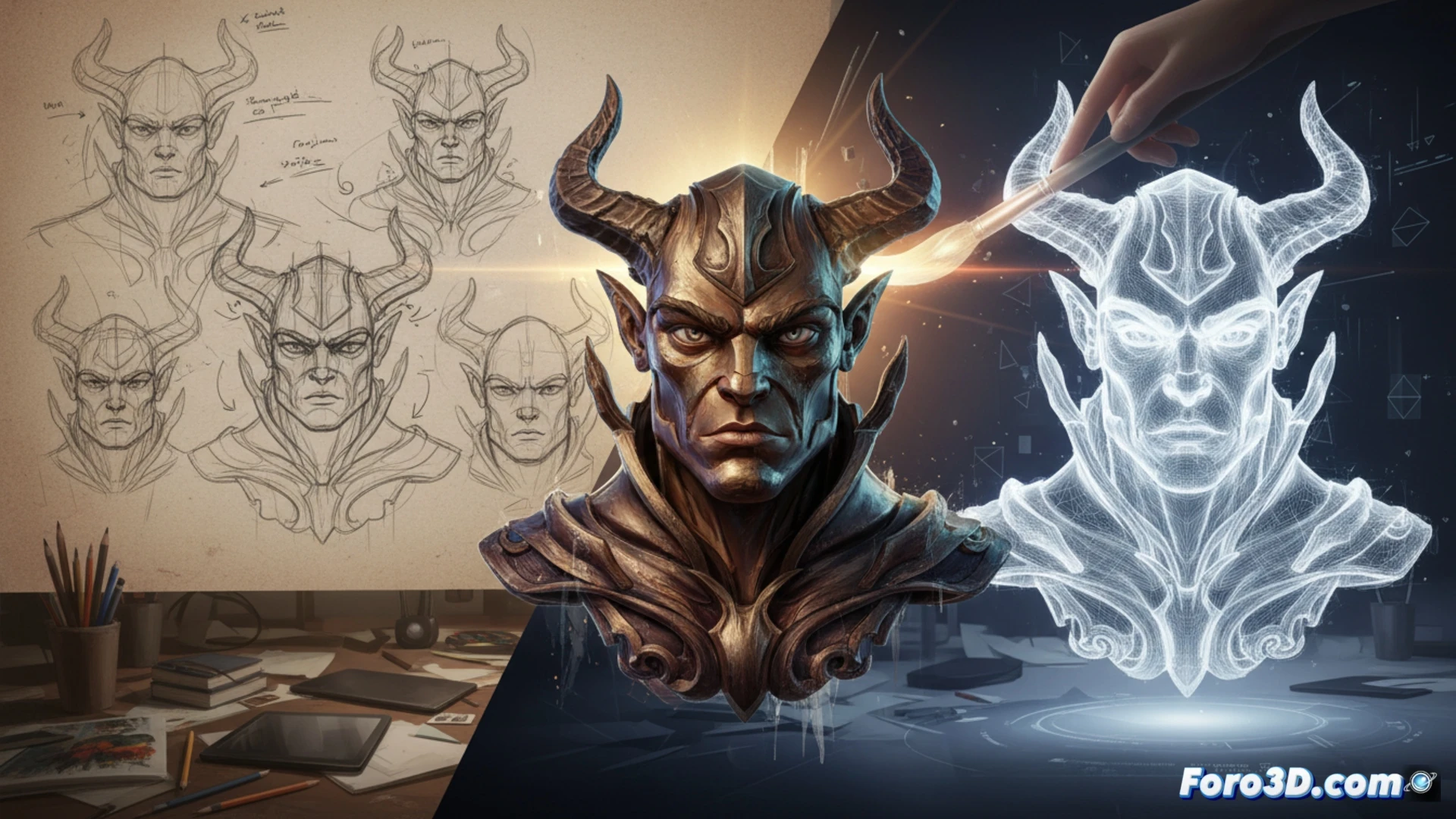
3D technology does not replace the illustrator's stroke, but rather enhances it. It allows solving complex perspectives, lighting, and textures before touching paper or a tablet. A clear example: when designing a character, modeling their head in 3D helps visualize volume and shadows from any angle, saving hours of manual corrections.
Key tools for integrating 3D into the 2D workflow 🛠️
Programs like Blender (free) or ZBrush allow sculpting quick references. They are then exported to Photoshop or Clip Studio Paint to trace or paint over renders. Posers like Daz3D or SketchUp are also used for architectural backgrounds. The key is to use 3D as a scaffold, not as a final product: the illustrator maintains control of the style and line.
The day the computer painted better than my hand 😅
Of course, all this sounds very nice until your software decides the character's arm should twist like a pretzel. Then you spend twenty minutes adjusting vertices while cursing whoever said that 3D was easy. But hey, in the end, you have an anatomically correct pose. Or almost. You can always blame the render.