The development of Project: Maverick by EA Motive represents a milestone in space cockpit simulation. Using the Frostbite engine, the team achieved a balance between photorealistic rendering of stellar explosion particles and massive dynamic lighting, all optimized for consoles and VR. This article breaks down the technical workflow between Maya, Substance Designer, and the engine, analyzing the keys to performance and visual fidelity.
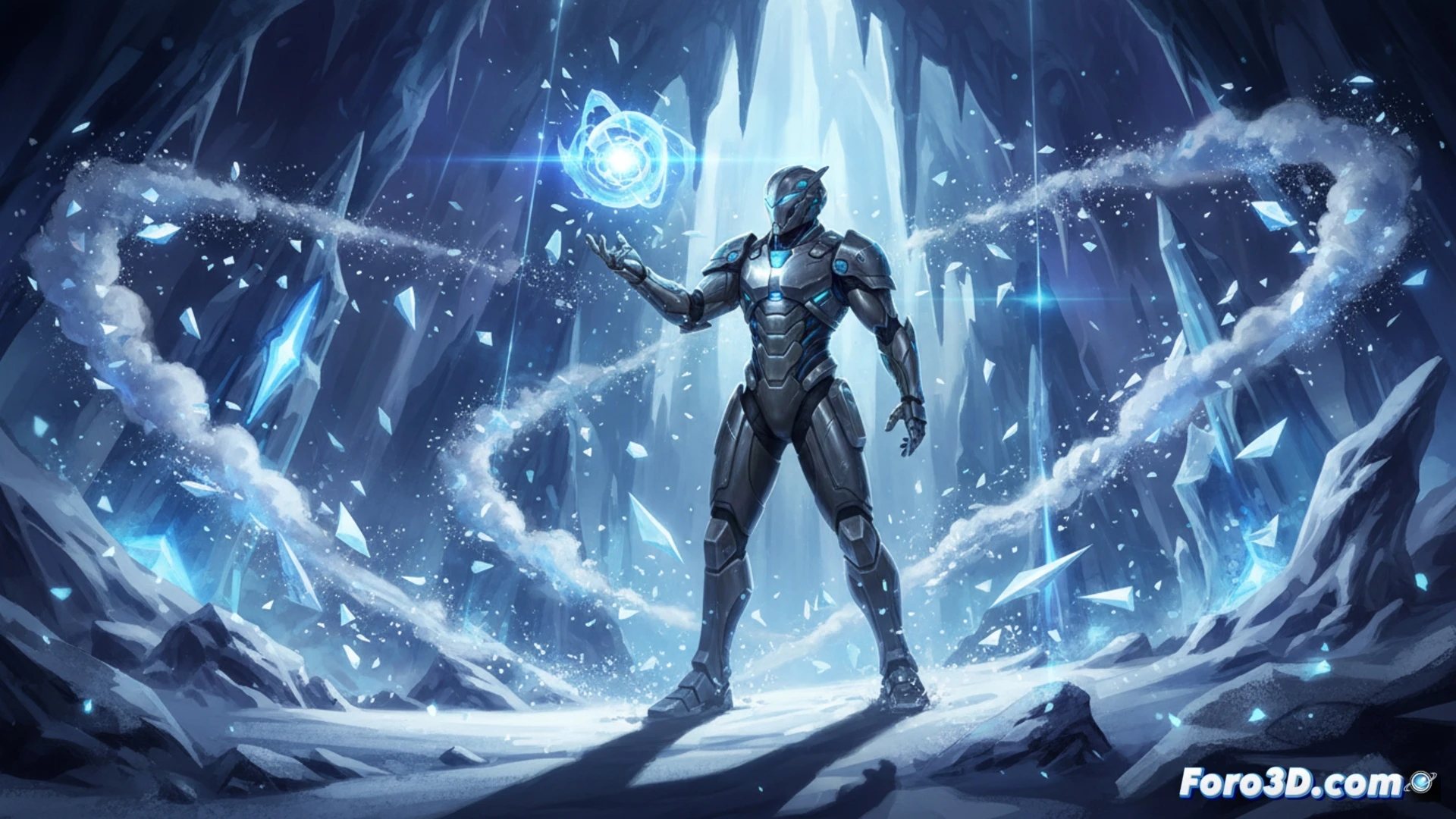
Technical Workflow: Maya, Substance Designer, and Frostbite 🚀
For the creation of the cockpits, the team modeled in Maya using clean topology that allowed for precise reflections on glass panels and HUD. Wear and metal textures were generated in Substance Designer, leveraging height and roughness maps to simulate micro-details under dynamic lighting. In Frostbite, a cluster-based lighting system was implemented that prioritizes light sources near the pilot, reducing computational cost. For explosions, particles with volumetric shaders that respond to ambient light were used, achieving a realistic combustion effect without saturating GPU memory in VR.
The Challenge of Real-Time Immersion 🎮
The key to Project: Maverick's success lies in how they sacrificed unnecessary details to maintain stable 60 FPS in virtual reality environments. By limiting dynamic lighting to an effective radius of 50 meters around the ship and pre-calculating shadows from distant asteroids, they made every stardust particle and every reflection on the pilot's helmet feel organic. This approach demonstrates that optimization is not the enemy of realism, but its best ally in modern game development.
How does the Frostbite engine manage volumetric lighting and real-time particle simulation to recreate the sense of depth and realism in the space cockpits of Project Maverick without compromising performance on current-generation consoles?
(PS: optimizing for mobile is like trying to fit an elephant into a Mini Cooper)