Choosing the right cable to connect a monitor to your computer can feel like a maze of acronyms and numbers. HDMI, DisplayPort, USB-C, and Thunderbolt compete for a spot on your desk. For most people, an HDMI 2.0 or DisplayPort 1.4 is enough for a 4K monitor at 60 Hz. But if you're looking for more fluidity, things get complicated and your wallet feels it.
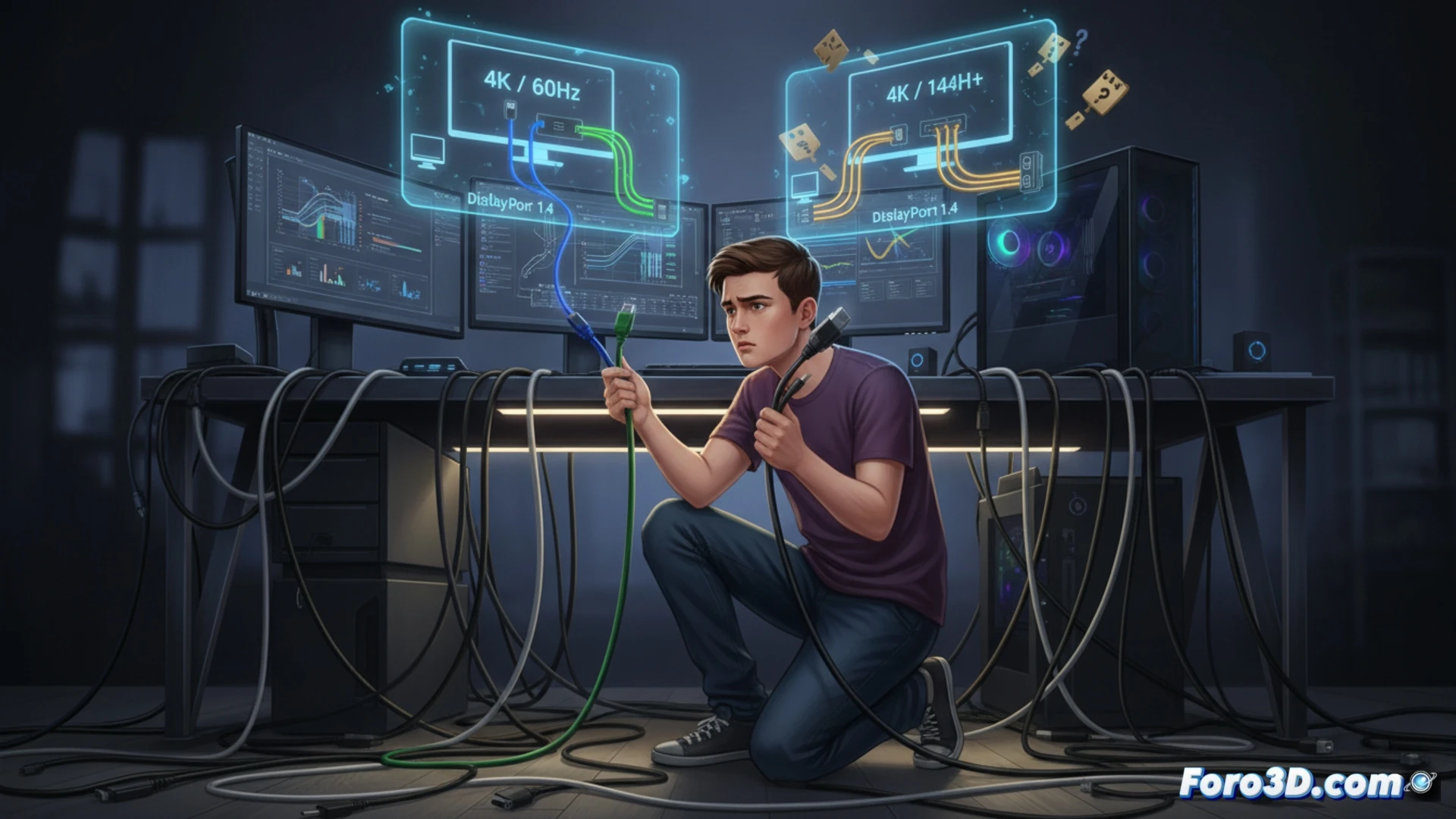
HDMI 2.1 and DisplayPort 2.1: the 120 Hz league 🎮
If your goal is to game or work at 4K with 120 Hz or more, you need modern hardware. HDMI 2.1 supports 4K at 120 Hz, 8K at 60 Hz, and includes VRR and ALLM for gaming. DisplayPort 2.1 offers similar specifications. USB-C ports with alternate video mode are also valid, but require a specific cable. Thunderbolt 4 covers everything, though its cable costs more than a dinner for two.
When the cable costs more than the monitor 💸
The irony hits when you discover that a good quality Thunderbolt 4 cable is worth almost as much as a basic monitor. And of course, there's the friend who buys a cheap HDMI 1.4 for their 4K screen and wonders why they see slideshows instead of motion. In the end, the confusion isn't yours: it's the standard that changes every two years so you buy another cable.