The market for 3D workstation peripherals has stagnated with traditional mechanical switch technology. Glorious breaks through with the GMMK 3 HE, a keyboard that uses Hall Effect magnetic switches to eliminate mechanical bounce and deliver pure linear response. This technology not only promises exceptional durability but introduces millimeter-level control over the actuation point, a factor that could redefine interaction with modeling software like Blender or ZBrush. 🎮
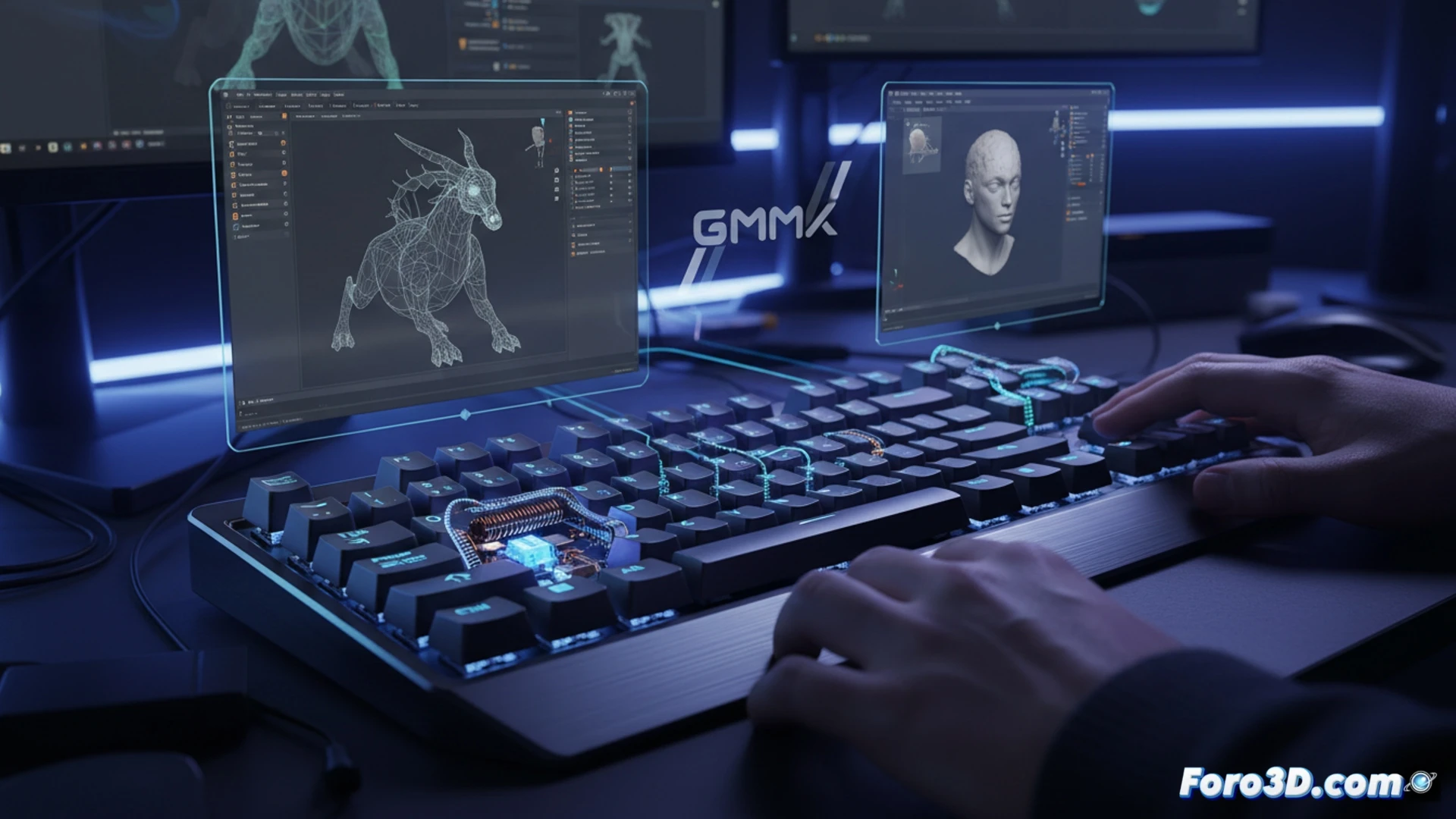
Technical analysis: Hall Effect vs. Traditional mechanical in 3D workflows 🔧
The main advantage of the GMMK 3 HE lies in its contactless core. While a traditional mechanical switch (Cherry MX, Gateron) relies on a metal contact that wears out and produces bounce, the Hall Effect sensor detects the magnet's position on the stem without friction. This translates to an actuation latency of less than 1ms and, most importantly, the ability to adjust the actuation point from 0.1mm to 4.0mm per key. In digital sculpting tools like ZBrush, being able to configure shortcut keys (Ctrl, Shift, Alt) with a minimal travel of 0.1mm allows executing brush and mask combinations with a speed that a 2mm travel switch simply cannot match. Additionally, the absence of bounce prevents ghost inputs when rotating the camera in complex viewports.
Actuation point customization or just marketing? 🎯
The key question is whether this flexibility translates into a real improvement for the 3D professional. The answer is yes, but with nuances. For orbital navigation and camera movements in Blender, setting the WASD keys to a medium actuation point (1.5mm) with a smooth tactile feel allows for more fluid control than clicky switches. However, the true advantage emerges in profile customization. A modeling profile can have modifier keys (Shift, Ctrl, Space) hyper-sensitive, while number keys for switching layers or tools can maintain a deeper travel to avoid accidental activations. The GMMK 3 HE is not a miracle keyboard, but it is the first tool that allows the user to adjust the tactile response to the specific logic of each simulation and design software, something fixed mechanical switches can never offer.
Could the millimeter precision and linear response of the GMMK 3 HE's magnetic switches reduce fatigue and input error during extended 3D modeling sessions compared to traditional mechanical switches?
(PS: remember that a powerful GPU won't make you a better modeler, but at least you'll render your mistakes faster)