Ghost Song, an indie metroidvania, proves that atmosphere doesn't depend on an AAA engine, but on precise technical execution. Its organic aesthetic and desaturated palette, achieved with Unity and Adobe Photoshop, immerses the player in an overwhelming solitude. We analyze the workflow between both programs and the 2D art decisions that optimize real-time performance, offering keys for indie developers seeking a cohesive and evocative visual style.
Technical workflow between Photoshop and Unity 🛠️
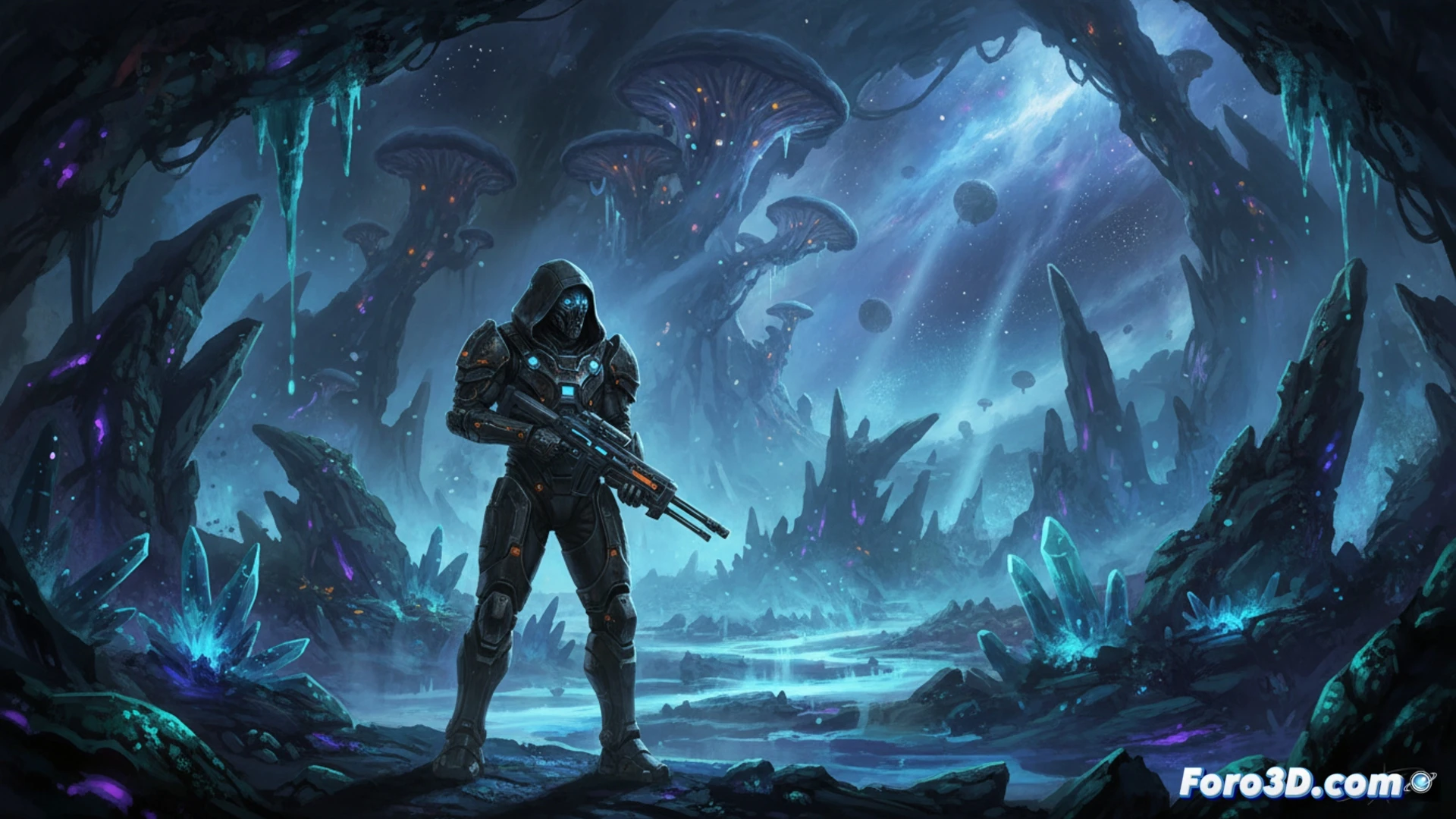
The artistic process of Ghost Song begins in Photoshop, where each sprite is painted with a limited palette of muted grays, blues, and purples. The key is using saturation adjustment layers and curves to remove vivid colors, creating a sense of a dead world. Then, in Unity, they are imported as textures in PNG format with lossless compression. For animation, spritesheets and the Animator system are used, with keyframe interpolation turned off to maintain the pixelated style. Lighting is handled with light sprites instead of real lights, reducing rendering cost. This allows the scene to feel dense without overloading the GPU, ideal for consoles and low-end PCs. A practical tip: use Unity's Sprite Atlas system to group textures and avoid excessive draw calls.
The art of technical solitude 🎨
Ghost Song is not only a visual achievement but also a case study in atmospheric design. The desaturated palette, combined with subtle particles (dust, spores) and a slightly trembling camera, reinforces the character's solitude. The developers managed to bend the Unity engine, often criticized for its generic aesthetic, to a very specific artistic vision. To replicate this, prioritize contrast between static backgrounds and animated characters, and use Unity Post Processing's Color Grading curve to unify the palette. The result shows that, in indie development, visual coherence surpasses cutting-edge technology.
How Ghost Song achieves a dynamic lighting cycle and a sense of depth in its alien environments using only Unity's post-processing tools and digital painting techniques in Photoshop, without resorting to high-end graphics engines
(PS: 90% of development time is polishing, the other 90% is fixing bugs)