3D technology allows professional trainers to create immersive environments where students learn by manipulating virtual objects. For example, a mechanics instructor can show the inside of an engine without disassembling a real one, saving time and broken parts. Programs like Blender, SketchUp, or Unity are key tools for designing these interactive simulations.
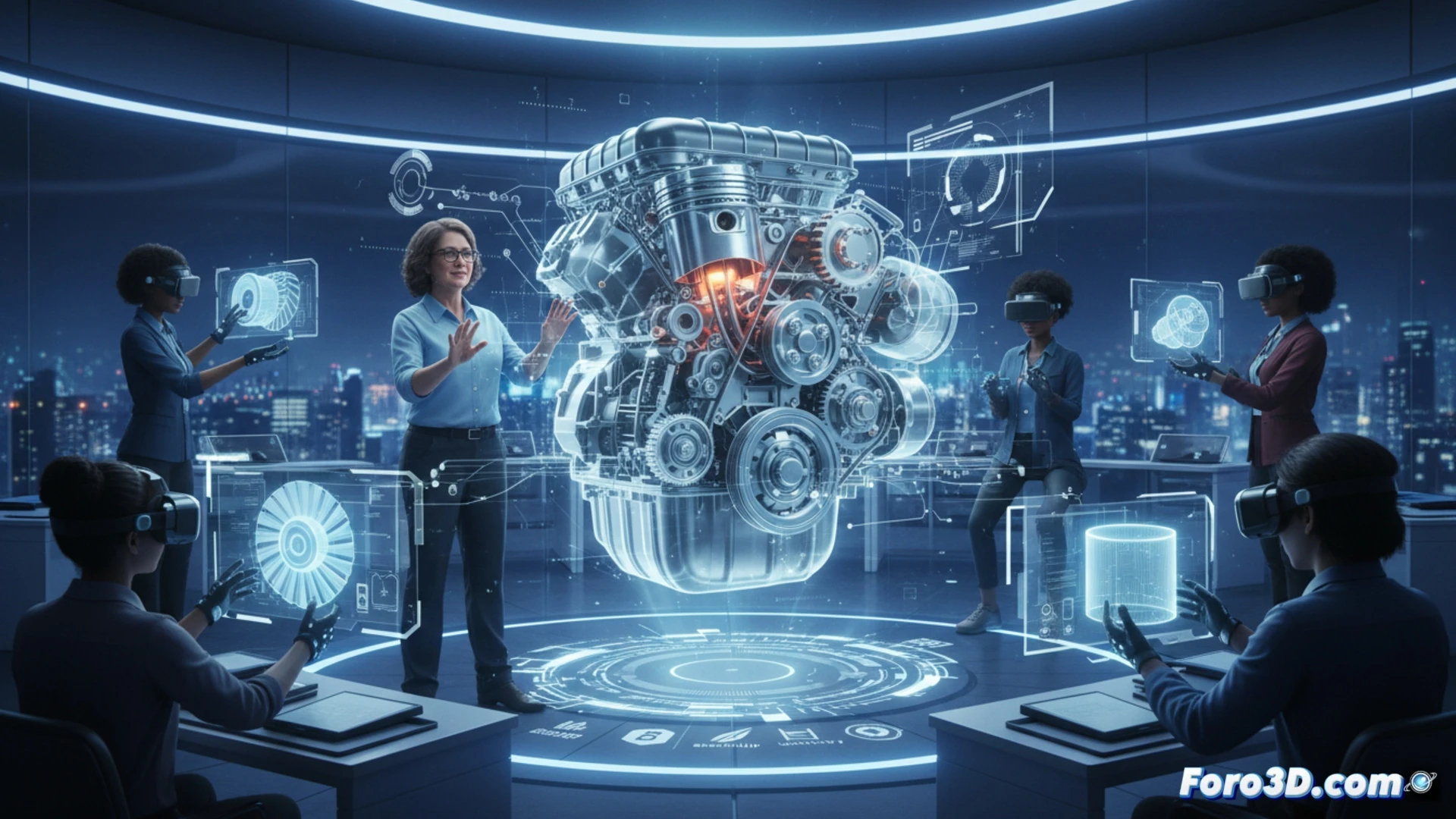
From the blackboard to the interactive 3D model 🛠️
The trainer can use Blender to model technical parts, then import them into SketchUp to generate workshop views. If interactivity is needed, Unity allows creating scenarios where the student drags, rotates, or disassembles components. This avoids risks in real practices and facilitates the repetition of exercises. Tinkercad can also be used for rapid prototyping. The result is hands-on learning without spending physical materials.
Hey, 3D software also asks for coffee ☕
Of course, the trainer will discover that 3D software has its own personality. Blender crashes if you don't pray before rendering, and Unity requires a computer with more power than a state-of-the-art microwave. But hey, between a student disassembling a real engine and the program throwing an error window, I prefer the virtual error a thousand times over. At least it doesn't smell like gasoline.