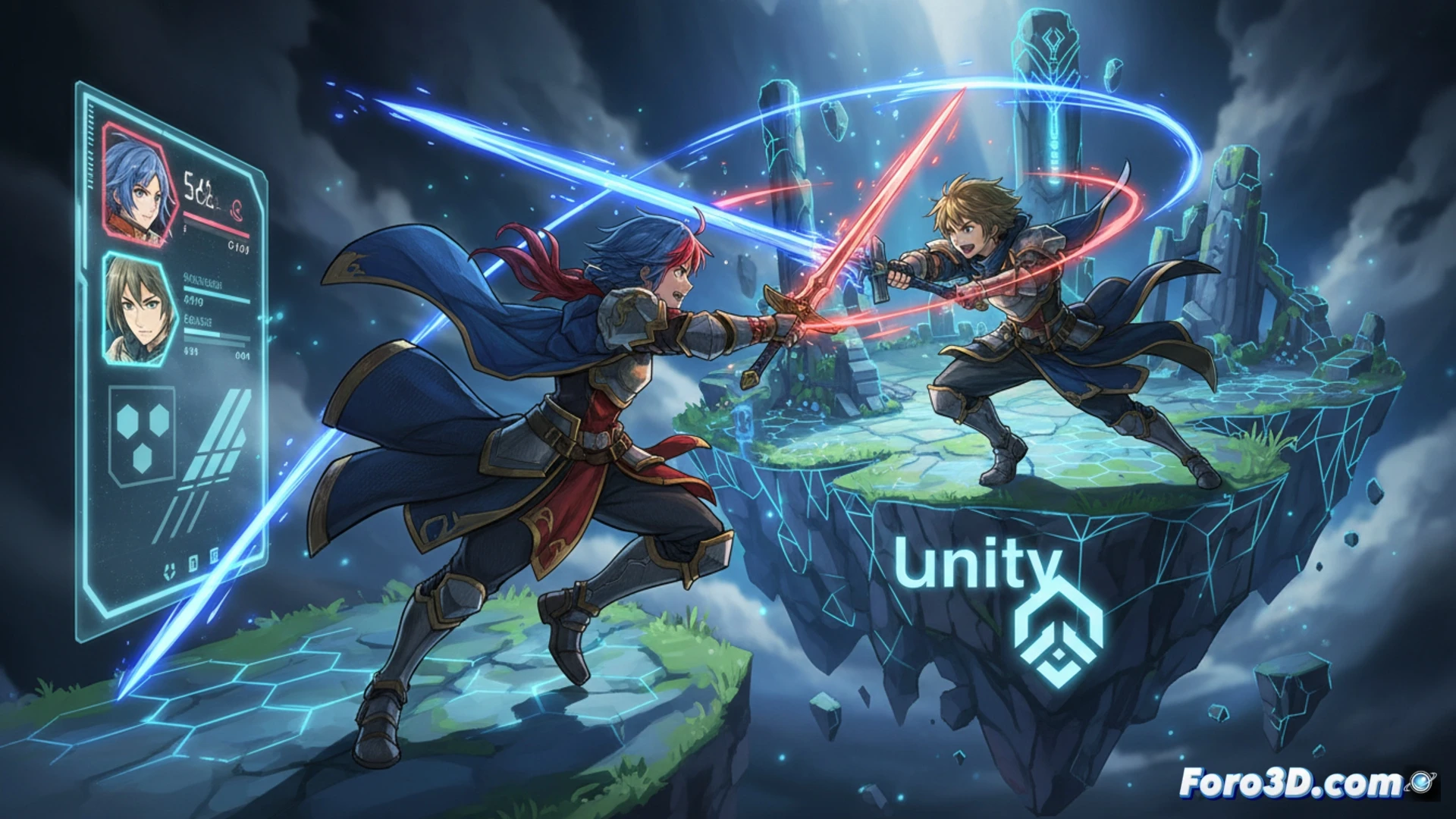
The visual success of Fire Emblem Engage lies not in a cutting-edge graphics engine, but in the technical mastery of pushing Unity's capabilities to their limits. The game achieves high-end cel-shading that mimics modern animation, utilizing extremely saturated colors and sharp contour lines. This article breaks down the technical workflow, from modeling in Autodesk Maya to real-time implementation, offering a roadmap for indie developers seeking an anime style without sacrificing performance. 🎮
Technical Workflow: From Maya to Post-Production in Unity 🛠️
The artistic process begins in Autodesk Maya, where Emblems and key assets are modeled with clean geometry and low polygon density, crucial for flat shading. The artistic concept originates in Clip Studio Paint, allowing for the definition of vibrant color palettes and contour lines that are later replicated in Unity using custom shaders. The technical key lies in using a ramp lighting shader that replaces soft shadows with defined color bands, combined with edge detection post-processing to generate black lines without needing extra geometry. For optimization, it is recommended to use texture atlases for the contours and limit the number of dynamic lights to one main directional light, reducing the computational cost of cel-shading.
Tips for Indies: Saturation and Real-Time Optimization 🎨
To replicate this style with limited resources, prioritize conceptual art consistency over physical realism. Use Clip Studio Paint to create flat color maps and export limited palettes of 4-6 tones per material. In Unity, avoid complex high-fidelity shaders; a two-tone shading (light and shadow) with a silhouette edge generated by a Fresnel shader is more efficient and effective. The extreme saturation of Fire Emblem Engage is achieved through a camera curve adjustment, not in the materials, which allows for stable performance even in scenes with many characters.
What specific cel-shading techniques did the Fire Emblem Engage team implement in Unity to achieve the interactive anime aesthetic without relying on a cutting-edge graphics engine?
(PS: shaders are like mayonnaise: if they break, you start all over again)