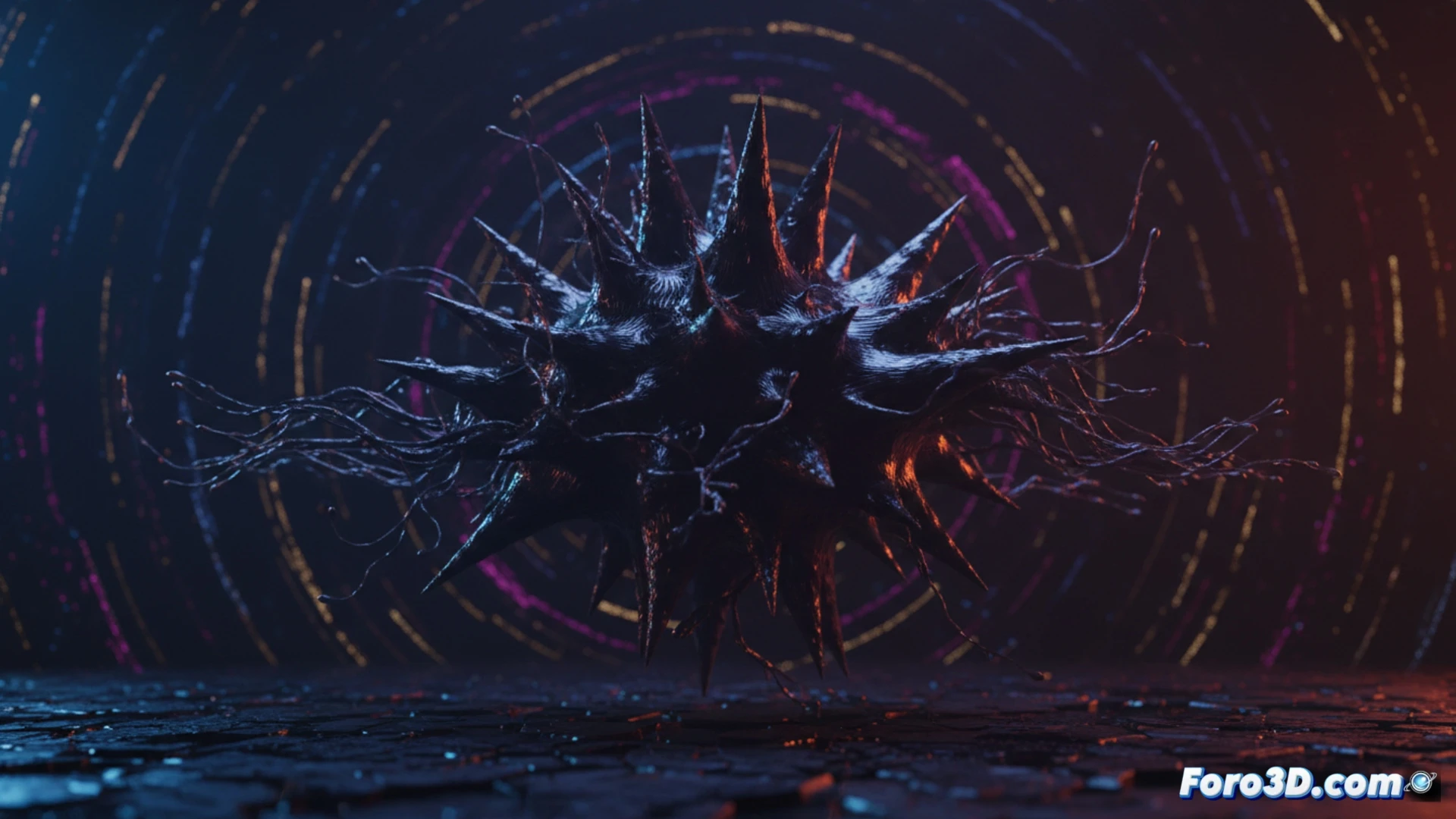
Creating a realistic ferrofluid in Blender no longer requires expensive physical simulations. With Geometry Nodes and the Extra Nodes add-on, you can generate dynamic spikes and metallic shading completely procedurally. This workflow allows you to control structure formation, dynamic behavior, and materials, ideal for motion graphics and visual effects without relying on heavy simulations.
Technical setup with dynamic nodes 🛠️
The process begins with a subdivided plane and a random attribute node to distribute attraction points. Extra Nodes provides nodes like Field at Index and Edge Neighbors to simulate surface tension and repulsion between particles. By adjusting parameters such as peak height and attraction radius in a node group, spikes can be made to elongate or collapse in real time. The shading uses a Principled BSDF shader with variable roughness based on curvature, mapped from the Pointiness node. Everything updates when values are modified, with no need for baking.
The day my ferrofluid decided to do yoga 🧘
While configuring the spikes, I noticed that if you lower the surface tension too much, your ferrofluid stops looking like liquid metal and turns into an anxious hedgehog. The spikes start trembling as if they've had too much coffee, and the particles refuse to form coherent structures. The worst part is when you forget to connect the attraction node and end up with an amorphous mass that looks like space jelly. But hey, if you're going for a disoriented alien fluid effect, that mistake is your new best friend.