3D technology can transform the daily routine of a store clerk. Instead of wasting time measuring shelves or remembering the position of each product, a portable 3D scanner allows you to create a digital twin of the store. This facilitates restocking, inventory organization, and customer service. A concrete example: scanning a messy shelf to generate a virtual floor plan and relocate products in seconds. Necessary software: Blender for light modeling, MeshLab for point cloud cleaning, and SketchUp for quick floor plans.
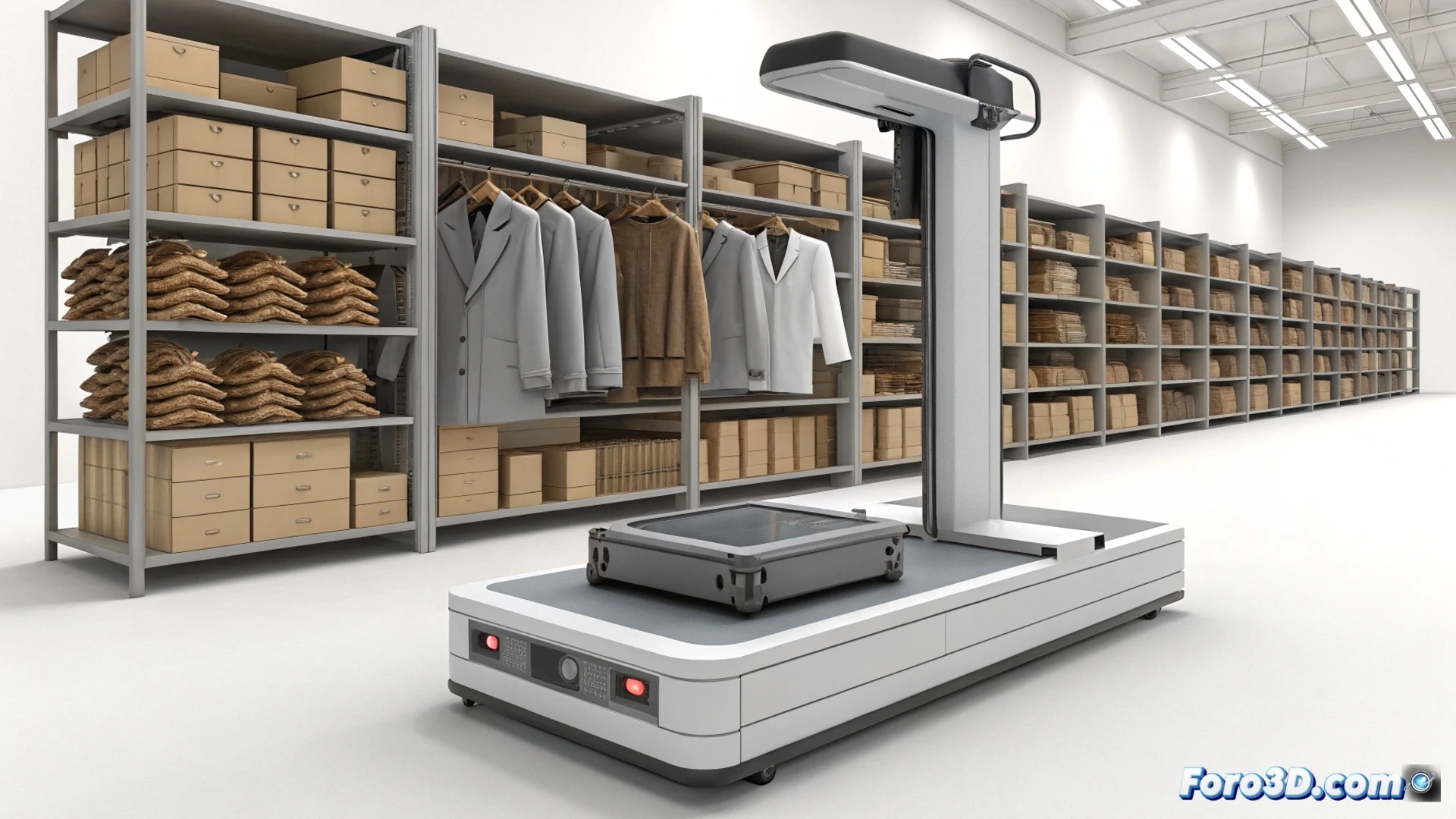
3D Shelf Capture: The Technical Workflow 🛠️
The process begins with a scanner like the Revopoint POP 3 or an app like Polycam on a LiDAR-equipped phone. Three scans of the shelf are captured from different angles. Then, the point cloud is imported into CloudCompare to align and clean the model. It is exported to Blender, where the distance between shelves is measured and empty areas are marked. Finally, a PDF is generated with exact dimensions and an isometric 3D view. The clerk prints that plan and relocates the stock in ten minutes, without a tape measure or guesswork.
The 3D Clerk: When the Scanner Knows More Than Your Boss 😏
Of course, nothing beats the thrill of arriving on a Monday and seeing that the scanner has detected three forgotten boxes of cookies behind the display. Your boss praises your efficiency, but you know the truth: a 300-euro device did the work. The best part is, while you pretend to use your intuition, the 3D model has already calculated that you need to order 14 units of milk. Ironies of life: now the clerk no longer needs memory, just a tripod and a USB cable.