The release of Ender Magnolia: Bloom in the Mist marks a significant technical leap compared to its predecessor, Ender Lilies. Studio Adglobe has migrated the saga to Unreal Engine 5, leaving behind the lighter engines of the past. This change is not merely cosmetic; it represents a reinvention of the graphics pipeline that allows for deeper integration between hand-painted 2D backgrounds and three-dimensional dynamic lighting systems, something that was technically complex in the previous generation.
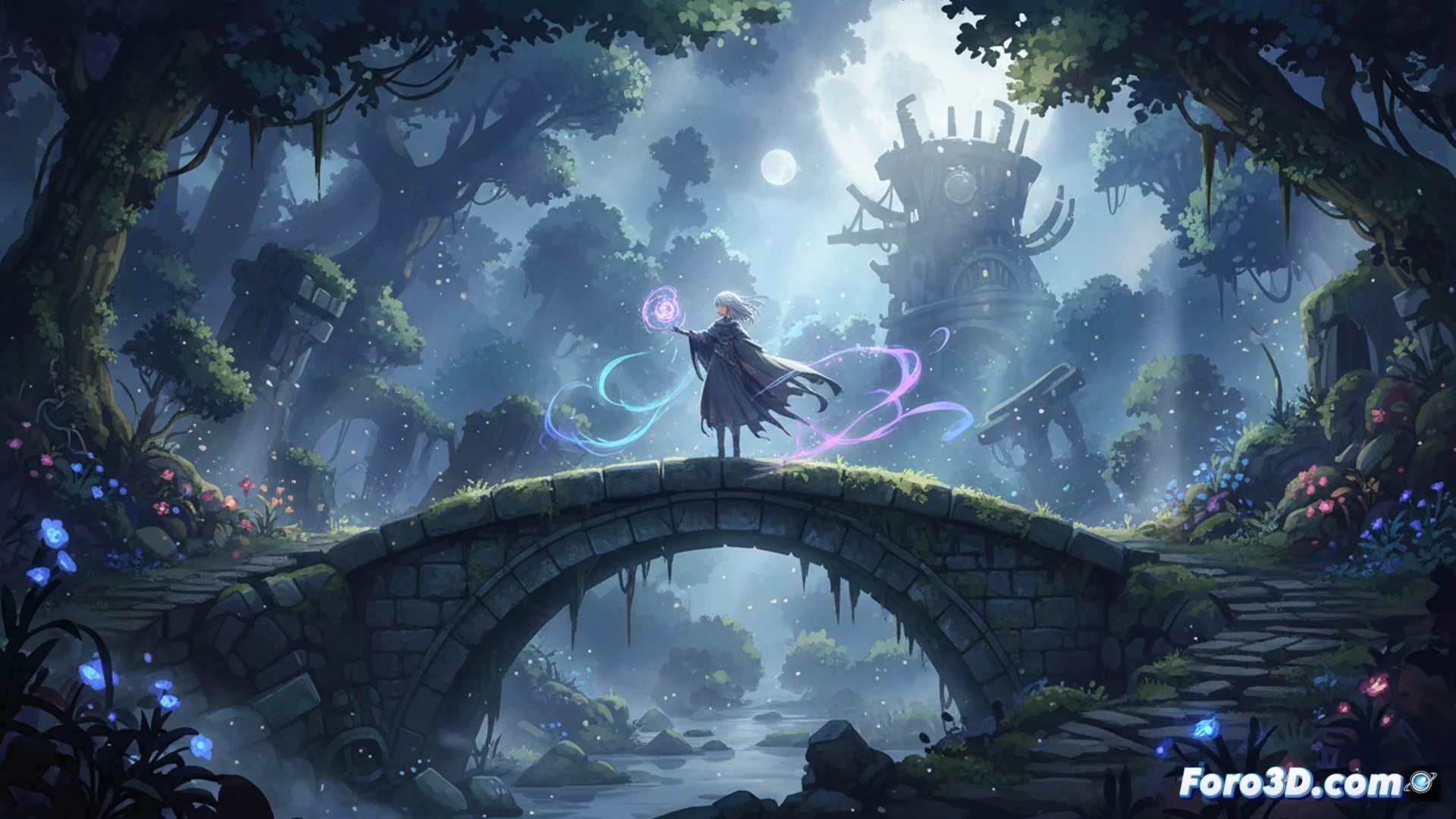
Dynamic Lighting and 2D Backgrounds: The Workflow in Unreal Engine 5 🎨
The main technical challenge in Ender Magnolia has been maintaining the 2D illustration aesthetic while implementing real-time volumetric lighting. The solution lies in a hybrid pipeline. The backgrounds are created as flat layers in Photoshop but are imported into Unreal Engine 5 as textures with normal maps generated from ZBrush. This allows the engine's Global Illumination (Lumen) to interact with the static background elements, creating soft shadows and reflections that change based on the character's position. For indie developers, the key is not to force complex 3D geometry; using planes with subtle displacement (parallax) and manually painted normals in ZBrush provides 80% of the visual impact with minimal performance cost.
Tips for Indies: Optimizing the Pipeline Without Losing Artistic Essence 🛠️
The biggest mistake when migrating to Unreal Engine 5 is trying to replicate realism. Ender Magnolia demonstrates that the engine is equally powerful for painted styles. I recommend not using 3D models for the backgrounds; instead, work with depth layers in Photoshop and export each layer as a separate texture. In ZBrush, focus on sculpting only the edges of objects to generate normal maps that give volume without needing polygons. Finally, in Unreal Engine 5, use the Forward rendering mode to maintain pixel art sharpness in sprites, avoiding TAA blur. Dynamic lighting should be subtle: a simple Directional Light with Lumen is enough to transform a flat background into a living scene.
Which specific Unreal Engine 5 technique, such as Lumen or Nanite, do you think makes the biggest difference in combat fluidity and level design in Ender Magnolia compared to the engine used in Ender Lilies?
(PS: shaders are like mayonnaise: if they break, you start all over again)