In the world of 3D content creation, audio is as crucial as visual quality. The Elgato Wave:3 positions itself as a USB microphone that combines a high-quality cardioid capsule with exclusive technology called ClipGuard, designed to prevent distortion during volume peaks. For a streamer narrating a live render or a modeling tutorial, this feature is essential, as it eliminates annoying audio cutouts that ruin the viewer's experience.
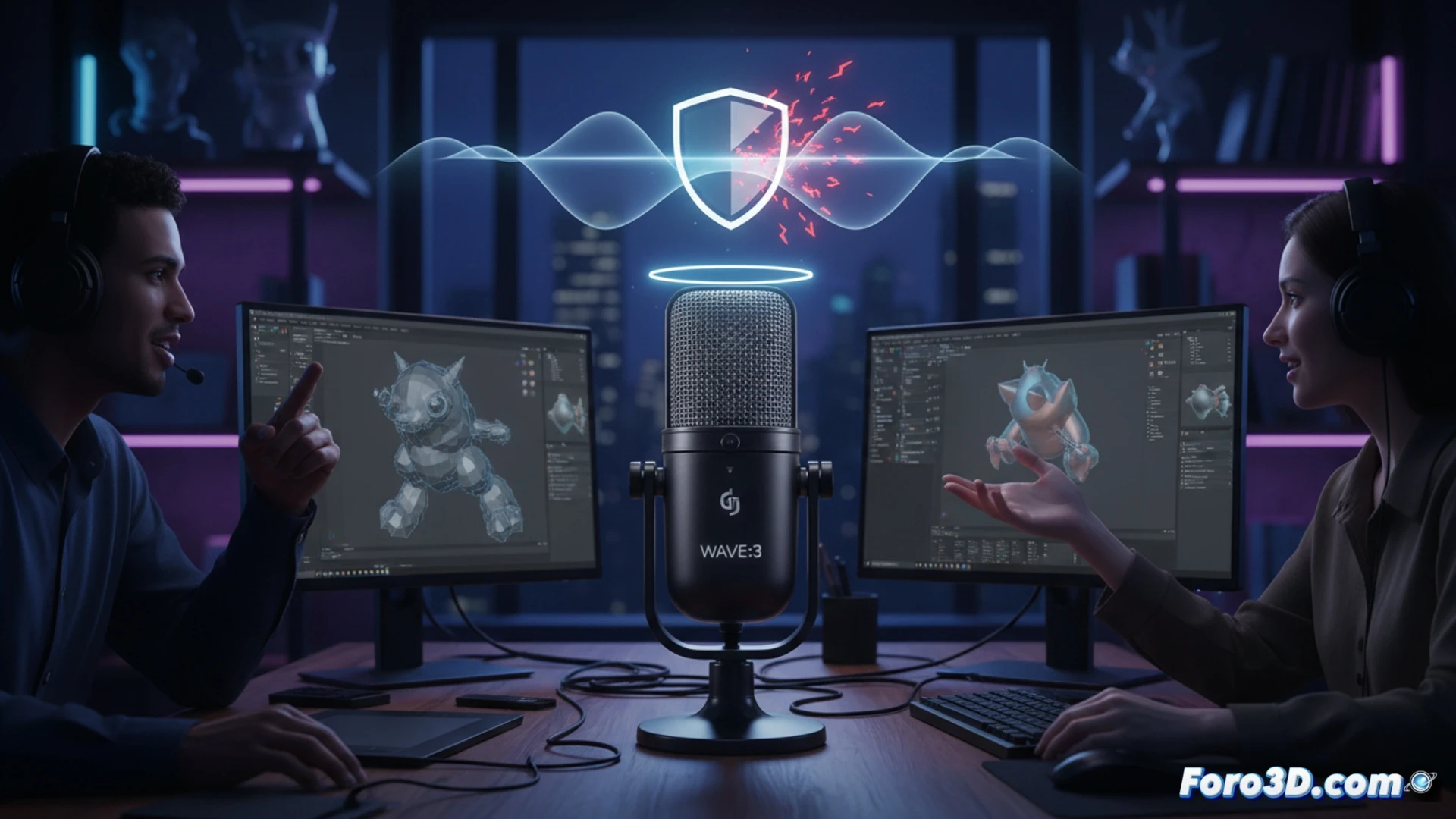
ClipGuard and digital mixer: technical precision in the audio flow 🎧
The heart of the Wave:3 lies in its clipping prevention system. Unlike other USB microphones such as the Blue Yeti or the Rode NT-USB, which rely solely on analog gain, the Wave:3 uses an internal digital buffer that captures and corrects the audio peak before it reaches the converter. This allows the user to keep gain low on the interface and avoid saturation, even if the speaker gets too close to the microphone. Additionally, its integrated digital mixer, accessible via the Wave Link software, allows managing up to eight audio sources (music, game, microphone, etc.) on independent channels, facilitating real-time mixing without the need for additional hardware. For the 3D creator working with software like Blender or Cinema 4D, this means being able to separate system audio, background music, and voice without perceptible latency.
An underestimated peripheral in the 3D setup? 🎙️
Often, 3D creators focus on GPU, CPU, and monitors, leaving audio as a secondary complement. However, the Wave:3 demonstrates that a microphone with active distortion protection and software-based mixing control can make the difference between a professional live stream and one with audio cutouts. Its compact design and included shock mount make it a solid option compared to alternatives like the Shure MV7, which requires an additional interface to match its digital flexibility. If you are looking for a microphone that understands the demands of 3D streaming, the Wave:3 is an investment that pays off from the first clip.
Is it possible to maintain professional audio quality with the Elgato Wave:3 in a 3D modeling environment where fan noise and high-power components are constant?
(PS: If your computer is smoking when opening Blender, maybe you need more than just a fan and faith)