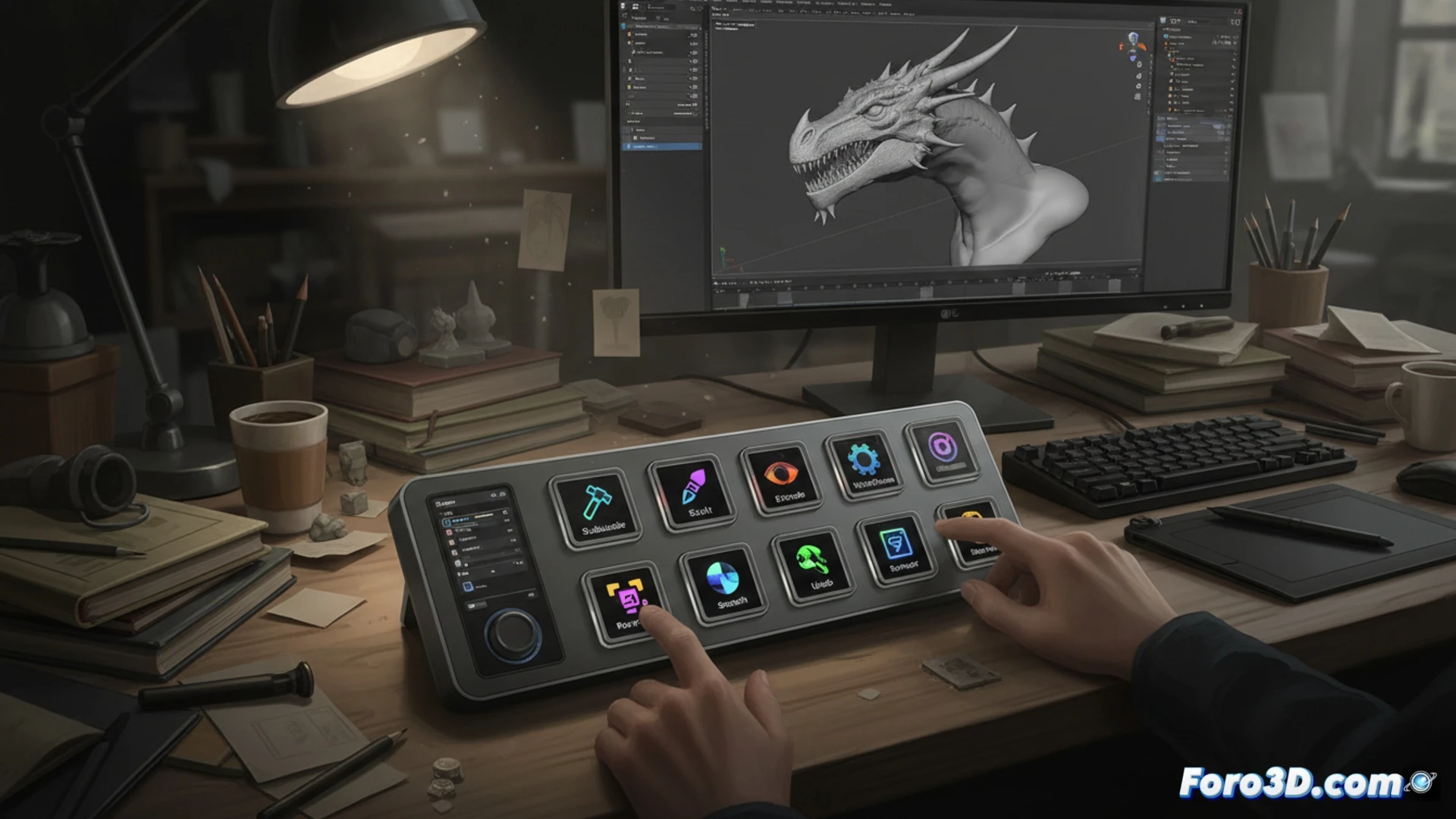
The Elgato Stream Deck Neo arrives as a refined version of the popular macro controller, betting on a slimmer design and a high-density LCD screen. Far from being a gadget for streamers, this peripheral positions itself as a serious tool for the 3D professional. Its ability to assign complex actions to tactile buttons with visual feedback allows speeding up repetitive tasks in modeling software, reducing reliance on impossible-to-remember key combinations and freeing up mental space for creative work.
Technical integration in the modeling and rendering pipeline 🚀
The true power of the Stream Deck Neo lies in its contextual profile software. In a Blender workflow, we can assign a specific profile for the polygonal modeling phase with shortcuts to tools like Extrude, Bisect, or Smooth. When switching to the Shading window, the profile automatically updates to show node controls and material previews. For rendering with Cycles or Redshift, a dedicated profile can launch local renders, manage the render farm, or toggle between camera and editor views. In Maya or ZBrush, the logic is identical: macros for symmetry, DynaMesh, or level subdivision execute with a single touch, eliminating the friction of navigating contextual menus. Unlike a traditional macro keyboard, the Neo's screen displays custom icons (screenshots of the tool or its name in clear text), which reduces human error and the learning curve when switching projects.
A necessary luxury or the missing link in the workflow? ⚙️
Compared to a graphics tablet like Wacom, the Stream Deck Neo does not compete in direct drawing, but in command management. While the tablet optimizes the stroke, the Neo optimizes the menu. Its slim and elegant design takes up less space than an external numeric keypad and its USB-C connectivity makes it plug-and-play on any Windows or Mac workstation. For the 3D artist who spends hours repeating the same key sequence, the investment pays for itself in weeks of productivity. It is not a whim, but a logical extension of the desktop for those who understand that in 3D modeling, every second saved on the interface is a second invested in geometry.
How can a device like the Elgato Stream Deck Neo optimize modeling and rendering workflows in 3D applications such as Blender or ZBrush, beyond basic macro functions?
(PS: If your computer smokes when opening Blender, you might need more than a fan and faith)