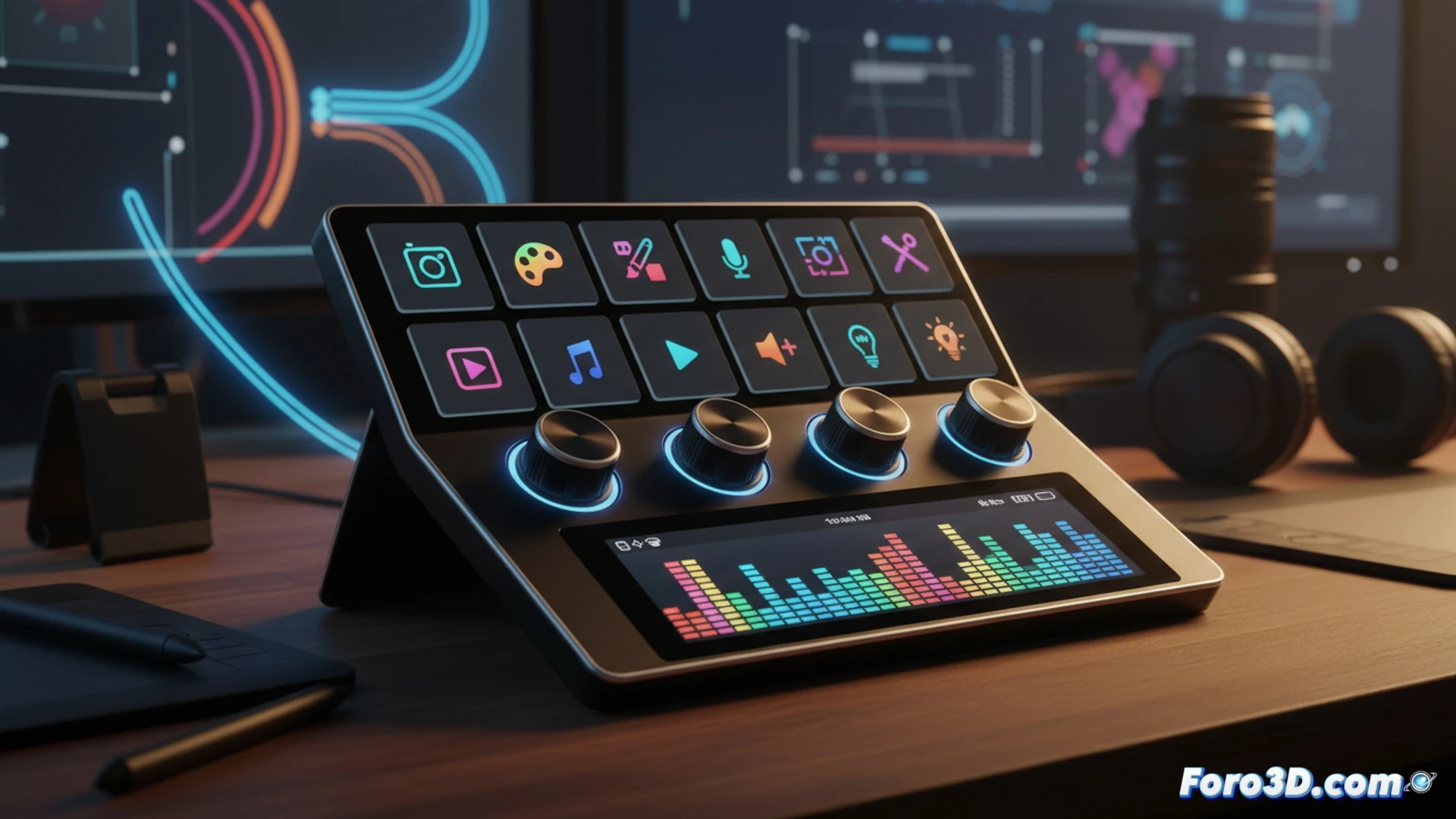
Hardware for content creators and editors has evolved. The Elgato Stream Deck + arrives to fill a space many didn't know they needed: tactile-analog control. It combines eight customizable LCD keys with four rotary dials that allow precise parameter adjustments, whether in Photoshop, DaVinci Resolve, or any editing software. Its touchscreen adds an extra layer of versatility.
Deep integration and profile customization 🎛️
The Stream Deck + connects via USB-C and is instantly recognized by the proprietary app. Each key can display an icon or text, and the dials are assigned to functions like zoom, brightness, or timeline position. Internal memory allows saving profiles for each program, switching between them effortlessly. The dials offer tactile feedback and clicks that prevent misadjustments. It's a control panel that eliminates the constant search for keyboard shortcuts.
The controller your mouse would want as a neighbor 🖱️
After hours of retouching layers, you discover that turning a dial is more satisfying than dragging a slider with the mouse. The Stream Deck + makes you feel like an editing DJ, except your mixes are of color curves instead of bass. That said, be careful when using it in a café: people will give you strange looks as you adjust a model's skin tone with the seriousness of a Formula 1 driver.