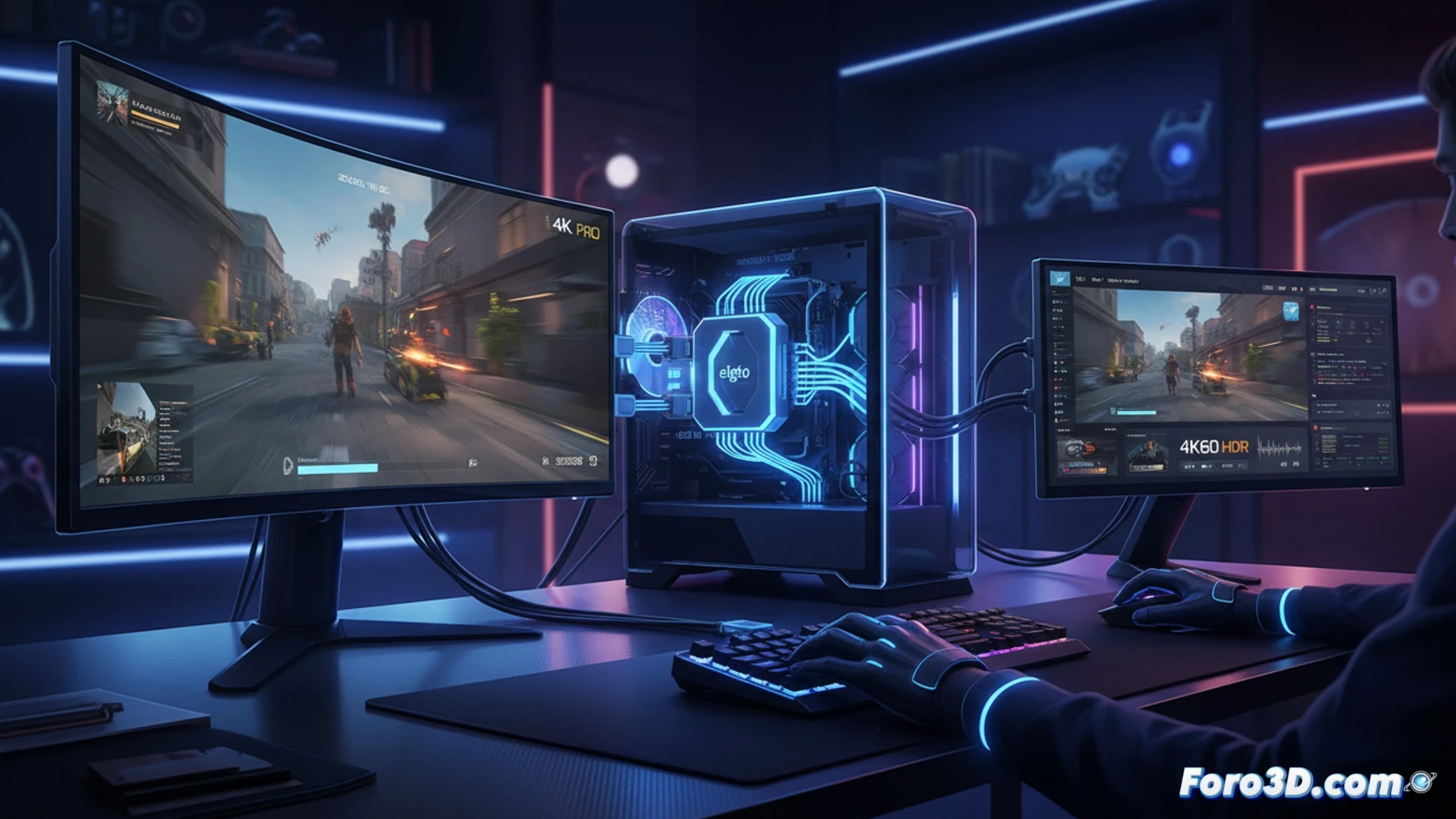
Elgato's new internal card arrives to solve a common dilemma among streamers and content creators: how to record or stream in 4K while the monitor continues to display the action at 144 Hz with HDR. Its support for HDMI 2.1 allows maintaining visual fluidity without sacrificing capture quality. A logical step for those demanding the latest in graphical performance.
HDMI 2.1 and VRR: the technical foundation of frictionless capture 🎮
The key lies in the 48 Gbps bandwidth of HDMI 2.1, which allows handling 4K signals at 144 Hz with HDR10 and VRR active. The card captures at 4K60 via a bypass that sends the original signal to the monitor while processing a compressed copy. VRR prevents screen tearing, and HDR is maintained on both paths. Compatible with PCIe x4 Gen 2, it works on Windows 10 and 11 systems with OBS or Elgato's own software. No additional drivers are required, just a free slot and a power supply that can handle the extra consumption.
Because stopping the game to record is so 1990 😅
Before, to capture properly you had to choose: either you saw the game at 30 fps or you recorded at 720p and prayed. Now Elgato lets you have your cake and eat it too, as long as your wallet doesn't cry at the card's price. Of course, if your PC looks like a microwave inside, better check the ventilation before installing it, lest the smoke you see isn't from the game, but from your power supply.