The profession of landscape architect has evolved beyond pencil and paper. 3D technology allows you to visualize gardens, terraces, or entire parks before moving a single plant. Scale errors are avoided, species combinations are tested, and a professional presentation is delivered to the client. A clear example: simulating a tree's growth over 10 years to see if it will shade the pool or if its roots will break the ground. It's pure foresight.
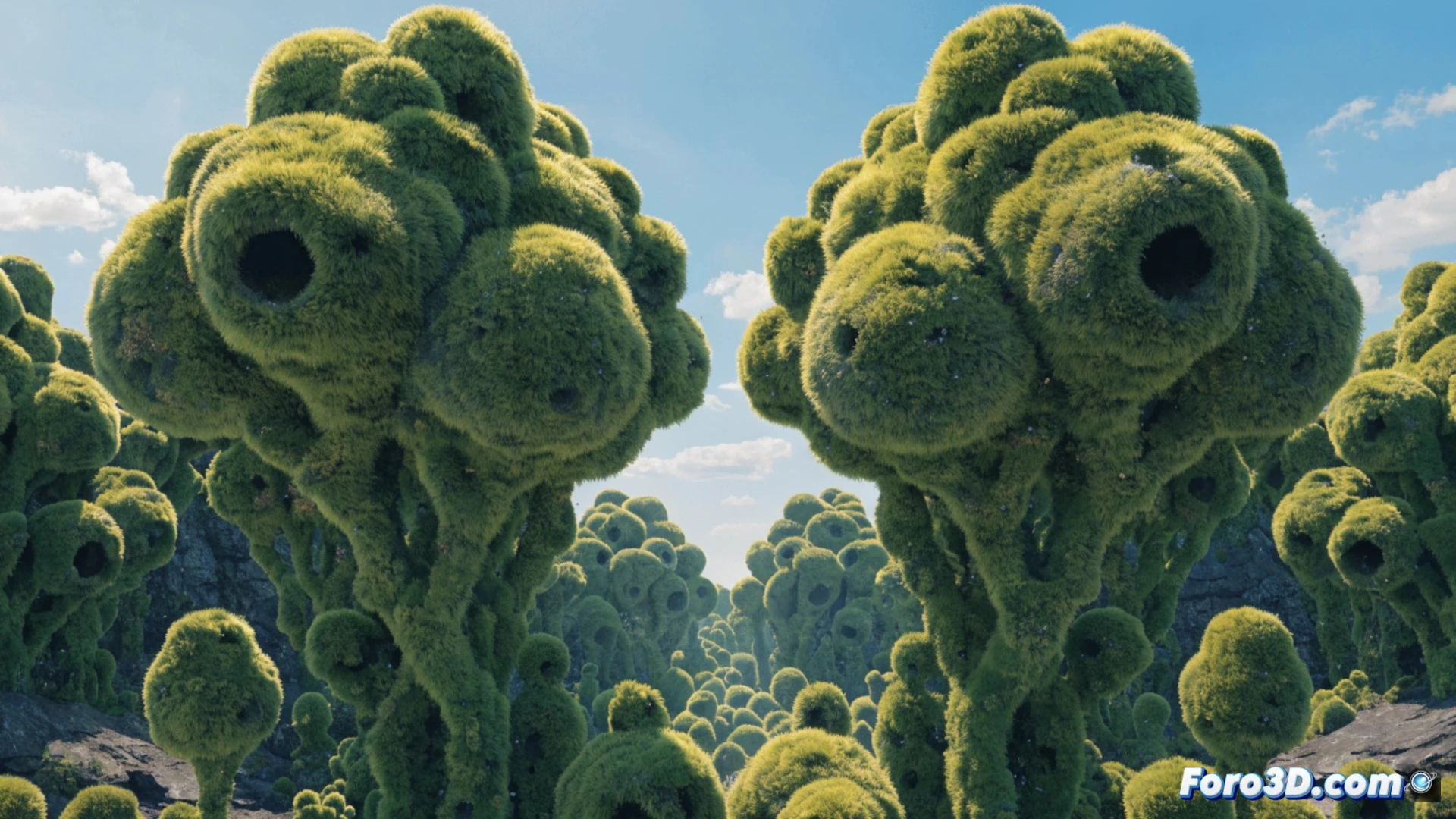
Modeling terrain and vegetation with specialized software 🌿
To work in 3D, you need SketchUp or Blender to model the terrain and hard structures like pergolas or paths. Then, Lumion or Twinmotion render vegetation with realistic textures, wind, and changing sunlight. For precise botanical control, PlantFactory allows you to create custom species. If integration with technical plans is required, AutoCAD and Revit are the standard. The key is combining tools: parametric modeling for topography and game engines for the final visual look.
When the client asks you for a 15-meter bonsai 😅
The real problem isn't modeling the garden, but dealing with the client who tells you: I want a Japanese forest, but with palm trees and a fountain that looks like Las Vegas. That's where 3D saves your sanity. You show them the render, they see the visual chaos, and suddenly they accept that English lawn and cacti don't mix. Technology prevents you from ending up digging a hole to bury the corpse of their idea. Or yours.