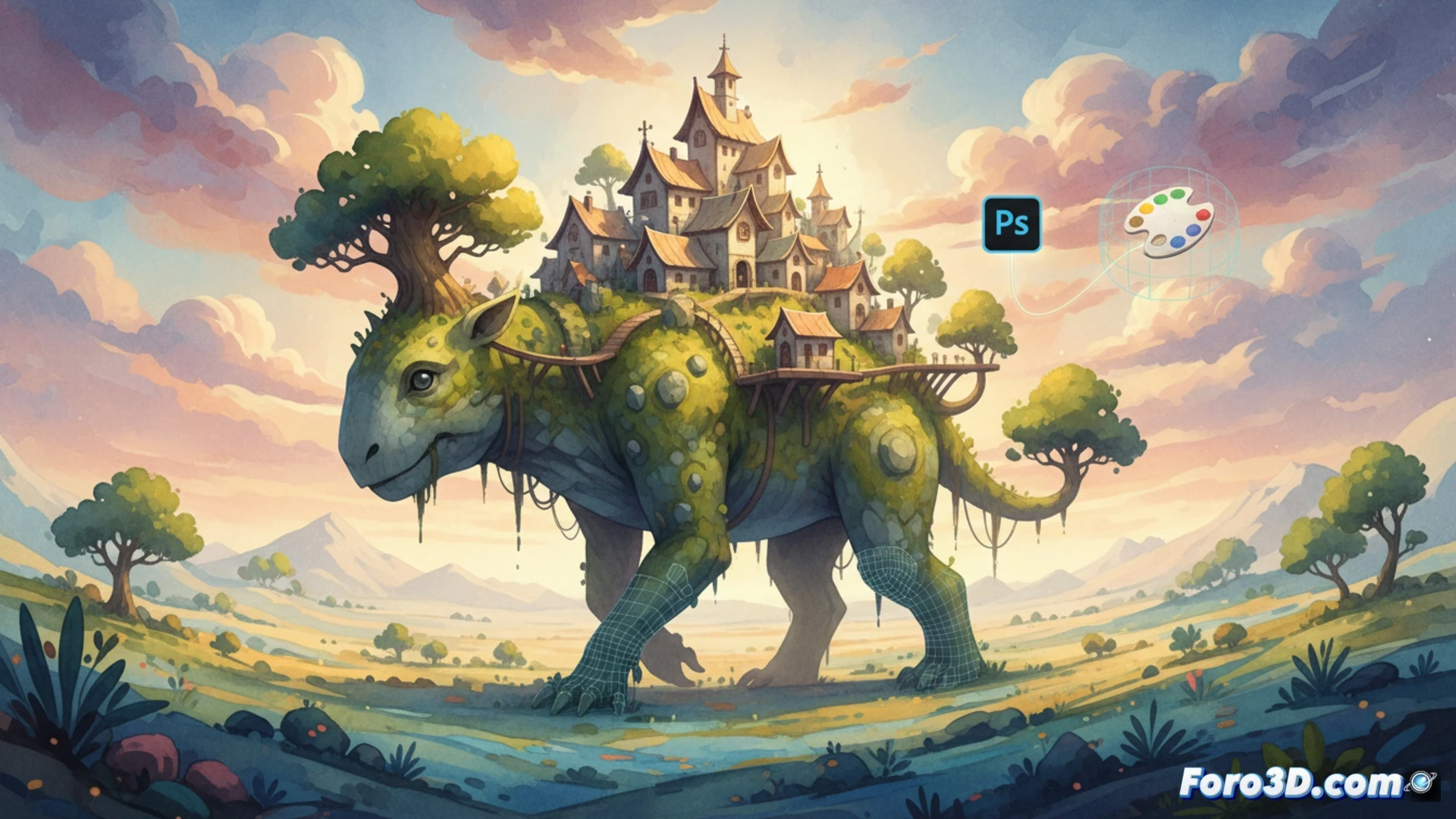
The Wandering Village surprised the indie community with its visual proposal: a hand-drawn 2D world that comes to life on the back of a giant 3D-modeled creature. This hybrid approach not only defines its artistic identity but also solves one of the major challenges of independent development: achieving a unique style without a AAA budget. We analyze the pipeline that combines Photoshop, Blender, and Unity to create this illusion of living watercolor. 🎨
Production Pipeline: From 2D Drawing to 3D Scene in Unity 🖌️
The process begins in Adobe Photoshop, where artists draw each element of the village (buildings, vegetation, and characters) with watercolor textures and irregular edges. These sprites are exported as PNGs with transparency. In parallel, the walking creature is modeled in Blender, a 3D asset with simple topology that avoids excessive detail to not compete with the 2D art. The magic happens in Unity: the 2D sprites are placed as Sprite Renderer objects on the surface of the 3D model, using the engine's physics to follow the movements of the back. To maintain consistency, a custom shader is applied that mimics flat watercolor shading on the 3D geometry, eliminating realistic reflections that would break the pictorial illusion. The trick lies in using soft directional lights and bitmap shadows, not real-time ones.
Tips for Indies: Visual Coherence with Limited Resources 🎯
To achieve a style like this without a large team, prioritize a limited color palette and low-resolution textures (512x512 maximum). In Unity, use the Sorting Layers system to control the depth of 2D sprites over the 3D model without needing complex shaders. A common mistake is to clutter the scene with assets; instead, apply the principle of less is more: let the 3D creature be the canvas and the 2D sprites the brushstrokes. Finally, optimize by using sprite atlases and removing invisible polygons in Blender. The key is not to imitate reality, but to paint over it.
As an indie developer, what key process or technique in Unity do you recommend to achieve the living watercolor effect and organic texture without losing performance in complex scenes like those in The Wandering Village?
(PS: optimizing for mobile is like trying to fit an elephant into a Mini Cooper)