Traditional video editing relies on cuts, transitions, and color correction. But when you need to integrate elements that are impossible to film, 3D technology becomes an essential craft tool. It allows you to create objects, scenes, or animations that blend with real footage, saving hours of shooting and post-production. An editor who masters the basics of 3D can solve complex problems without relying on a visual effects team.
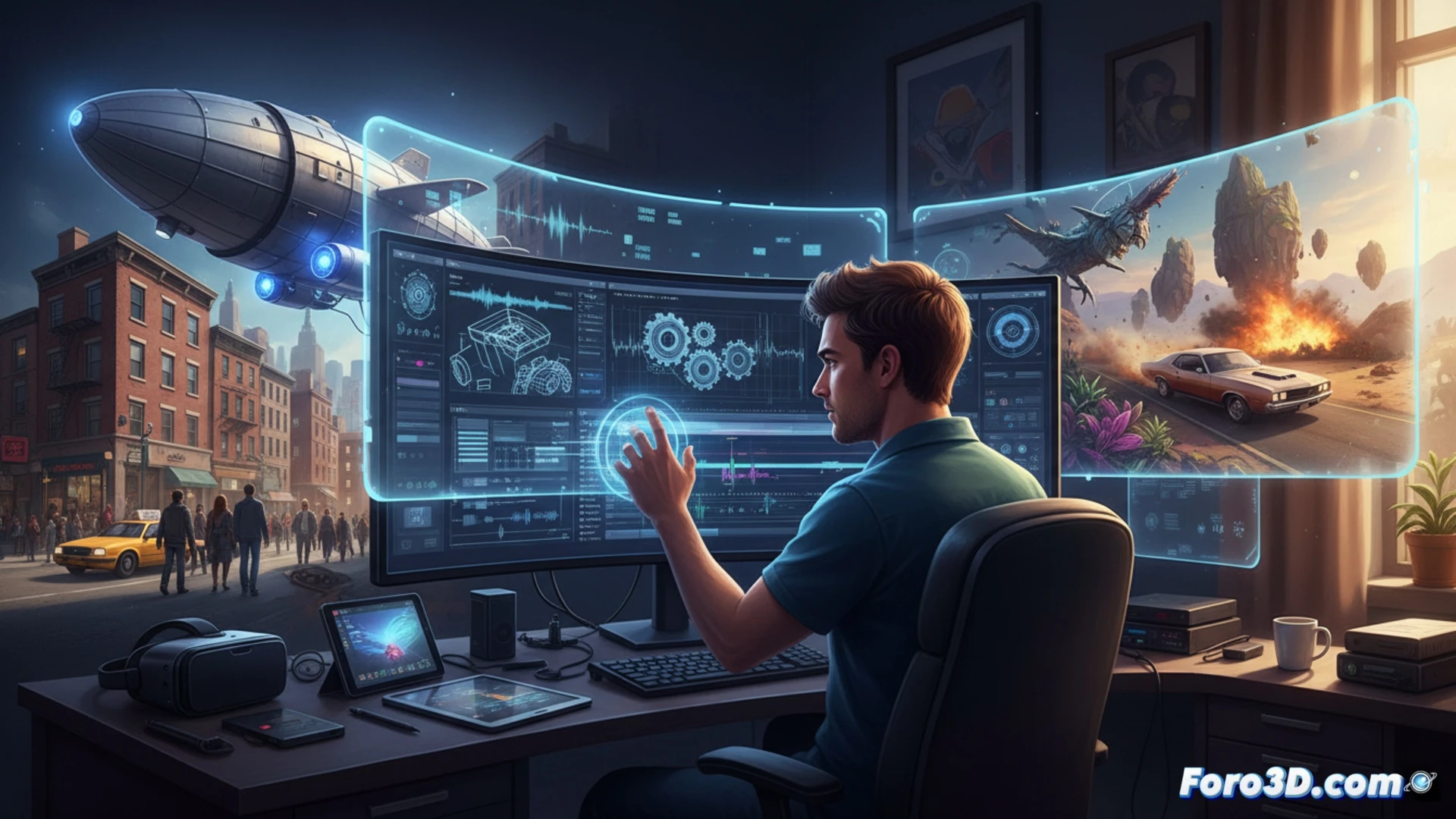
The workflow: from modeling to compositing 🎬
A practical example is inserting an animated logo that rotates in a real shot. The editor models the object in Blender (free and powerful), applies textures, and exports it with transparency in EXR or PNG format. Then, in DaVinci Resolve or After Effects, they place it over the video using motion tracking so the logo adheres to a surface. The key is matching the lighting and perspective of the original shot, adjusting shadows and reflections with adjustment layers. Programs like Cinema 4D or Maya are more robust options for complex projects.
When 3D saves you from reshooting 🎥
We've all had that moment when the client says: what if instead of a white cup, the cup were an octopus with neon legs?. Instead of cursing your luck or renting a studio again, you open Blender, model the octopus in 20 minutes, render it, and integrate it into the scene. The client is amazed, and you save yourself the coffee that would have given you a heart attack. Of course, then you'll have to explain that the octopus can't actually drink coffee. Occupational hazards.