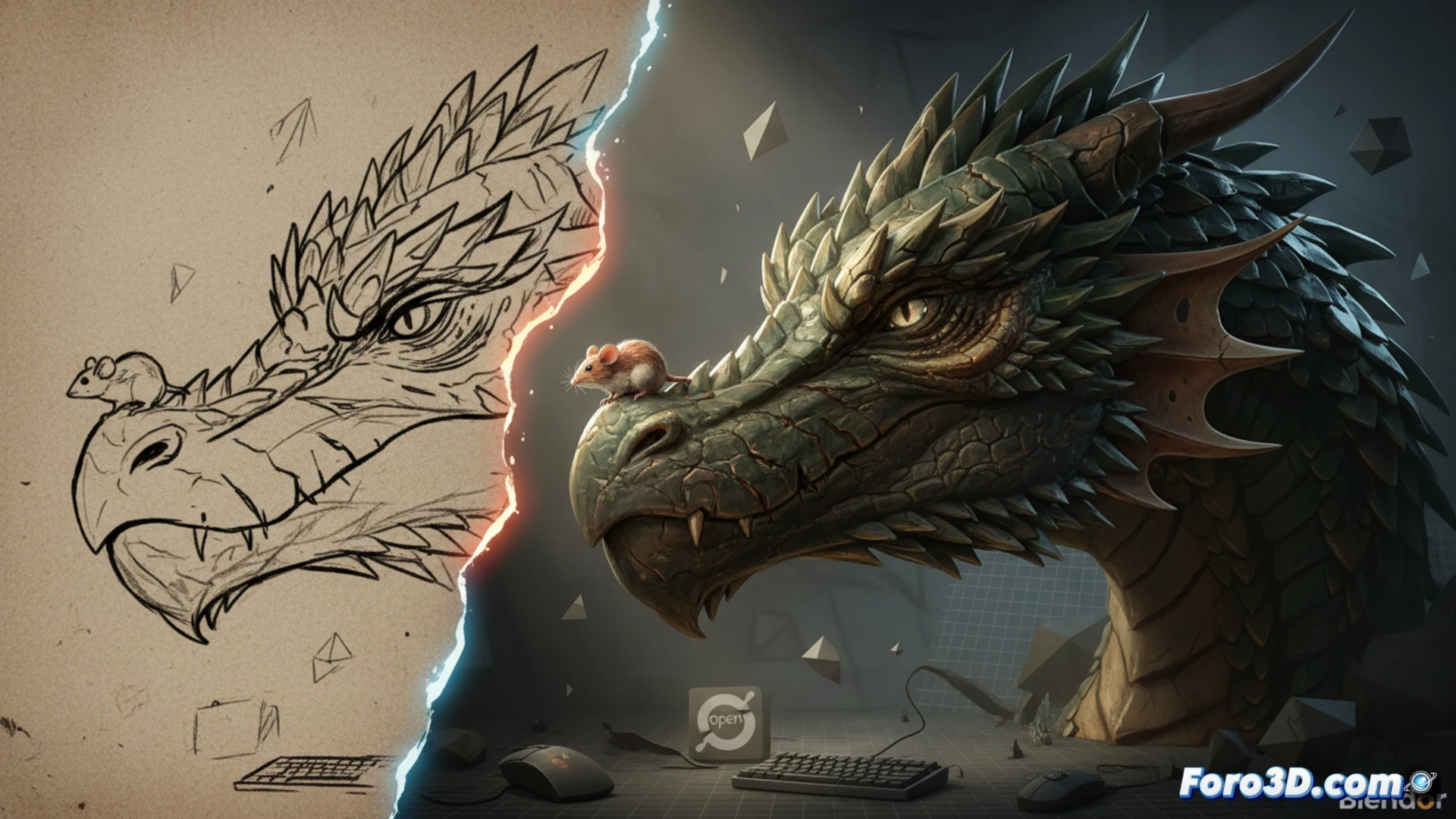
A digital artist has transformed a flat illustration of a dragon and a mouse into a three-dimensional scene using Blender, free and open-source software. The result shows how the combination of lights, shadows, and textures turns a drawing into a world with volume. This case demonstrates that anyone with a basic PC and access to free tools can make the leap from paper to the third dimension without spending a euro on licenses.
Modeling, lighting, and textures: the technical step-by-step 🎨
The process began by importing the illustration as a visual reference. Then, the basic shapes of the dragon and mouse were modeled using polygon meshes and modifiers. The lighting was set up with three light sources: a key light, a fill light, and a rim light, to highlight scales and fur. Textures were created with roughness and normal maps, applied from Blender's node editor. The final render was calculated with Cycles, a engine that simulates the physical behavior of light.
The dragon eats the mouse, but the mouse eats the RAM 😅
What they don't tell you is that while the dragon roars and the mouse trembles, your computer starts sounding like a hair dryer. Because yes, Blender is free, but patience is not. If you have a graphics card from ten years ago, get ready to watch the render advance at a snail's pace with a hangover. But hey, nothing like waiting 45 minutes for a pixel mouse to open an eye. Creativity to the max, fans to the max.