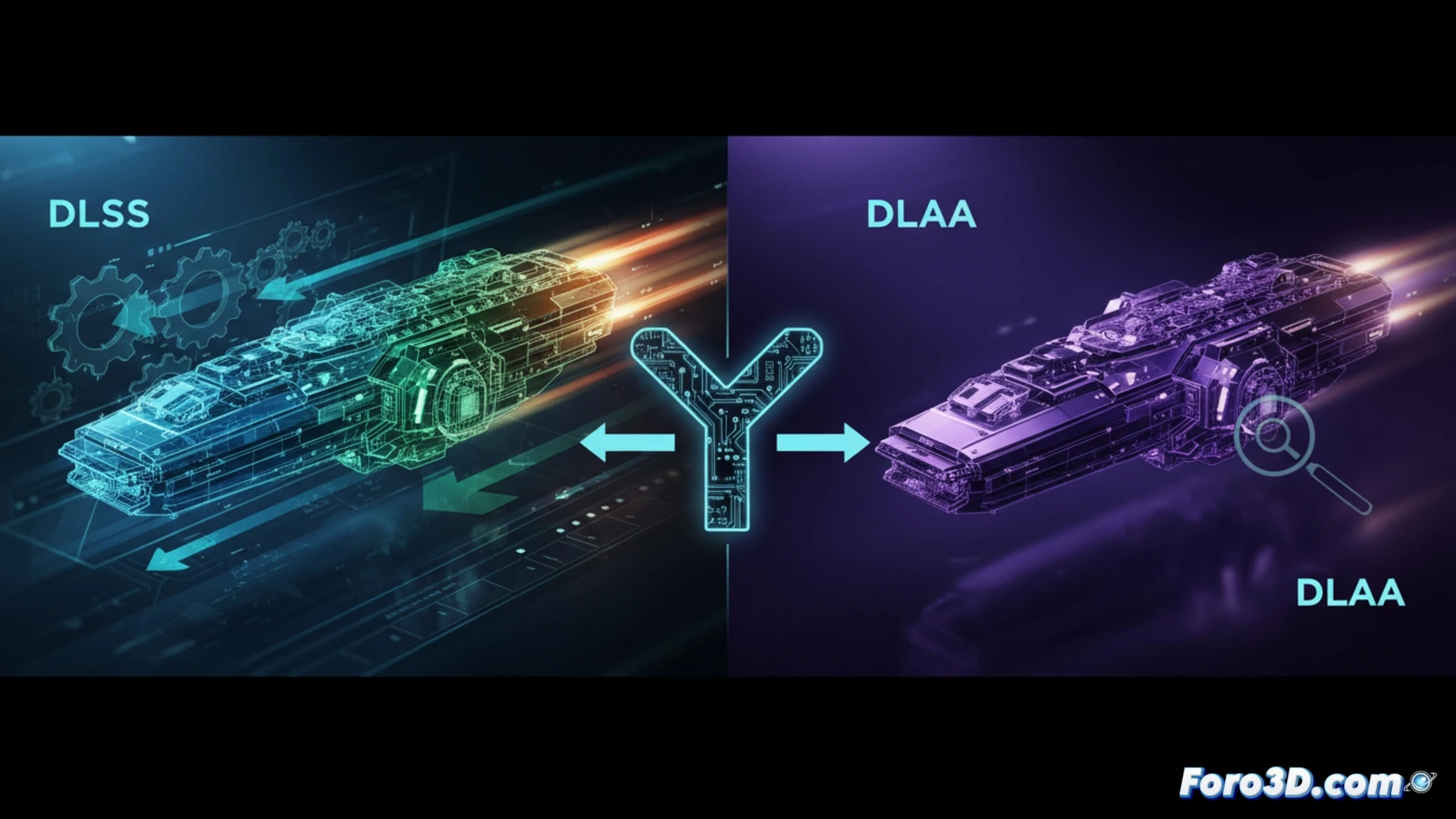
The decision between DLSS and DLAA on NVIDIA graphics cards is not trivial for those working in 3D. While DLSS (Deep Learning Super Sampling) boosts performance by rendering at a lower resolution and upscaling with AI, DLAA (Deep Learning Anti-Aliasing) applies smoothing at native resolution without compromising sharpness. The dilemma is clear: fluidity versus pure pixel quality. In this article, we analyze when to activate each technology based on your hardware and workflow. 🎮
Technical impact on mid-range and high-end GPUs 🔧
On mid-range GPUs like an RTX 3060 or RTX 4060, DLSS in Quality mode can offer between 20% and 50% more FPS in complex simulations or viewports with high polygon density. However, DLAA on these same cards can reduce FPS by 5% to 10% compared to native resolution, which is critical if you work with heavy scenes in Blender or Unreal Engine. For high-end GPUs like the RTX 4090, DLAA becomes a realistic option: it maintains edge sharpness without artifacts, ideal for final model reviews. In contrast, DLSS in Performance or Ultra Performance mode can double FPS in viewports with active ray tracing, although it sacrifices definition in distant textures.
Maximum sharpness or maximum fluidity for your workflow? ⚖️
The practical rule is simple: if your GPU stays stable above 60 FPS in your work scene, activate DLAA to eliminate jagged edges without blurring. If you struggle to reach 30 FPS in simulations or complex viewports, DLSS in Quality or Balanced mode is the right tool. For detailed modeling and final rendering, prioritize DLAA; for real-time animation or interactive simulations, choose DLSS. Remember that DLSS can introduce ghosting on fast-moving objects, while DLAA demands more from your VRAM.
Is it better to sacrifice performance with DLAA to maintain maximum visual quality in 3D modeling, or can DLSS in quality mode offer acceptable precision in lines and edges without artifacts that compromise technical work?
(PS: Your CPU heats up more than the Blender vs. Maya debate)