3D technology allows gardeners to visualize the growth of plants, trees, and shrubs before digging a single hole. With precise digital models, common mistakes such as placing species in shaded areas or near pipes can be avoided. This saves time, money, and physical effort. A clear example: simulating a living hedge to see its height at 5 years without waiting half a decade.
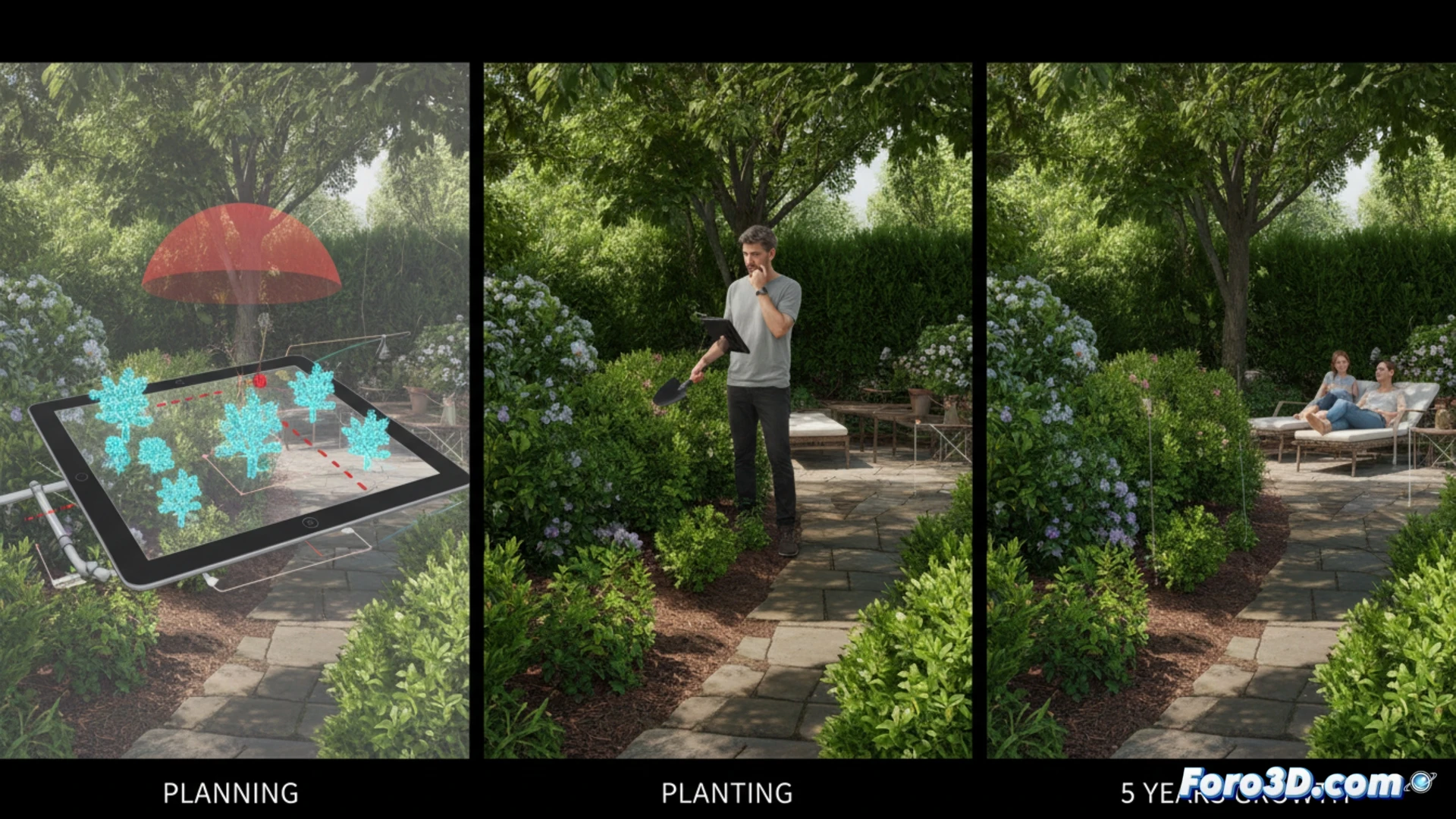
Software and tools for garden modeling 🌿
Programs like SketchUp, with its extensive vegetation library, or Blender, for detailed organic control, are accessible options. For professional gardeners, Vectorworks Landmark offers specific irrigation and topography modules. There is also Garden Planner, simpler and ideal for home projects. All allow importing CAD terrain plans, adjusting slopes, and calculating daily sun exposure. The key is to use layers: first the ground, then the infrastructure, and finally the vegetation.
When the virtual bonsai doesn't water itself 💧
Of course, modeling a garden in 3D doesn't turn a novice into a professional gardener. You'll still have to get up early to water, even if your render shows a perfect, weed-free lawn. Technology helps with planning, but it doesn't prevent you from getting your knees dirty or your neighbor asking why your digital tomato is bigger than the real one. At least, if something goes wrong, you can always delete the file and start over without breaking a sweat.