8K video editing and complex 3D scene manipulation demand storage capable of moving gigabytes of data without stuttering. Crucial has launched the T500, an NVMe PCIe 4.0 SSD that promises sequential read speeds of up to 7,400 MB/s. But the key question for 3D professionals isn't just how fast it reads files, but how it performs under the real-world load of 4K textures and dense geometry.
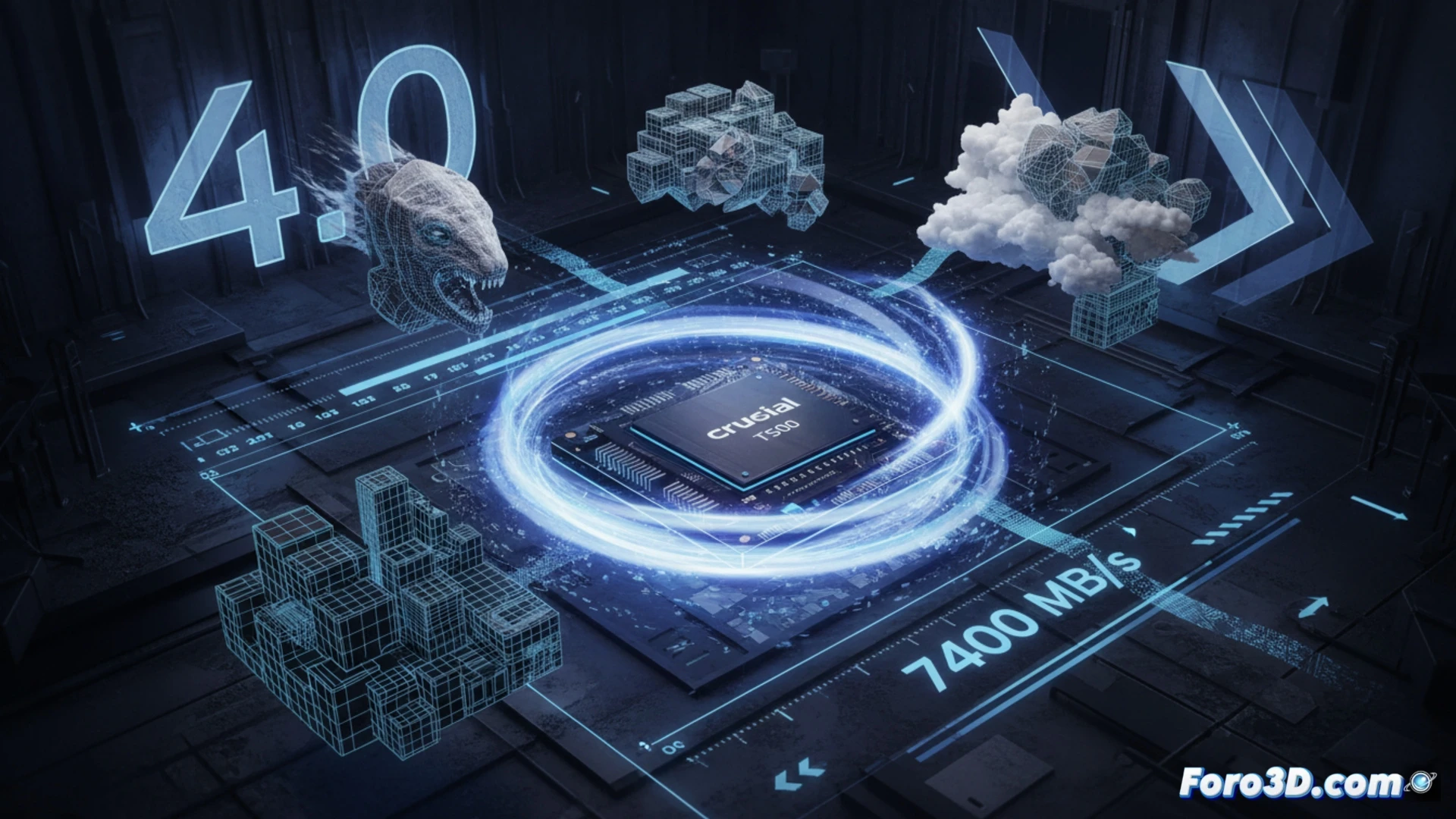
Technical Performance: Smooth Viewport and Reduced Load Times 🚀
The Crucial T500 uses the Phison E25 controller with 232-layer 3D NAND flash memory. For a modeler working with high-resolution meshes or 4K PBR textures, latency is the enemy. This SSD offers 1,200K IOPS in random reads and 1,180K IOPS in writes, metrics that eliminate stuttering when navigating the viewport in Blender or Maya. In tests loading complex projects, the T500 reduces the opening time of heavy .blend files by up to 30% compared to PCIe 3.0 drives. Additionally, its dynamic cache maintains sustained speeds during image sequence exports, a critical point for particle simulations or long-duration renders.
Is the T500 the Missing Piece in Your Workstation? 🔧
Not all SSDs are equal for 3D work. While a generic drive can become saturated when dumping a fluid simulation, the T500 maintains consistency thanks to its Dynamic Write Acceleration technology. For the professional looking to reduce bottlenecks in data transfer between RAM and the disk, this drive represents a solid investment. If your workflow involves constantly loading and saving projects of hundreds of megabytes, the T500 will not only save you time but will make your viewport feel more responsive than ever.
Considering the high bandwidth demands of 8K textures and complex 3D scene assets, how does the performance difference between a PCIe 4.0 SSD like the Crucial T500 and a high-end PCIe 3.0 SSD translate in real-time when loading a heavy scene in software like Blender or Unreal Engine?
(PS: Your CPU heats up more than the Blender vs. Maya debate)