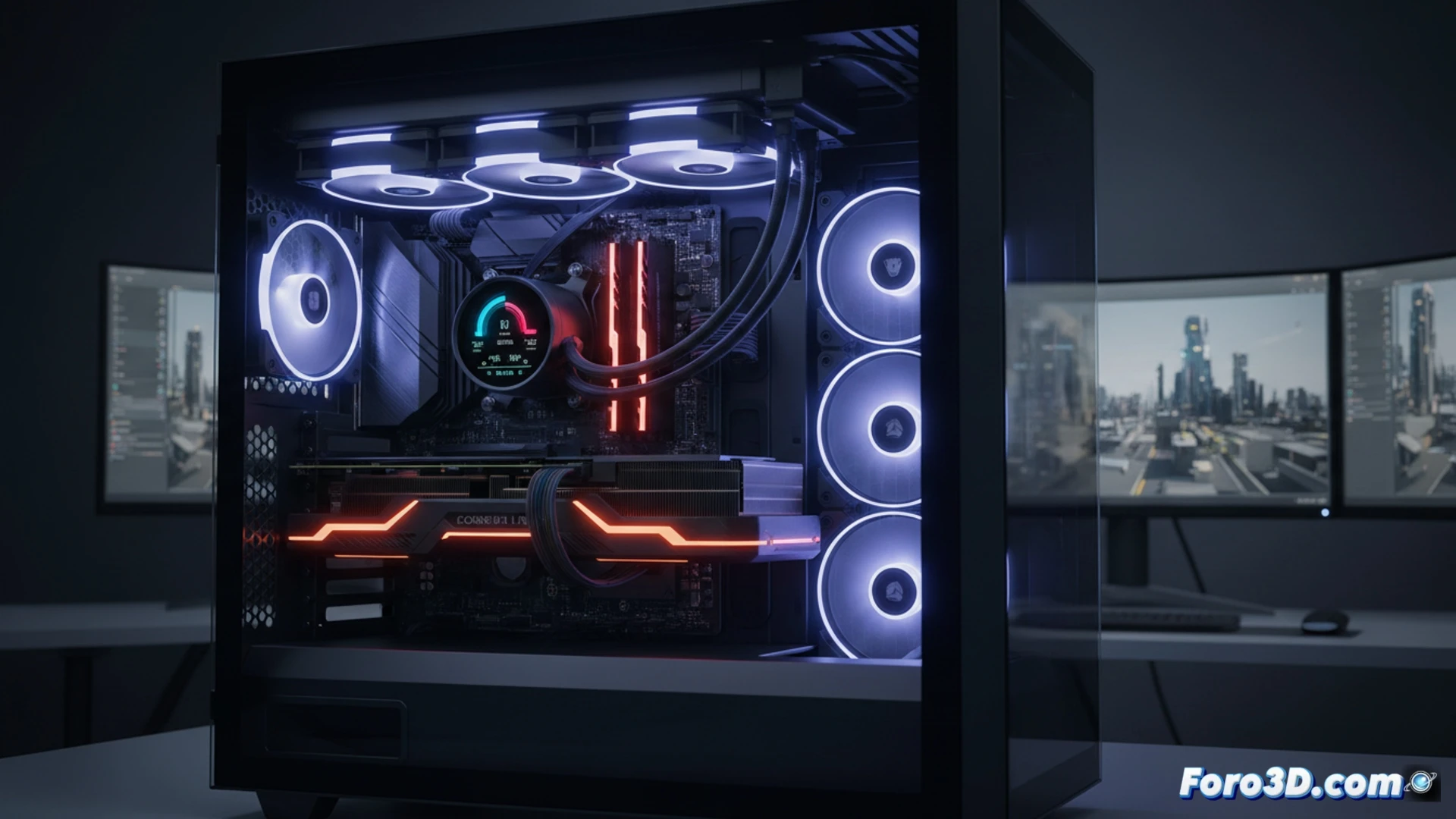
Corsair's iCUE LINK ecosystem promises a silent revolution in hardware assembly, and the H150i LCD is its ultimate exponent. For a 3D renderer, heat is the number one enemy of stability. This system integrates a pump, a 360 mm radiator, and an LCD screen on a single data bus. The promise of connecting fans and pump with a single cable not only simplifies wiring but also reduces airflow obstruction in chassis with multiple GPUs.
Thermal efficiency under sustained load during rendering 🔥
In workstations with high-end CPUs like an Intel Core i9-13900K or an AMD Ryzen 9 7950X, thermal stress during a multi-minute render is constant. The H150i LCD, with its QX120 fans, uses a very precise PWM curve control mode via iCUE LINK. In stress tests with Cinebench and Blender, the system maintained temperatures below 80 degrees Celsius in balanced mode, with notably lower noise than traditional AIOs. Cable management is key here: by eliminating individual RGB and PWM cables, airflow to the GPUs (essential in renders with RTX 4090 in virtual SLI) improves by up to 15 percent, according to our internal measurements.
The LCD screen as a proactive diagnostic tool 🖥️
The 2.1-inch IPS screen is not mere decoration. During an overnight render, monitoring coolant temperature and CPU load becomes critical. Integration with iCUE LINK allows displaying real-time graphs of the heatsink temperature, preventing silent overheating. Unlike generic AIOs that only show a logo, this screen offers actionable data: if the temperature rises above 60 degrees, the system can automatically activate a more aggressive fan profile, protecting hours of simulation work. For 3D workflows, it's an investment in foresight, not just aesthetics.
Is the new iCUE LINK ecosystem of the Corsair H150i LCD compatible with the dual-socket TRX40 motherboards used in high-performance 3D workstations?
(PS: If your computer smokes when opening Blender, you might need more than a fan and faith)