When your keyboard stops responding, panic may set in, but all is not lost. Many modern models include firmware that sometimes fails, and a hard reset can bring them back to life. Depending on whether it is wired or wireless, the method changes, but it is usually simple and prevents you from hastily buying a new one.
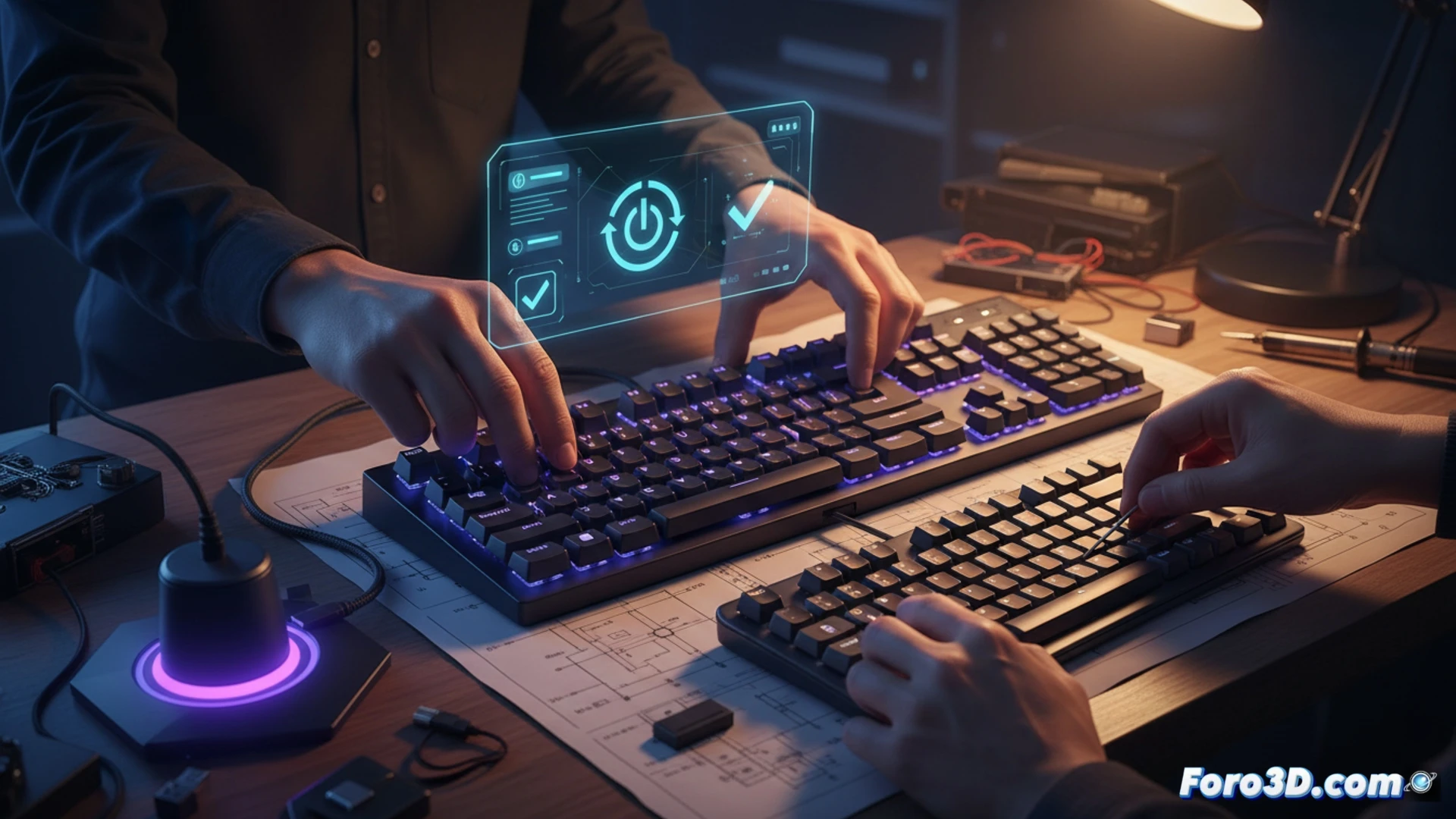
The technical reset according to connection type 🛠️
On wired keyboards from brands like Corsair, Razer, or Logitech, disconnect the USB, hold down the Esc key, and reconnect to the PC. Wait 5 to 10 seconds until the lights flash. For wireless or Bluetooth models, look for a small hole, insert a paperclip, and hold it down until you see flashing. If it supports a cable, connect it that way and apply the first method. If the issue persists, open Device Manager in Windows, locate the Keyboards section, uninstall the driver, and restart the PC so the system reinstalls it automatically.
The panic button we all need 😅
Of course, nothing beats discovering that your 200-euro keyboard has become a museum piece just as you were about to finish a game. The reset hole seems designed for you to lose the paperclip in the attempt, and holding Esc while reinserting the USB will make you feel like a hardware surgeon. If after all this it still doesn't work, at least you'll have an excuse to blame Windows and not your clumsiness.