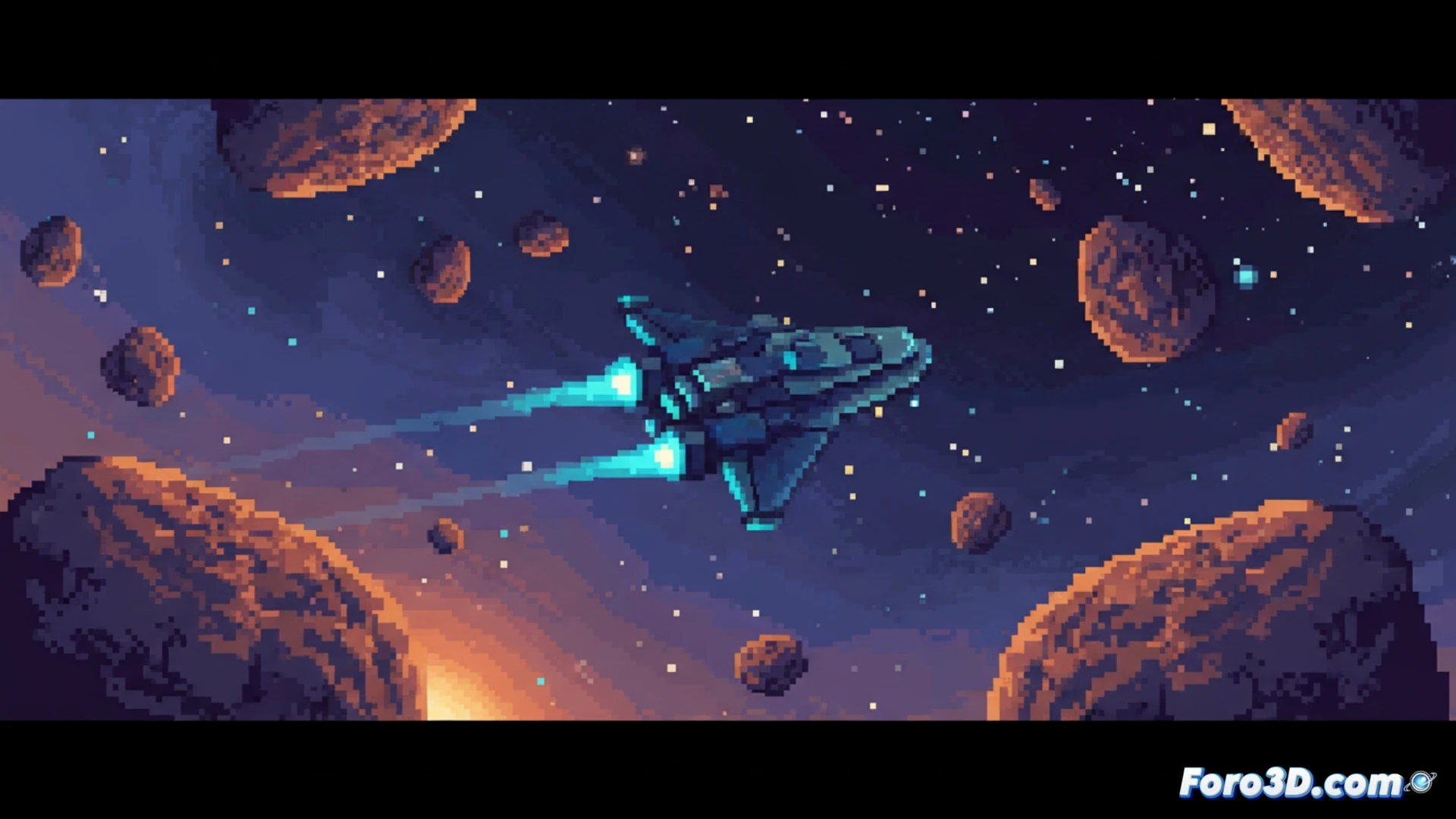
Cobalt Core proves that an indie game can shine with limited resources if the right tools are applied. Developed in Godot Engine and with assets created in Aseprite, this title achieves a minimalist sci-fi pixel art aesthetic that does not sacrifice visual clarity. The key lies in how the engine handles lighting and color, while the sprite editor optimizes each frame to maintain smooth performance even on modest hardware.
Asset optimization and color palettes in Godot 🎨
The vibrant color palette of Cobalt Core is no coincidence. In Godot, the use of custom shaders allows applying post-processing effects without inflating the project size. By working with Aseprite, the developers limited the palette to 16 colors per sprite, reducing GPU load and facilitating frame-by-frame animation. Additionally, the clear interface was achieved through nested Control nodes that scale without losing sharpness, an essential practice for 2D games that must run at multiple resolutions. This avoids blurry textures and maintains visual coherence on high pixel density screens.
Lessons for indie developers on a tight budget 💡
Cobalt Core is a case study on how to prioritize readability over excessive detail. By using dark backgrounds with bright elements, the player's attention is guided without the need for complex shadows. For those looking to replicate this style, I recommend starting with a limited palette in Aseprite and testing the assets directly in Godot with the nearest neighbor scaling mode. The combination of these tools not only saves time but also guarantees stable performance, something critical in indie development where every frame counts.
As a developer working with Godot and Aseprite, what was the biggest technical challenge when optimizing Cobalt Core's minimalist pixel art to maintain smooth performance without sacrificing the game's visual identity?
(PS: game jams are like weddings: everyone is happy, no one sleeps, and you end up crying)