Foro3D takes a look at Clock Face Generator, a Blender extension that automates the creation of clock faces using the Python API. Although the project is in development, it already offers tools to modify hand rotation based on time parameters, generate circular or elliptical shapes, and add text with font control and vertical offset. A useful option for animators or designers needing quick prototypes.
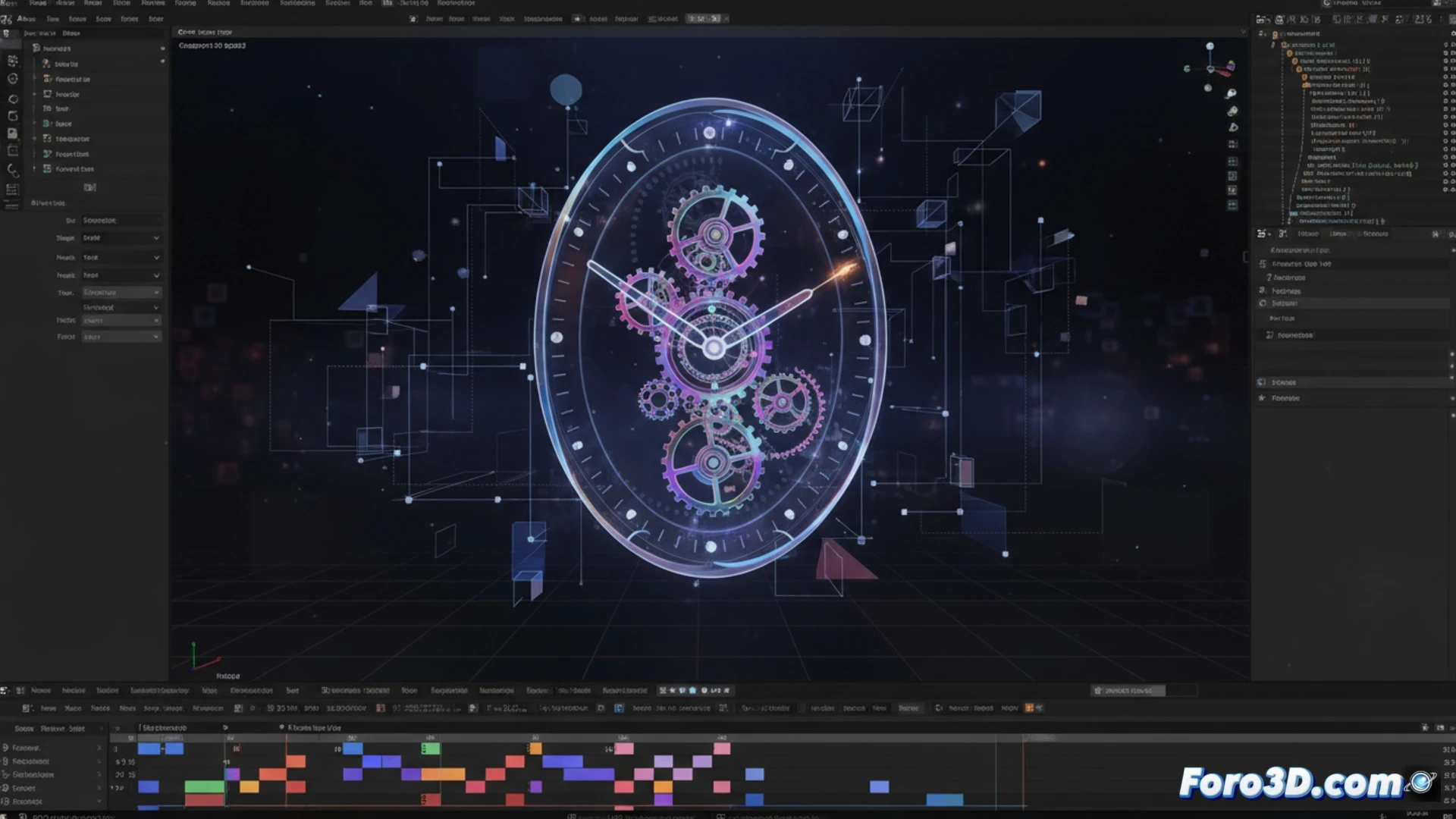
Bezel control and parametric customization ⚙️
The extension allows defining bezels with rectangular or semicircular profiles, adjustable in thickness and depth. The hands respond to numerical values for hour, minute, and second, facilitating synchronization with animations. The text supports system fonts and vertical offset to adapt to different radii. Parameters are modified from a panel in Blender's interface, without needing to touch code. Although options like textures or lighting are missing, the foundation is solid for motion graphics or data visualization projects.
The clock that will never tell the right time ⏰
Sure, because what was missing was another Blender extension for artists to spend hours adjusting bezels instead of modeling something useful. But at least, when your boss asks for an animated clock for 3:15, you'll be able to generate one in seconds... and then spend 20 minutes fixing that the hands don't overlap. Clock Face Generator won't fix your lack of punctuality, but at least your renders will look nice. That said, don't try to use it to tell the real time: the plugin doesn't include an alarm clock.