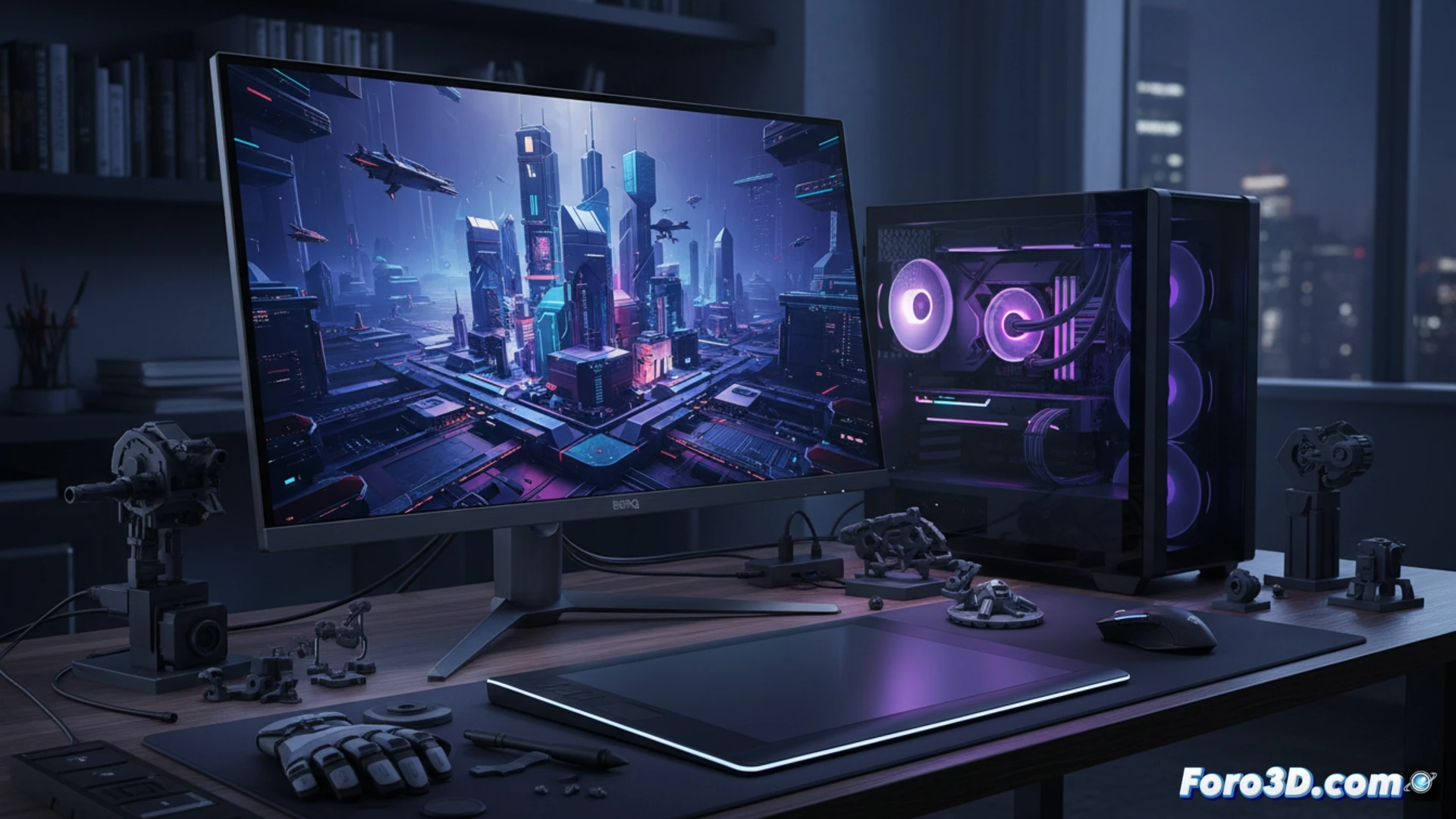
The 3D design monitor market is dominated by 16:9 formats, but BenQ has launched a disruptor with the RD280UG. Its 3:2 aspect ratio and 3840x2560 resolution offer an unprecedented vertical canvas that transforms productivity in modeling and texturing. At 120 Hz and with 95% coverage of the P3 color space, this matte IPS panel not only promises color accuracy but also fluidity when navigating complex scenes.
Technical Analysis: Resolution, Color, and Connectivity for Rendering 🎨
For a 3D professional, color fidelity is non-negotiable. The RD280UG covers 95% of the DCI-P3 gamut, a critical standard for texture visualization and PBR material calibration. Its IPS LED backlighting and HDR400 support allow distinguishing nuances in shadows and highlights, essential in lighting simulations. In terms of connectivity, we find a USB-C port with power delivery, HDMI 2.1, and DisplayPort 1.4, sufficient to connect a rendering workstation and a visualization laptop simultaneously. The 120 Hz refresh rate, while not crucial for final frames, dramatically improves the experience when orbiting around dense models in real-time.
Vertical Ergonomics: The True Ally Against Fatigue 🖥️
The extra height of the 3:2 format is not a fad; it is a real ergonomic solution. When editing textures or sculpting details, having the timeline or tool palette in the lower area without losing sight of the main viewport reduces neck strain. The RD280UG base includes a cable organizer and tilt, swivel, and pivot adjustments that allow orienting the panel in portrait mode for reading shader code or scripts. Although its price is higher than that of a generic 4K monitor, the combination of color accuracy and reduced eye strain justifies the investment for those who spend more than eight hours a day in front of the modeler.
Could the 3:2 format of the BenQ RD280UG significantly reduce vertical scrolling in 3D modeling software like Blender or ZBrush, improving the workflow?
(PS: remember that a powerful GPU won't make you a better modeler, but at least you'll render your mistakes faster)