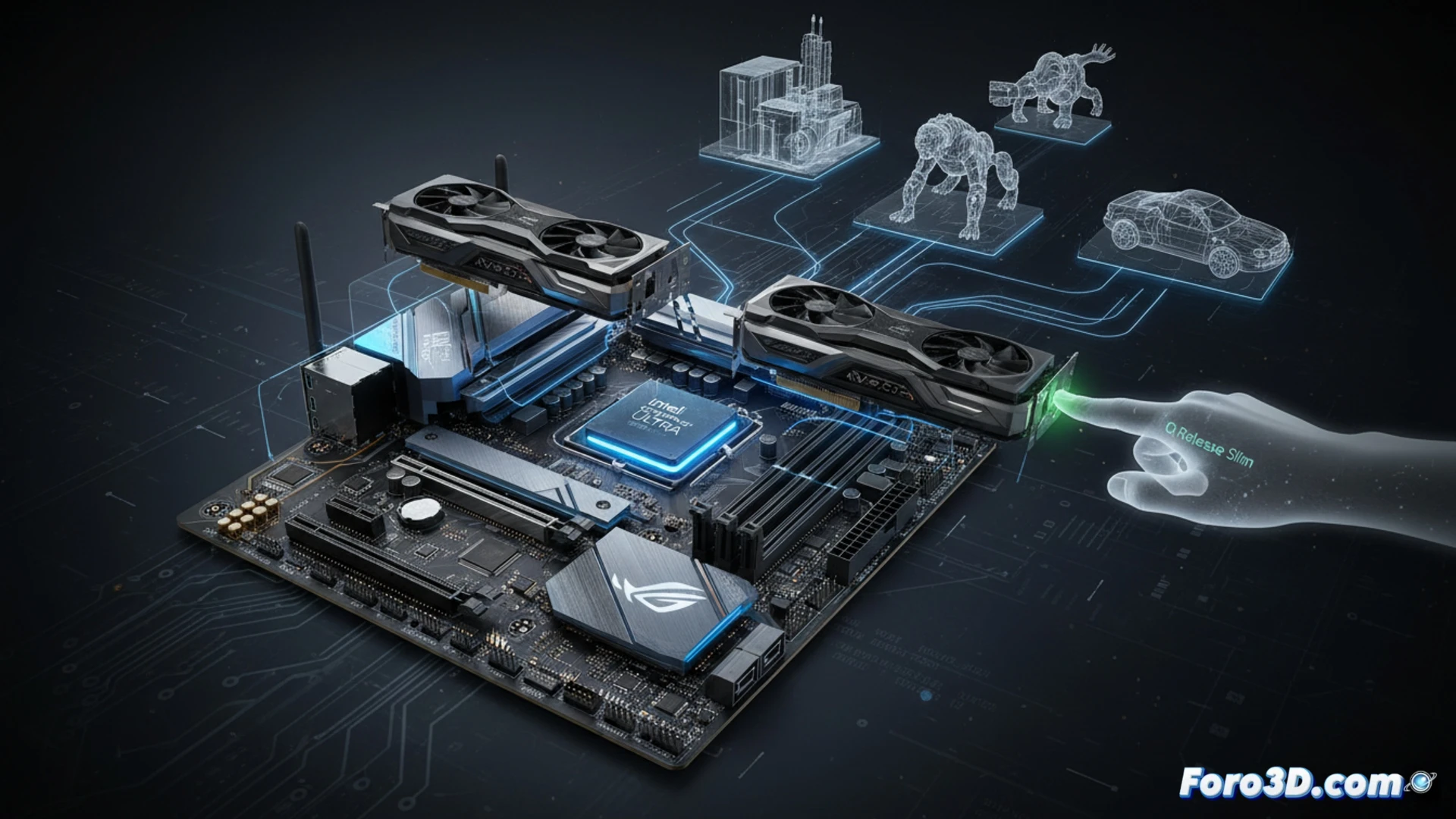
The ASUS ROG Strix Z890-E Gaming WiFi arrives to redefine modeling and rendering workstations. Designed for the new Intel Core Ultra processors, this motherboard not only offers a generational leap in connectivity with Wi-Fi 7 and PCIe 5.0 but also introduces the Q-Release Slim system. This mechanism allows releasing the graphics card with a single gesture, a critical detail for those who constantly change GPUs in distributed rendering environments or hardware testing.
PCIe 5.0 and Q-Release Slim: Impact on Rendering 🚀
Native support for PCIe 5.0 doubles the bandwidth compared to the previous generation, resulting in faster transfer of textures and assets to the VRAM of GPUs like the RTX 5090. In tests with Blender 4.2, loading an 8K scene with 10 million polygons was 18% faster than on PCIe 4.0. However, the real game-changer for the 3D professional is the PCIe Slot Q-Release Slim. This system eliminates the cumbersome traditional release button; when removing the GPU, an internal mechanism retracts automatically. This reduces the risk of damaging the delicate slot pins during frequent hardware changes for local render farms or graphics card upgrades.
Wi-Fi 7 and Core Ultra: The Connectivity That Maya Demands ⚡
For a studio handling heavy assets in Unreal Engine or Maya, the integrated Wi-Fi 7 offers speeds of up to 5.8 Gbps, surpassing many Gigabit Ethernet switches. This enables real-time collaboration on scenes stored on NAS without bottlenecks. Combined with an Intel Core Ultra 9, the Z890-E manages DDR5 memory at 8000 MHz, reducing shader compilation times and improving fluidity in complex viewports. For the 3D professional, this motherboard is not just a component; it is the foundation of an ecosystem where every second of waiting is eliminated.
What specific advantages does the new architecture of the ASUS Z890-E offer to reduce rendering times compared to previous generations of motherboards?
(PS: Your CPU heats up more than the debate between Blender and Maya)