The Analogue 3D update 1.2.6 arrives with a feature that will delight collectors: customizing the color of cartridges in the console library. You can now choose from shades like gray, red, green, blue, yellow, gold, black, purple, or pink so each game looks like it does on your physical shelves. A visual twist without changing performance.
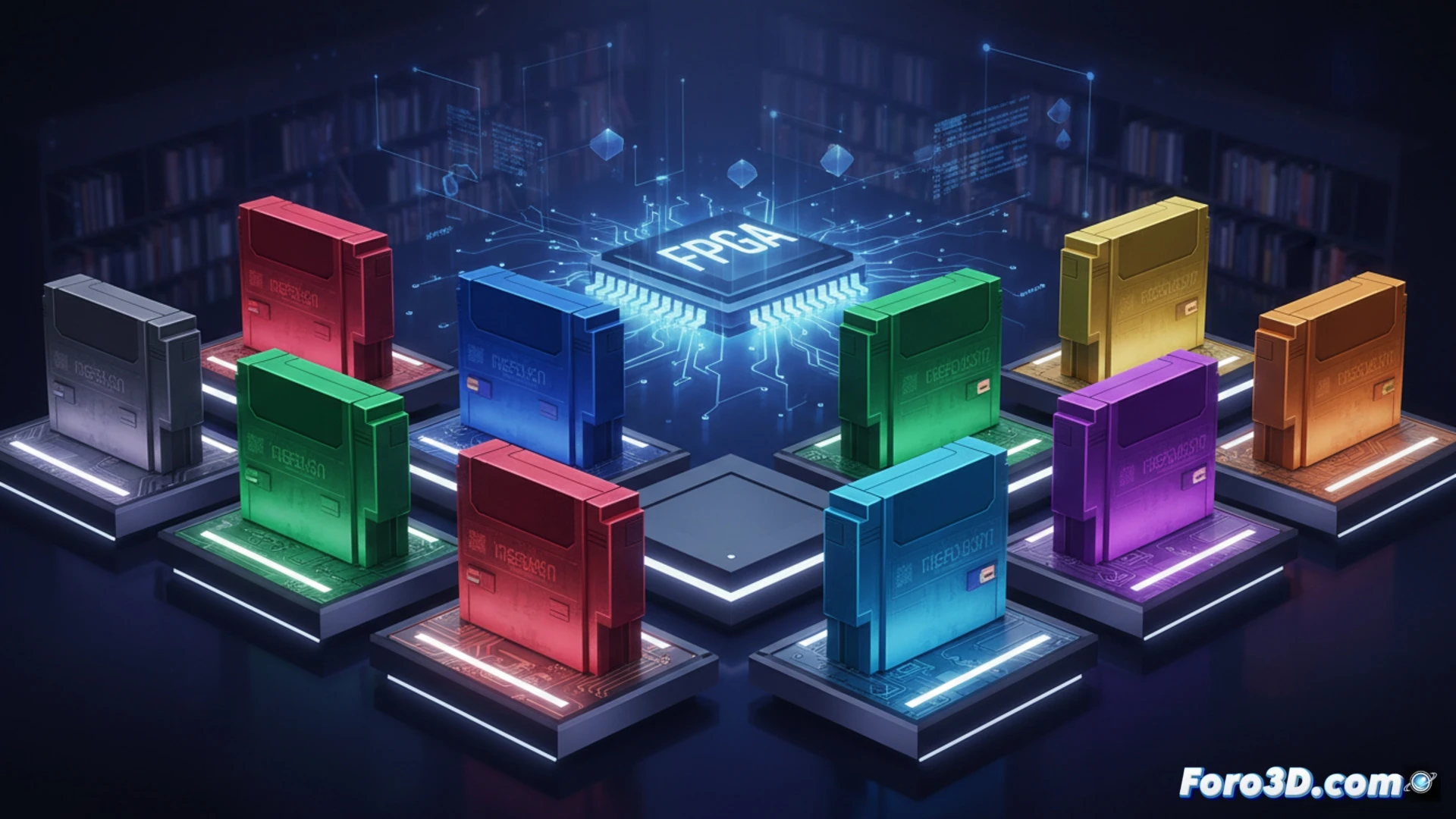
FPGA and chromatic customization: how the new patch works 🎨
Update 1.2.6 leverages the flexibility of FPGA hardware to modify the graphical representation of cartridges in the menu. When selecting a game, the system applies a color filter over the cartridge silhouette, without altering the ROM or the emulation. This customizable visual layer is saved in internal memory, allowing each title to display a different shade. The developers have prioritized simplicity: no need for external files or complex configurations. Just choose the color and you're done.
Now digital cartridges also have collector's syndrome 😅
Finally, those of us with more games than shelves can pretend our digital collection is color-coded. Got 500 ROMs? No problem, you can put all shooters in red and platformers in blue, like a plastic rainbow. And if your friend says gold is tacky, you change it to loud pink. After all, the important thing is that the FPGA console looks like a thrift store display, but without the mothball smell.