The Alienware m18 R2 arrives with the promise of replacing the desktop thanks to a 14th-gen Intel Core and a mobile RTX 4090. For the 3D professional, this raises a key question: can an 18-inch laptop handle Blender rendering sessions or Unreal Engine simulations without throttling performance due to heat? We analyze whether its massive chassis is a thermal virtue or a burden on mobility. 🖥️
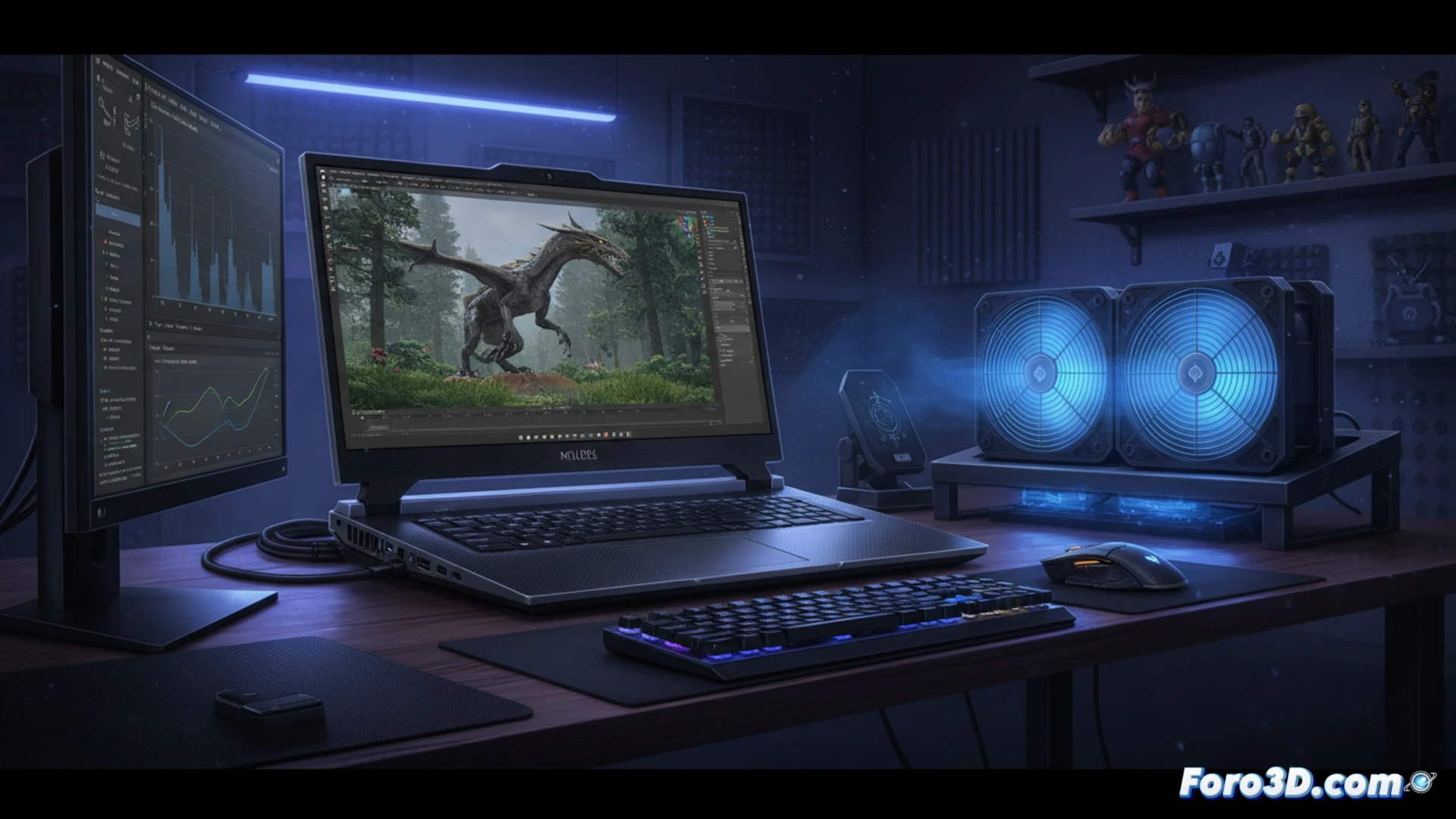
Technical analysis: GPU, CPU, and thermal management under 3D loads 🔥
The mobile RTX 4090 in the m18 R2 offers 16 GB of VRAM, enough for complex textures in 3ds Max, but its 175W TGP places it between 15% and 25% below a desktop RTX 4090 in long renders with Cycles or V-Ray. The Intel Core i9-14900HX, with its 24 cores, directly competes with a desktop i7-14700K, but stress tests show that the Cryo-Tech cooling system, with its vapor chamber and four fans, manages to maintain stable frequencies only if the user elevates the laptop's base. The 18-inch QHD+ 165 Hz display offers a decent workspace, although factory color accuracy requires calibration for professional texturing workflows.
Is it worth it for the professional workflow? 💼
The m18 R2 is not a camouflaged desktop, but a tool of intelligent compromise. For a modeler who needs to render in a boardroom or edit on-site, its raw power is unbeatable in a laptop format. However, for long physics simulations or production renders demanding hours of maximum load, a desktop remains quieter and more efficient. If your priority is mobility without sacrificing responsiveness in Unreal Engine viewports, this Alienware is the closest option to a real workstation.
Considering the sustained performance of the mobile RTX 4090 and the thermal limitations of the chassis, what percentage of rendering performance loss compared to a desktop RTX 4090 can we expect in prolonged work sessions with the Alienware m18 R2?
(PS: remember that a powerful GPU won't make you a better modeler, but at least you'll render your mistakes faster)