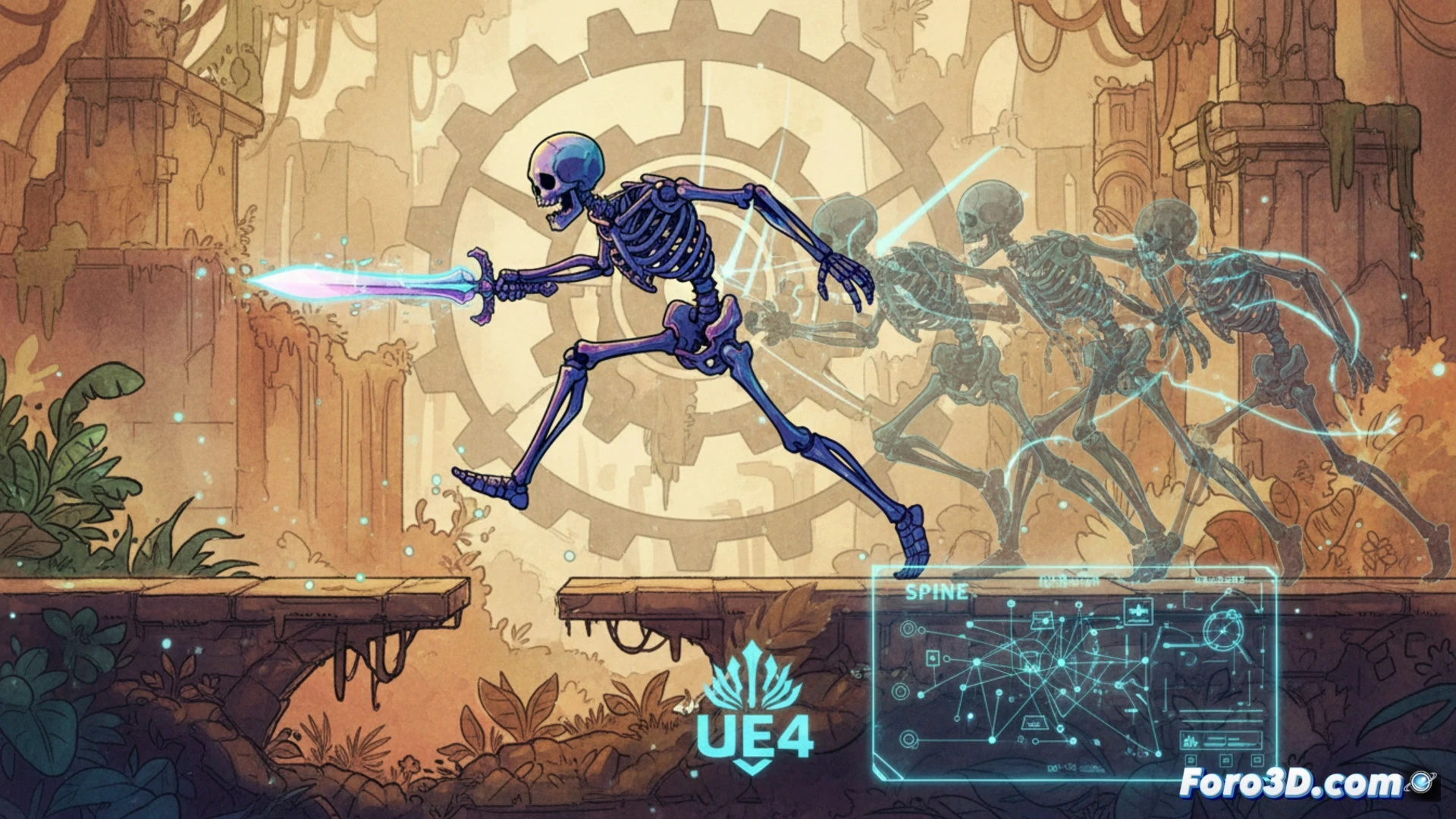
Afterimage is an independent title that demonstrates how the pipeline between Spine, Unreal Engine 4, and Photoshop can produce a 2D world with cinematic-quality skeletal animation. The studio opted for hand-drawn backgrounds, combined with characters articulated using virtual bones, achieving smooth transitions between attacks, jumps, and movements. The key lies in exporting animation data from Spine to the engine, maintaining visual fidelity without sacrificing real-time performance.
Technical Pipeline: From Photoshop to the Engine 🎨
The workflow begins in Adobe Photoshop, where both backgrounds and character sprites are designed. Backgrounds are exported as high-resolution textures but are optimized using tile atlases to cover extensive biomes without exhausting GPU memory. Character sprites are imported into Spine, where bones and deformation masks are defined. From Spine, a JSON file with animation curves and a packed texture atlas are exported. Unreal Engine 4, through the Paper2D plugin or direct integration with the Spine Runtime, interprets this data to render skeletal animation in real-time. To scale biomes without quality loss, it is recommended to use texture LODs and divide maps into chunks that load based on player proximity.
Lessons for Indie Developers 💡
Afterimage demonstrates that a complex 3D engine is not necessary to achieve a visually rich world. The combination of Spine and Unreal Engine 4 allows small teams to control animation with pinpoint precision, while Photoshop offers total artistic freedom. The biggest challenge is the synchronization between the 2D camera and the painted backgrounds, which require a well-calibrated parallax system. For those looking to replicate this style, the recommendation is to invest time in setting up the bones in Spine before touching the engine, and to use the state machine animation system in UE4 for seamless transitions.
What was the biggest technical challenge when synchronizing Spine animations with Unreal Engine 4's particle system and dynamic lighting to achieve a smooth transition between states in Afterimage?
(PS: a game developer is someone who spends 1000 hours making a game that people complete in 2)