Contact synchronization between Mac, iPhone, and Android without relying on Google or iCloud is possible thanks to the CardDAV protocol. Services like Proton Contacts, Nextcloud, Fastmail, or Mailbox allow you to keep your unified address book without handing over data to big tech companies. The setup is manual, but the control over your personal information makes it worthwhile.
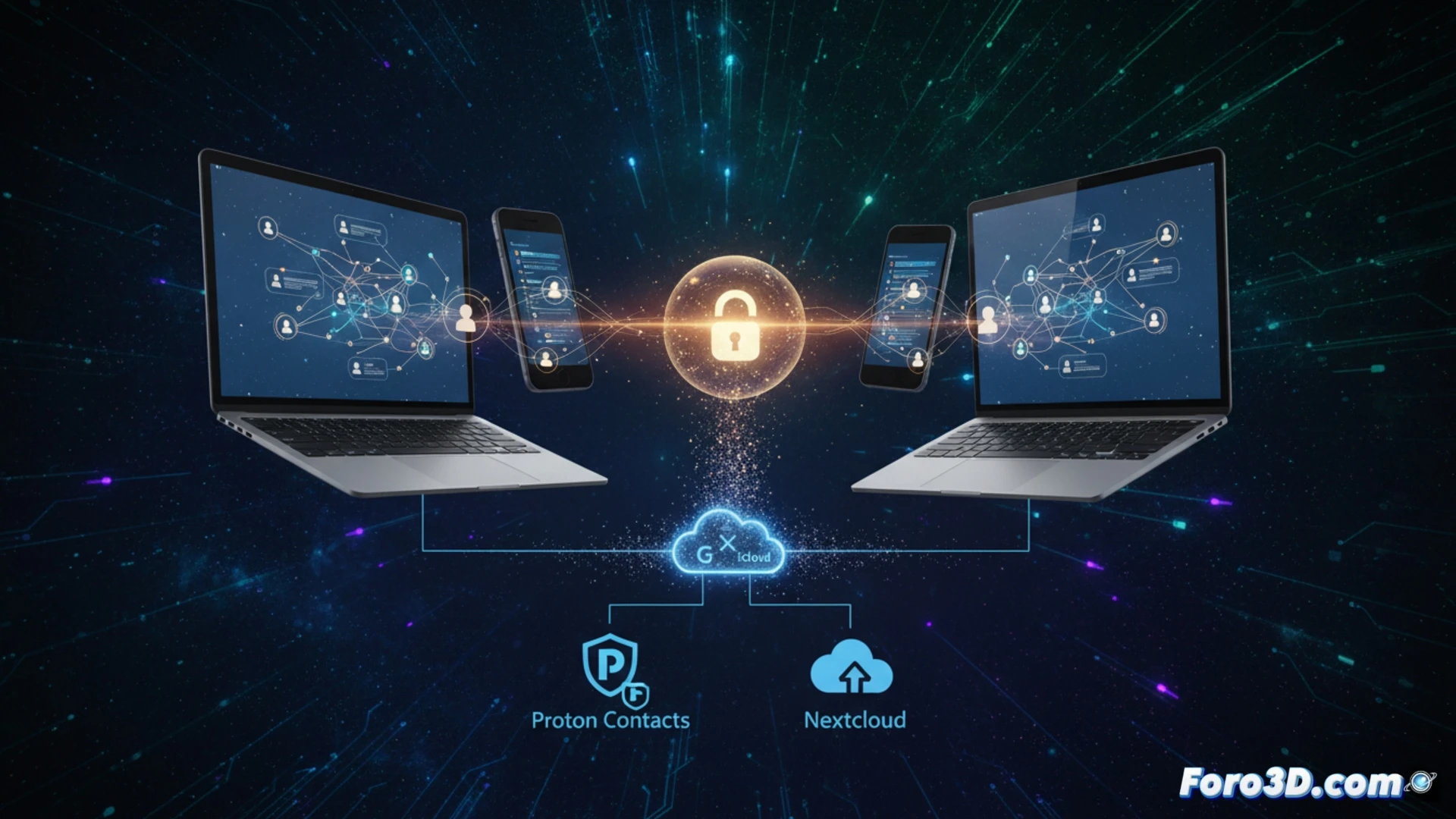
Technical setup: CardDAV servers and clients 📂
On iPhone and Mac, you need to add a manual CardDAV account in Settings/System Preferences. On Android, the DAVx5 app acts as a bridge between the server and the local address book. The initial migration can generate duplicates or loss of profile photos, so it is recommended to export from your previous manager to a vCard file and clean it before importing to the new service.
The dance of duplicate contacts 💃
The first sync is like an awkward family reunion: uncles you didn't know you had appear (duplicate contacts) and profile photos vanish like your phone charger. The good news is that after manually cleaning up the mess, your contacts will live in peace without Google or Apple spying on them. That said, bring coffee and patience.