Renewing my Photoshop subscription every year has become a difficult expense to justify. When reviewing the monthly cost, I wondered if I really needed so much power. The answer came when exploring the tools already on my Mac: the Photos app, Preview, and the built-in image editor. These native options cover color adjustments, cropping, and basic retouching at no extra cost. For everyday tasks, they are more than sufficient.
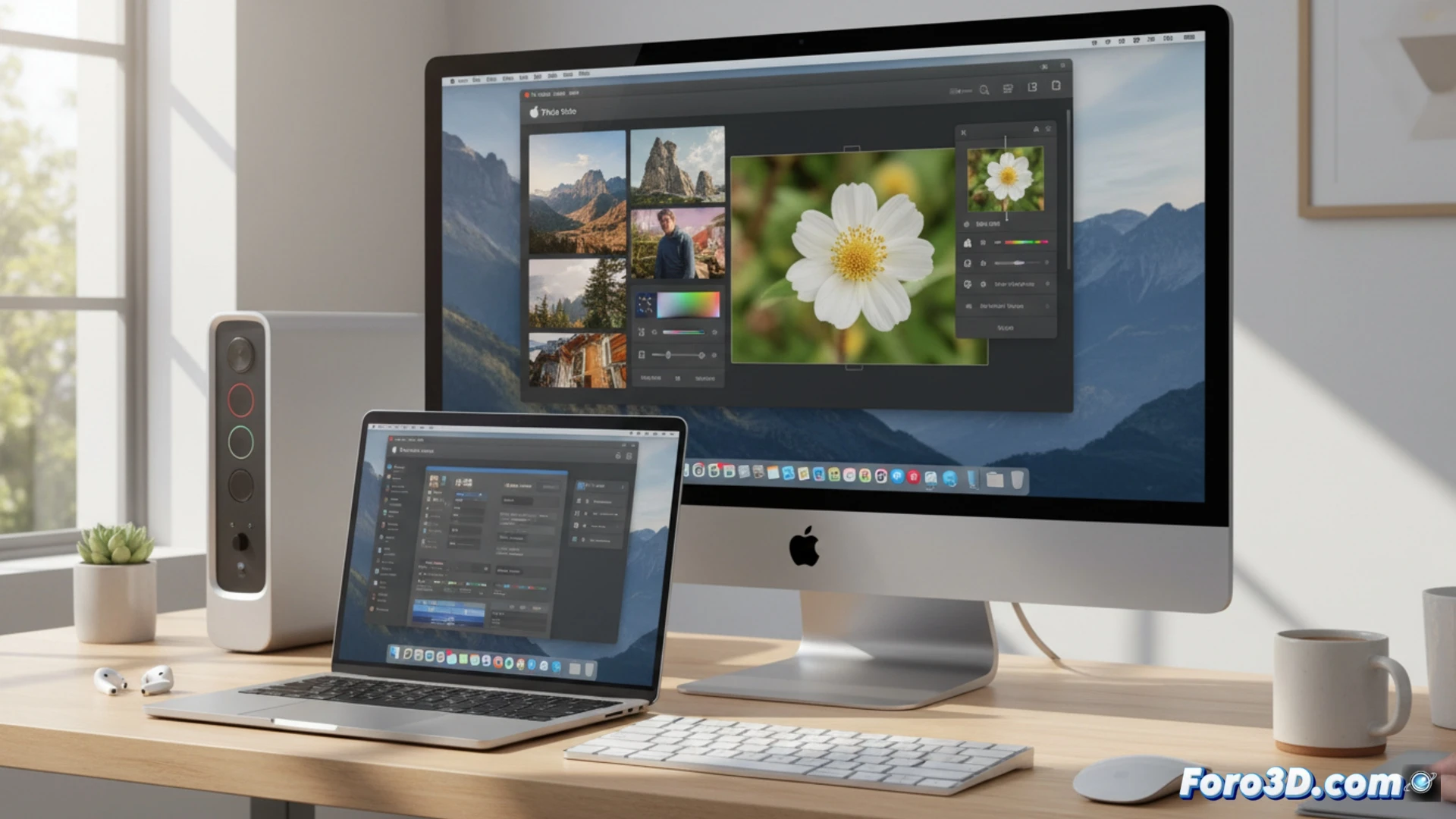
Apple's native image editing tools 🖼️
The Photos app allows you to adjust exposure, contrast, and saturation with precise sliders. Preview lets you resize, remove backgrounds with the instant selection tool, and add annotations. The system's built-in editor, accessible from the preview menu, allows you to rotate, straighten, and apply basic filters. These features, although limited compared to Photoshop, solve 90% of daily needs without relying on external software or paying subscriptions.
When your Mac says: stop paying, buddy 💸
Now I look at Photoshop's layers like an expensive ex-boyfriend who keeps calling. The Photos app doesn't ask for my credit card or remind me that my free trial ended. Sure, I can't clone objects with artificial intelligence or make portraits of space unicorns, but for cropping a photo of my cat or adjusting the brightness of a dinner, the Mac already had the solution. And all without feeling like I'm being charged for the air itself.